A flawless gala evening: every guest invited in person, seated at their table and welcomed by name.
Every guest gets a personal WhatsApp invitation in Hebrew, Russian or English. You hand the list of those who have not answered to a colleague, plan the seating, and welcome each person by name at the door.
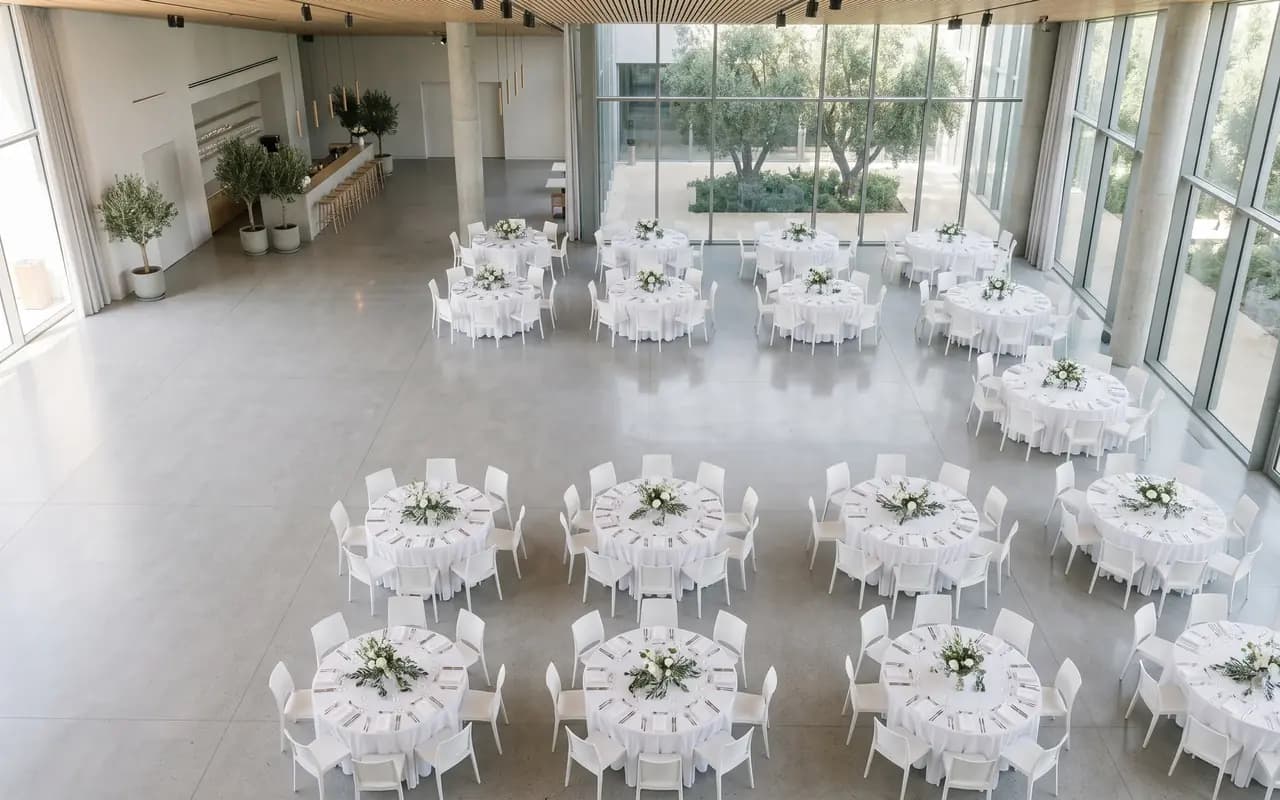
On the hall plan
- The guest of honour at Table 1
- A group seated together at Table 4
- A seat held for a companion not yet named
Names and numbers on this page are examples.
The invitation
Create your invitation right here
Choose the event, name it, change the language. Every guest then receives the same invitation in the language they use.
The answer
This is how your guests will see it
Each guest gets a personal WhatsApp message with big buttons and plain words. Answer as a guest would and see your list tally it. No app to install, no account to make. The invitation is the one you created above.
- עברית
- Русский
- English
Try it as a guest: tap a reply
An evening together, with the whole team
Thursday, 17 June 2027
Open the invitation siteFrom the guest list to the door
Four screens, from the invitation to the table
Scroll down and the phone moves on to the next part of the evening.
Weeks before
A page that names the people who matter
The programme, the venue, how to get there and the dress code, in Hebrew, Russian and English. Add a Speakers card for the honouree, the host and the performer, and a Sponsors credit with the support of your partners.
When they answer
Who comes, who they bring, what they eat
Attending or not, adults and children, a companion’s name, and the questions you switch on: vegetarian, kosher, a food allergy. A guest who confirms is offered the calendar and Waze.
No answer yet
A call list a colleague can work
The no-answer round goes to a committee member by private link, ready to call from their own phone, each outcome marked in one tap. The link cannot edit, export or send.
At the entrance · paid add-on
Any guest’s table, found by name
The host finds the party by name, in any alphabet, says the table and marks everyone in. A guest tablet by the entrance shows the table and nothing else. Switched on per event.
Three jobs of the evening
The hall, the phone, the door
Each card names only what exists today.
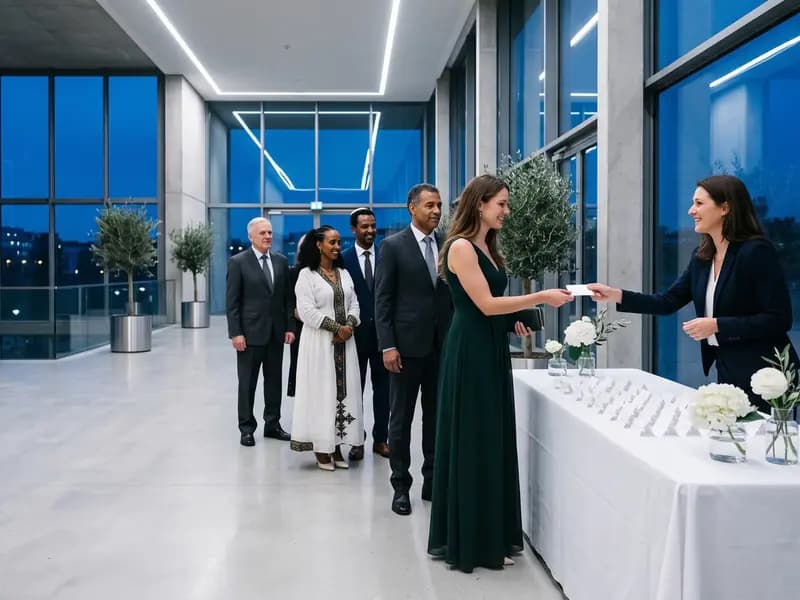 Table 1
The hall
Seat the room the way you would on paper, with a person to decide.
- Tables in seven shapes, or rows of chairs with aisles
- A stage, a screen and a bar on the plan
- Seat-together groups, keep-apart pairs and a VIP seat
- A printed hall map. The AI floor plan is a paid add-on
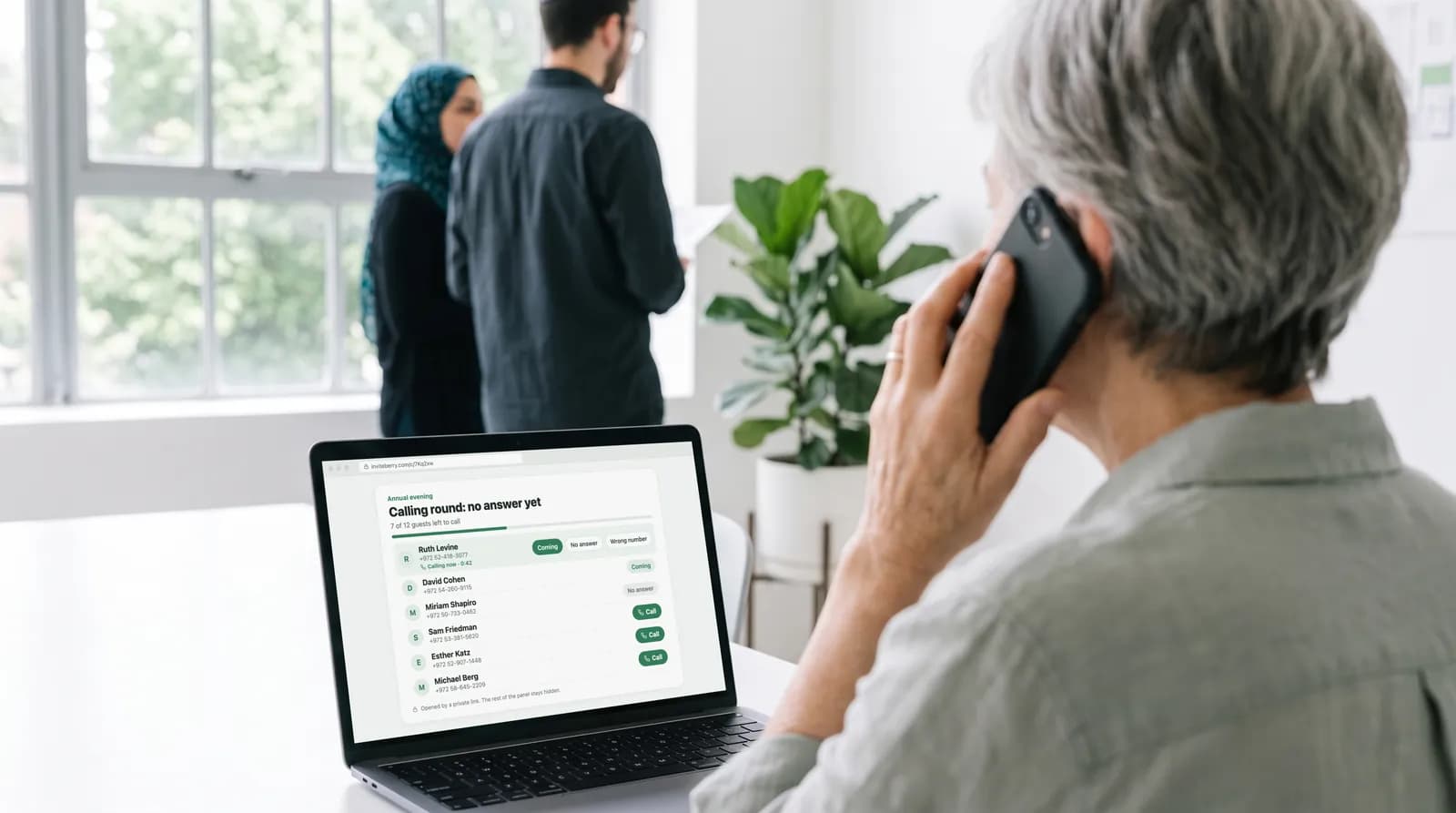 Table 2
The phone round
Save the date, no answer yet, thank-yous: three rounds, one big call button per row.
- Outcomes in one tap, with five seconds to undo
- Hand a round to a committee member by a private link
- The link opens that round for everyone in it and edits nothing
- Undelivered messages sit on top, in a group of their own
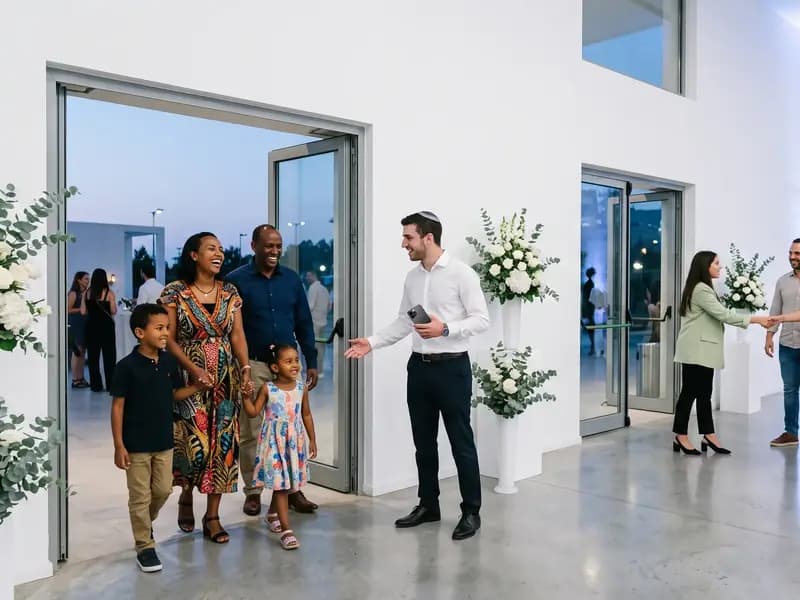 Table 3
The door
One link and a phone for whoever stands at the entrance.
- A name is found whether it is typed in Hebrew, Russian or English letters
- The table in large type, one tap to mark the party in
- Two doors see each other’s marks within about twenty seconds
- Someone not on the list is written down for you
A paid add-on, switched on per event.
Recognition
The people you are holding the evening for, named on the invitation
Speakers and Sponsors are two sections of the invitation site. Use them for your honourees, your host and performer, and the partners who stand behind the evening.
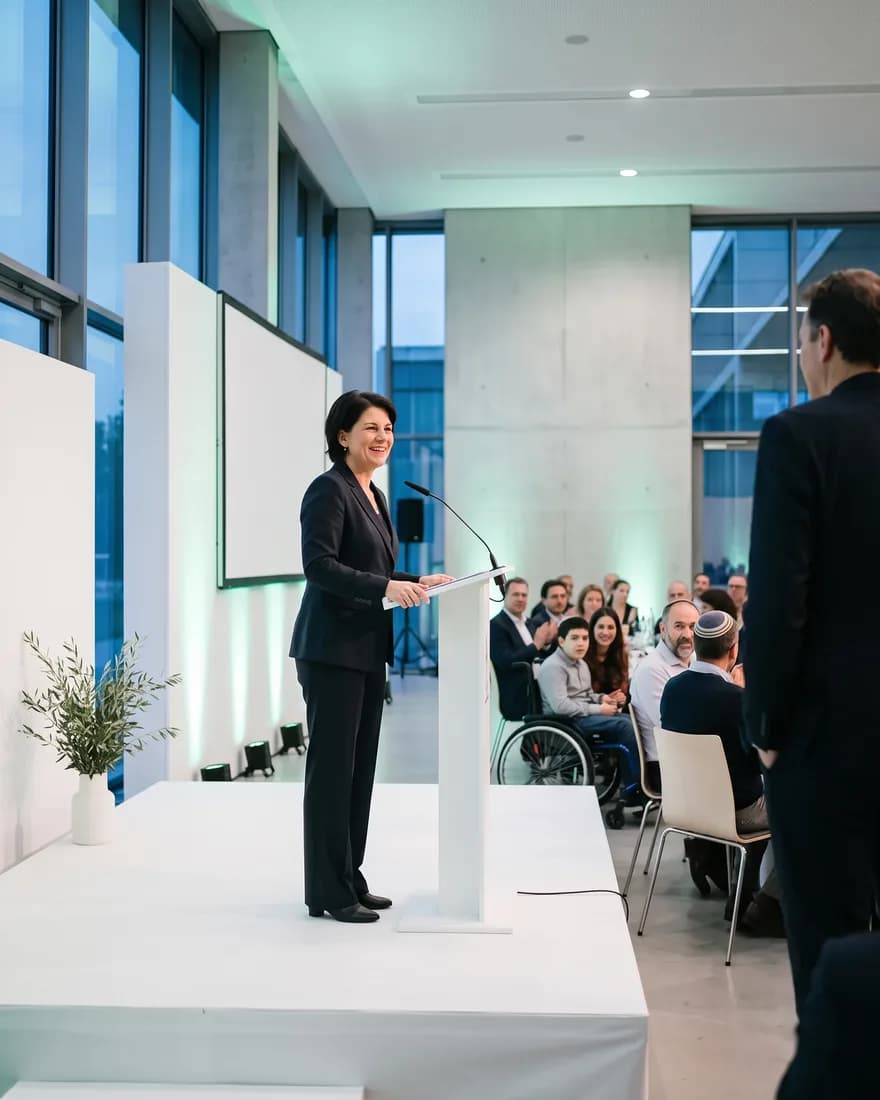
Speakers
- HonoureeNoa LeviA short bio, written once in each language and cut to three lines with “Read more”.
- HostDima VolkovA short bio sits here, with one link to a profile.
- PerformingMaya CohenThe performer’s name, role and a line about them.
Sponsors
Up to three named groups of logos, each with a link. Names and logos here are examples.
Built for
The people who own the list, the hall and the date
From the development office to the volunteer at the door.
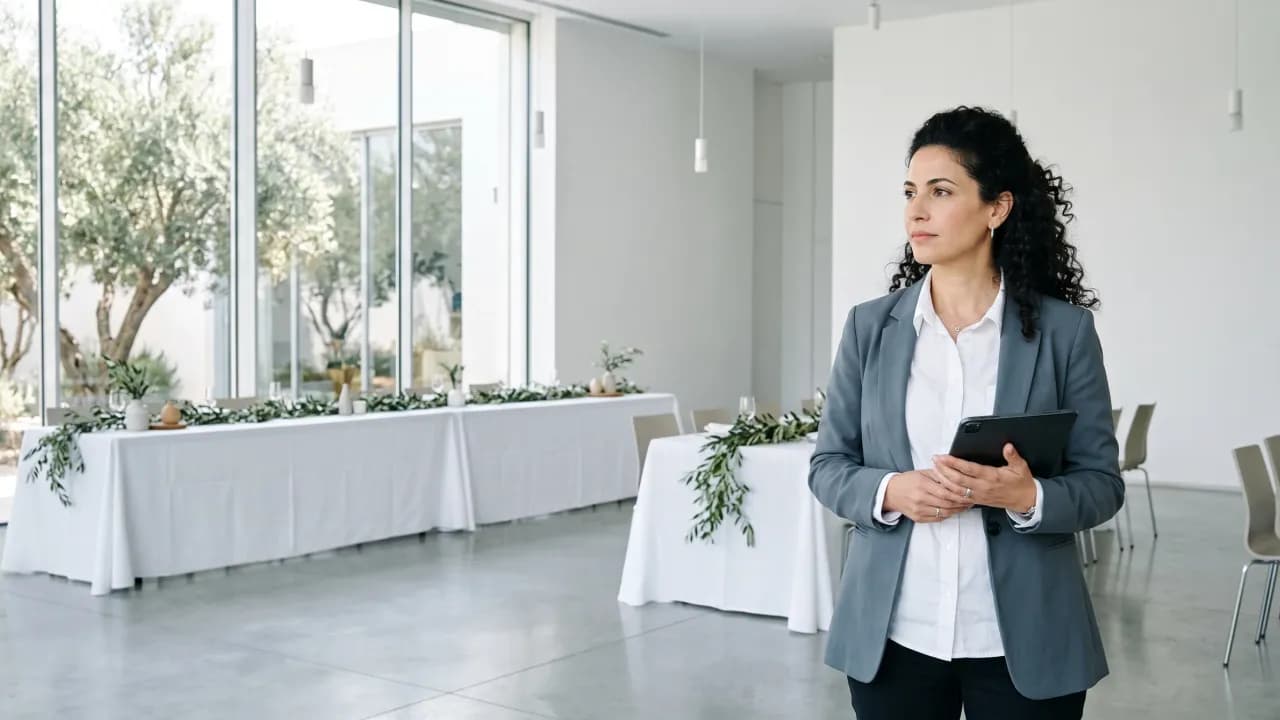
Events and development managers
Own the annual evening and its list, and need both to be right.

Volunteer gala committees
A chair working from a phone between other jobs, with members who take a round when it is handed to them.

Board and committee members
Handed one link to a call list of the guests who have not answered, with no account to make.

The director’s office
Reads the list and the seating without touching either: the Host role.

Producers hired for the evening
Producing the evening for a nonprofit, while the client watches as Host.

Foundations and institutions
A hospital friends’ group or a university office with one large evening a year.

Staff hired for the door
Needs only a phone and the link. Used with the reception desk add-on.
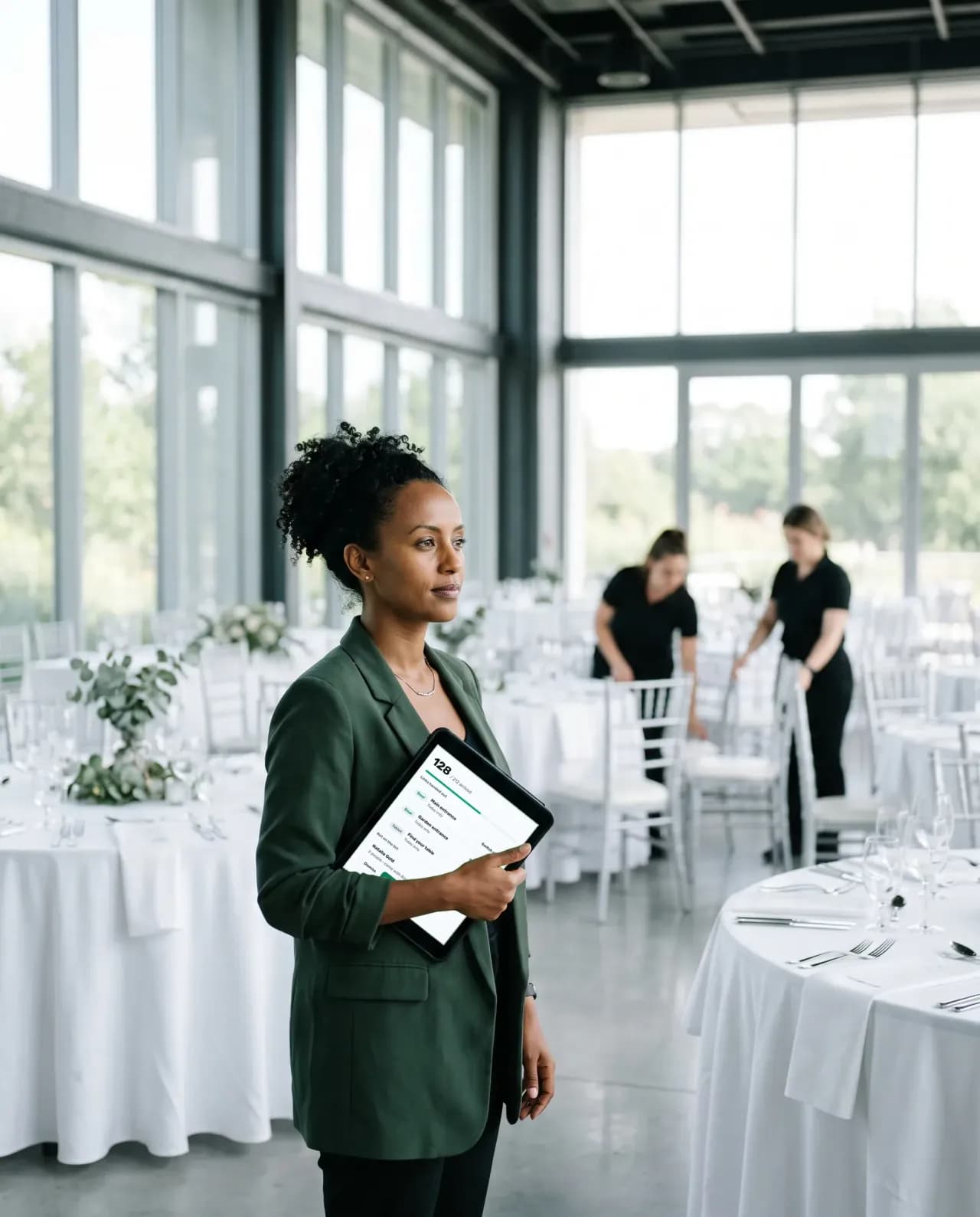
Venue and catering managers
Receive totals and allergy descriptions only, never names, on paper or as a spreadsheet.
The organiser panel
Four screens that help you run the evening
Tap a tab. The names and numbers are examples.
The half of the list that has not answered, ready to call
Three ready rounds: save the date, no answer yet, thank-yous. Call from your own phone, or hand a round to a committee member by private link, without the panel.
- One tap records the outcome: coming, not coming, no answer, wrong number
- The link opens the round you tick, for everyone in it, and cannot edit, export or send anything
- You switch it off at once, and it expires on its own
- Noa Levi052 ··· 4417Coming
- Дима Волков054 ··· 2093
- אורי כהן050 ··· 7781
- Maya Peretz053 ··· 6150
Every answer, with the meal beside it
Answers from WhatsApp, SMS, the invitation site and phone calls land in one list. Switch on the questions your caterer asks: vegetarian, kosher, a food allergy.
- Attending, waiting and not coming, counted for you
- Meal and allergy answers as numbers for each invitation
- The venue and catering summary: totals and allergy descriptions, with no names
Honourees, host and partners on the guest’s own page
Add Speakers and Sponsors sections to the invitation site: a card per honouree, host or performer, and a credit list of the partners who support the evening.
- Speakers: photo, name, role and a short bio, written per language
- A photo goes up only after you confirm you hold the person’s consent
- Sponsors: up to three named groups of logos, each with a link
The door, on one link and a phone
Whoever meets the guests finds each one by name, says the table and marks the whole party in with a tap. Sold as an add-on and switched on per event.
- A name is found whether it is typed in Hebrew, Russian or English letters
- The table in large type, one tap for the party and five seconds to undo
- Someone not on the list is written down for you, and nothing more happens
Replace six places
Six places to keep an eye on, or one.
How a gala evening is usually run, beside how it goes in InviteBerry.
| The job | The usual way | With InviteBerry |
|---|---|---|
| Invitations | A printed card and a WhatsApp groupAn invitation image forwarded from chat to chat. | Every guest gets a link of their own, in the language they read. |
| Answers | Answers scattered over chats and a formA sheet someone updates by hand. | One list that tallies itself as answers arrive. |
| The half that has not answered | Searching chats for who repliedA volunteer scrolls back to see who has not answered. | A list of who has not answered, and a call round a colleague can take on without seeing the rest. |
| The hall | A slide, a sketch and a seating sheetSketched again whenever something moves. | Tables or rows, a stage and a screen drawn on one plan, with every guest’s seat on it. |
| The door | A printed list, a pen and two queuesNames crossed out while people wait. | Find a name in any alphabet, say the table, mark the party in. Two doors see each other. A paid add-on. |
| After | Photos dropped into a shared folderThank-you notes written by hand. | A gallery behind a sign-in, screened on upload, and a thank-you round for everyone who came. |
| Six places | One list |
Also in the box
- Included
Calling rounds
For the guests who have not answered: a ready list to work through from your own phone, each answer marked as you go. Or hand it to someone you trust with a private link.
- Paid add-on
Reception desk
Whoever meets your guests types the name a guest gives, finds the party, says the table, marks everyone in with a tap and writes down anyone not on the list.
- Paid add-on
AI floor plan
Upload an image of the hall plan and AI reads it into the seating tool.
- Enabled per event
AI site translation
Write your invitation site in one language and AI drafts the missing ones, marked for you to review.
- Paid add-on
Live screen
Guest photos that passed screening play as a slideshow on the venue projector.
- Included
Photo screening
Every upload is checked automatically and, by default, waits for you to publish it.
- Coming soon
Find photos of me
Guests will find the photos they appear in. It is switched off for now and is coming soon.
- Included
Team roles
Owner, editor, host and photo moderator, so every helper sees only what their role needs.
- Included
Printable invitation
A print-ready card typeset from your published site: names, date, venue and schedule.
- Included
Rows, a stage and a printed hall map
A hall seats as well as a dinner table does: rows of chairs with aisles, a stage and a screen on the plan, and a map to print.
- Included
Summary for the venue and the caterer
For the caterer: meal totals and the allergy descriptions, with no guest names or contact details, on paper or as a spreadsheet.
- Included
Calendar file and Waze
Once someone confirms, they can save the evening to a calendar and open the venue in Waze.
Questions
What organisers ask first
Tap a question to see the answer
- You can hand a call round to a colleague by a private link. It shows the round and nothing else, and it cannot edit, export or send anything. It opens the whole round, not a slice of it, so hand it to someone you trust with that list.
- Yes. Speakers and Sponsors are two sections of the invitation site, offered for an “other” event. A photo goes up only after you confirm you hold the person’s consent. Sponsors come as up to three named groups of logos.
- Yes: seat-together groups, keep-apart pairs and priority guests. The plan warns when a rule is broken and a person decides. A guest who cancels keeps the seat until you move someone.
- A link and a phone are all it takes. The reception desk is a paid add-on: a name goes in, the table comes up, and the party is marked in. Nothing is printed or scanned.
- The site and every message come in all three languages, each message with its own written text. AI translation of the site can be enabled for your event on request. The RSVP can also ask about meals: vegetarian, kosher, a food allergy.
- Yes. Owner, Editor and Host are separate roles, and the call-list link and the door link open a single task each. Hosts are not counted: the plan sets how many editors and photo moderators an event can have, to be announced at launch.
- Invitations and reminders go out on WhatsApp and, to Israeli numbers, by SMS. Anyone who has opted out is left off. WhatsApp treats an invitation to a non-wedding event as marketing, which costs more and is limited per number. Prices will be published when we launch.
- You decide whom to invite and what they are sent; we keep the guest list and send the messages on your instructions. When you first sign in you accept a data processing addendum (DPA). A host, the person the event is for, accepts a short set of host rules instead.
- In the panel, your event’s team sees them, each within their role: owner, editor, host or photo moderator. A photo moderator sees the gallery and nothing else. Every export of a file with personal data is written to the event’s activity log.
- Data is encrypted in transit and at rest. Gallery access codes are kept only as hashes. Access is separated by event and by role, and organisers can protect their sign-in with a second factor. We work under Israel’s Protection of Privacy Law, including Amendment 13, and the GDPR. We do not sell data and do not keep an advertising list.
- No. We do not sell data and do not keep an advertising list. Your guests get only the messages of your event.
Early access
Your list, your hall, your door, in one place
Early access is open. Tell us about the evening you are planning.

Get early access
Early access and special conditions for early adopters.