Every guest at the door, straight to the right table.
Send a link to whoever meets your guests: a hired host, a cousin, the venue’s staff. They type the name a guest gives, read out the table and mark the family in, while your board keeps count.
A paid add-on, switched on for your event. Pricing is announced at launch.
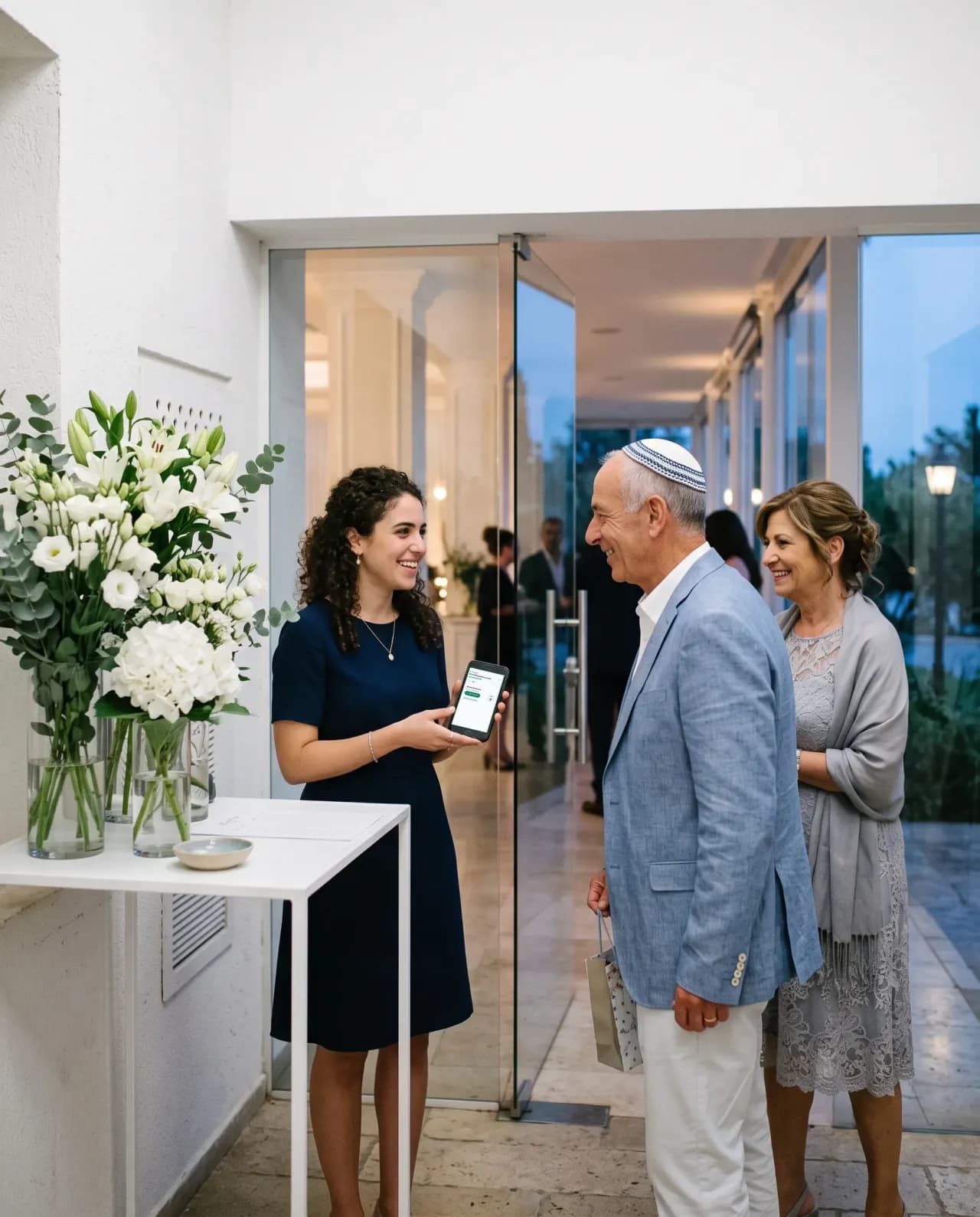
The door screen
Three things the person at the door needs. Nothing else.
Written for somebody who was handed the job fifteen minutes ago and never saw the screen before. Try it: type a surname in any alphabet.
- Find a name in any alphabetForgiving the alphabet it is typed in: “Cohen” finds “Коэн”, and Hebrew finds Latin.
- Say the tableThe table number in large type, because it is what almost every guest asks first.
- Mark them inOne tap for the whole family, a stepper for the evening three of four turn up, and five seconds to undo.
- Share the routeA late guest rings from the road: the venue’s name, address and a Waze link go out through the phone’s own share menu.
87 of 212 guests arrived
- Михаил и Анна КоэнExpecting 2 people42
- Rina & David LeviExpecting 2 people72
- משפחת אברהםExpecting 4 people124
- Yael MizrahiExpecting 1 personAsk for a phone number, we have none9
- Ольга ШапироExpecting 3 people43
- Tomer & Noa Ben-DavidAlready 1 of 2, at the other door, 19:4215
- Лев КапланExpecting 1 person11
Guest tablet
A queue at the entrance, and nobody free to meet it
A second kind of link turns a tablet or a phone on a stand into “Find your table”. Guests type the start of their name in any of the three alphabets and see their table. That is all it does, on purpose.

Find your table
Clears itself after 30 inactive seconds, so the next guest never sees the last one’s table.
What the tablet cannot do
- It cannot mark anybody in, note a walk-in or show the list.
- It answers with a name and a table, never a phone, a reply or the size of a party.
- “Not on the list” and “not seated yet” get the same answer, so it never tells a stranger who is invited.
Somebody who is not on the list
The plus-one nobody recorded. The neighbours who came to say congratulations.
It happens at every event. The door writes them down, and the screen says plainly what that does and does not do, so a hired host never promises what nobody granted.
Not on the list
This goes to the organisers. It creates no guest and opens no photo gallery.
Afterwards, you decide
- 1Dismiss itA note you read and let go.
- 2Add them to the guest listThey become a guest, recorded as having arrived.
- 3Add them to an invitationWhen the door noted who they came with, they join that guest’s party.
Handing the link to venue staff you do not know? Switch off writing down walk-ins when you create it.
Who stands at the door
Anyone you send the link to. Two entrances included.
No account, no app and no training: the link opens the board on the day of the event. The father let in at one door and the children at the other add up to one family, not two.
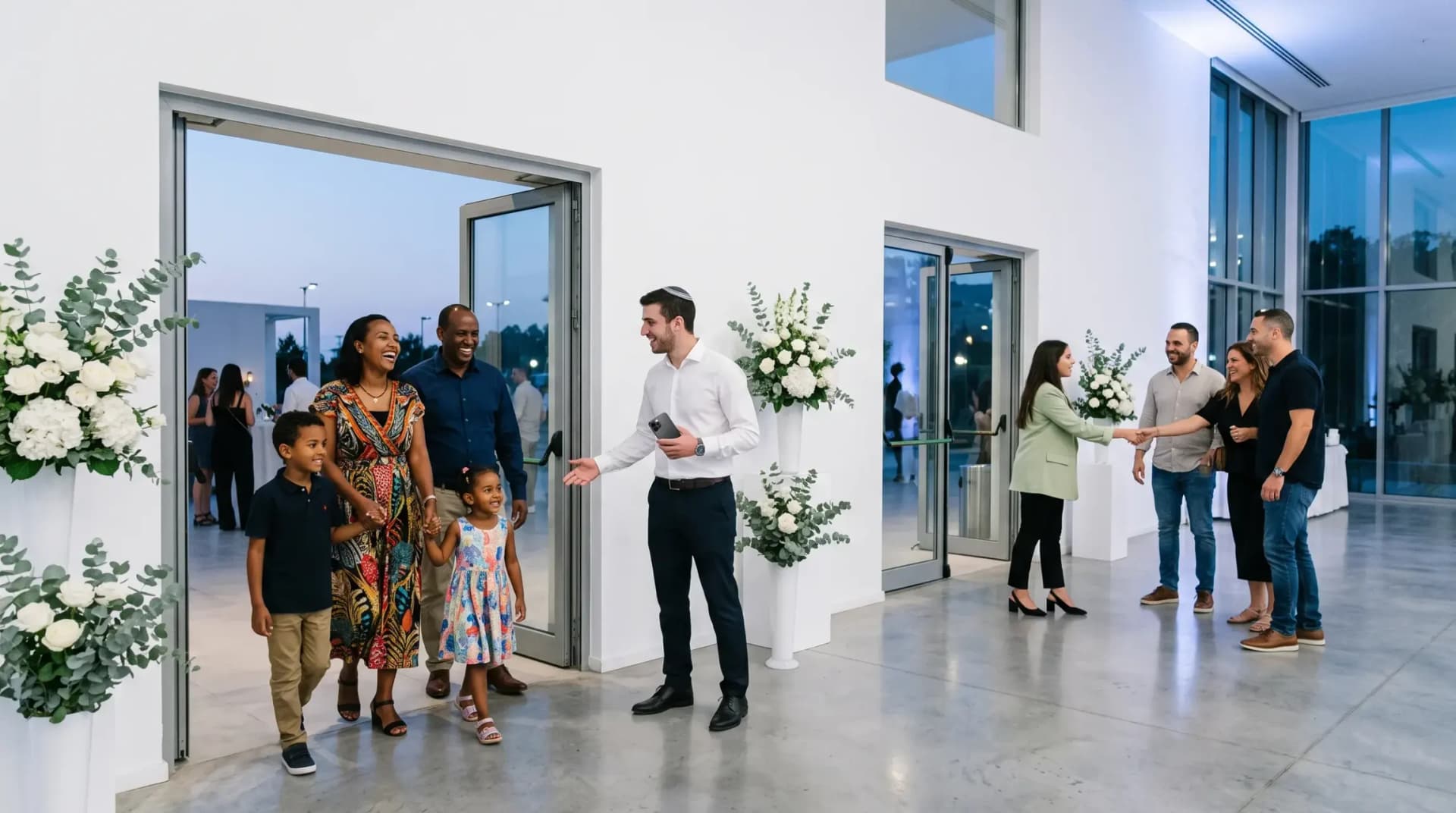
A link, sent the way you send anything
Mint it in the panel and forward it on WhatsApp an hour before the doors open.
Two doors, one count
Each door sees the other’s marks without a reload, and counts never go above the invitation.
Only on the day
On any other day the link shows no list at all, just which event it is for and when to come back.
Off at once
Switching a link off is immediate and final. Expired and switched-off links each get their own plain screen.
The door sees
- Names, in every alphabet
- Table numbers
- How many people each invitation expects
- Who already came, and at which door
The door never sees
- Phone numbers
- Notes about a guest
- Gifts
- Email addresses
- RSVP history
When the wifi drops
Honest about a weak signal
Venue wifi has dead spots. Here is exactly what holds and what does not, so the person at the door knows before the evening starts.
- OnlineMarks go straight to your board.
- No signal3 marks are waiting on this phone. Do not reload.
- Back onlineThe waiting marks sent themselves.
What keeps working
- Marks made without signal wait on the phone and send themselves when it returns.
- They also survive a reload with signal and an update of the platform mid-evening.
- A mark sent twice never counts a family twice.
What it cannot do
- The guest list is not stored on the phone. Reload with no signal and the screen opens onto nothing.
- So while marks are waiting, the banner says not to reload, and the browser asks before the page is closed.
Early access
Want the door screen at your event?
Join early access and tell us about your evening. The reception desk is a paid add-on, switched on per event.
Your side of the door
The same board, on your screen
In the panel you see who has come through each door, the links you handed out, and everyone who arrived without being on the list.
- Fix a mis-tap from here, in the same shape it was made at the door.
- Arrivals stay apart from the final headcount you record in “Gifts and attendance”.
- Hosts, such as the parents, can open the board and watch the arrivals.
- A phone number taken at the door opens the photo gallery for that guest the same evening.
Links handed out
- DoorMain entranceToday only
- DoorGarden entranceToday only
- TabletFind your tableToday only
Not on the list
How you get it
A paid add-on, said plainly
The reception desk is sold on its own and switched on for your event. Guest list, messages, seating and the rest of the panel work without it.
- The door screen, on a link for whoever meets your guests
- The guest tablet, “Find your table”
- Walk-ins written down for you to decide on
- Your board in the panel, during the evening and after
Pricing is announced at launch.
Ask for early accessInstead of
A printed list at the door, or a live one
How the entrance usually works, next to how it works with the reception desk.
| At the door | The usual way | With the reception desk |
|---|---|---|
| Finding a guest | A printed listLeaf through pages for a surname spelled one way only. | Search by the name as it is said, in any of three alphabets. |
| The table | Seating cards at a side tableCards printed ahead and reprinted after every change. | The table from your seating plan, in large type. |
| Walk-ins | The margin of the listYou hear about them afterwards, if at all. | Written down for you, with who they came with. |
| Two entrances | Two printed copiesEach door sees only its own ticks. | Both doors see each other within about twenty seconds. |
| Who came | A count after the eventPieced together by hand the next day. | Arrivals on your board while the evening runs. |
| A queue | Everyone waits for the hostOne person, one list, a line out of the door. | A tablet where guests find their own table. |
| Paper, pens and two copies | One live list |
Built for
Who the reception desk is for

Couples and their parents
Hundreds of guests, three generations, and a cousin at the door who should not have to guess.

Hosts and greeters
Hired or family, handed a link an hour before. Large type, plain buttons, nothing to learn.
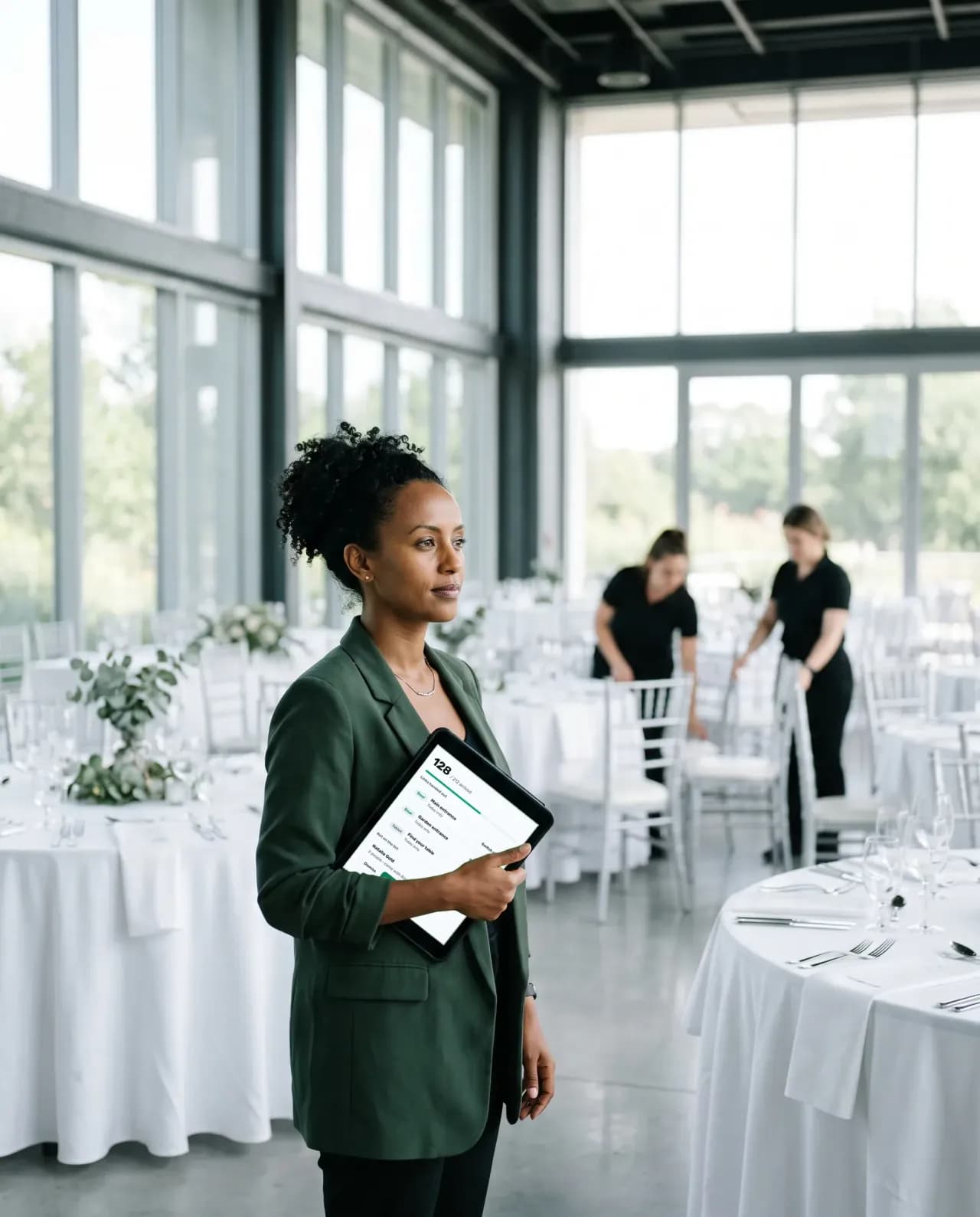
Event planners and venues
Two entrances, staff who change shifts, and a board that shows the arrivals as they happen.

Invitation-only business evenings
A known guest list at the door, a table for each guest, and walk-ins noted for the organiser.
Also in the box
- Paid add-on
Reception desk
Whoever meets your guests types the name a guest gives, finds the party, says the table, marks everyone in with a tap and writes down anyone not on the list.
- Paid add-on
Live screen
Guest photos that passed screening play as a slideshow on the venue projector.
- Included
Calling rounds
For the guests who have not answered: a ready list to work through from your own phone, each answer marked as you go. Or hand it to someone you trust with a private link.
- Included
Team roles
Owner, editor, host and photo moderator, so every helper sees only what their role needs.
- Included
Activity log
Who did what and when, kept for a year, for everyone working on your event.
- Included
Photo screening
Every upload is checked automatically and, by default, waits for you to publish it.
- Included
Getting there and the entrance
Sections of your invitation site with transport notes and an entrance guide, so fewer guests ring from the car park.
- Included
Charts for the venue
Per-table charts and a hall map to scale, printed from your seating plan.
- Coming soon
Entry by QR code
Each guest gets a personal code with the invitation, and the door scans it instead of searching for the name.
The organiser panel
Before the doors open and after they close
Two tabs that matter most around the reception desk: who really came and what they gave, and who on your team may do what.
Who came, and what each guest gave
Record each gift as it comes in, money or an item. The panel puts who came next to who said they would.
- Gifts per guest: money or an item, with amount and currency
- Real attendance next to the RSVP count, with every mismatch flagged
- The thank-you round starts from who really came
- Noa LeviMoney₪ 1,200
- Дима ВолковMoney₪ 800
- אורי כהןItem
- Maya PeretzMoney₪ 1,000
Helpers see only what their role needs
Invite an editor or a photo moderator by email, move them between roles, pause or remove them. Hosts follow along without touching anything they should not.
- Editors run guests, messages, seating, money and the site
- Hosts read the list and the plan, record gifts and moderate photos
- Photo moderators see the gallery and nothing else
Questions
Questions about the reception desk
Tap a question to see the answer
- No. It is a paid add-on, sold on its own and switched on for your event. Pricing is announced at launch. Everything else in the panel works without it.
- Anyone you send the link to: a hired host, a relative, a friend, the venue’s staff. They need no account and no app, only the link, on the day of the event.
- Marks made without signal wait on the phone and send themselves when it returns. The guest list itself is not stored on the phone, so without signal do not reload: the banner says so while marks are waiting.
- Not in the current version. At the door the host types the name a guest gives, in Hebrew, Russian or English letters, and finds them. Entry by QR code is coming soon; badge printing is not planned.
- The door writes them down: a name, how many, optionally a phone and who they came with. It goes to you and creates no guest. Afterwards you dismiss it, add them to the guest list, or add them to the invitation of the guest they came with.
- The link shows names, tables and arrivals only on the day of the event, never phones, notes, gifts or RSVP history, and you can switch it off at once.
- Not on your own yet. The platform already runs real events in early access, and the public launch in Israel is in Q4 2026. Join early access: its members come in first.
- Write to us on WhatsApp or by email.Chat on WhatsApp[email protected]

Get early access
Early access and special conditions for early adopters.