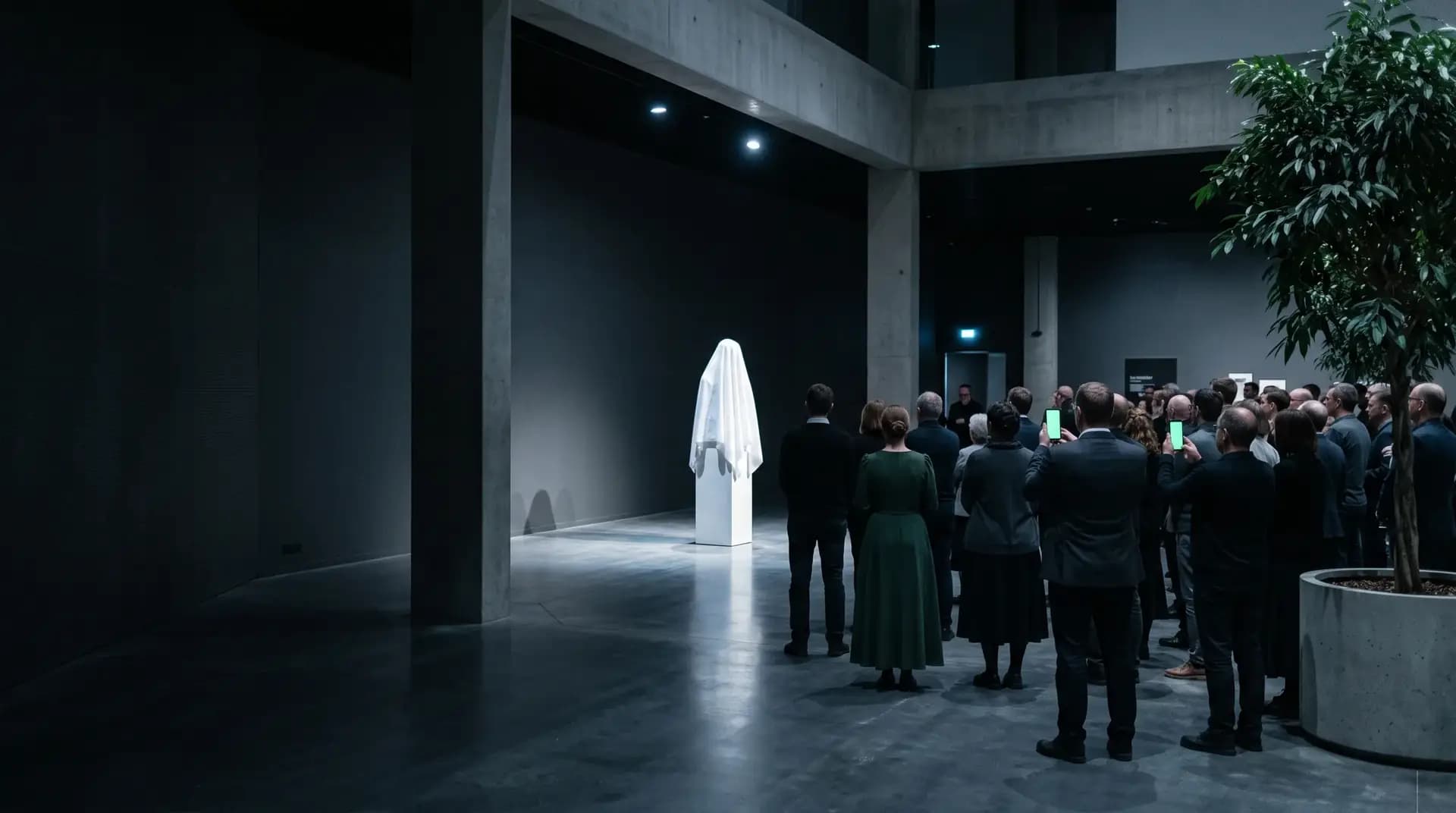
A launch they will write about: every guest invited in person, every reply counted, every seat in the hall planned.
A personal invitation for every guest over WhatsApp, in English, Russian or Hebrew, a countdown on your launch page, the seating plan and the budget, all in one place.
01 / The invitation
Make the invitation before you leave an email
Pick a language, type the name of the evening and see the card your guests will get. Nothing to sign up for first.
Your launch page can also show a countdown to the day.
02 / The answer
This is how your guests will see it
Each person on your list receives a message addressed to them, in their language, and answers with one tap. Try a reply as the guest and see how it lands on the list you keep. The names and numbers are made up.
- עברית
- Русский
- English
Try it as a guest: tap a reply
An evening together, with the whole team
Thursday, 17 June 2027
Open the invitation site03 / From the teaser to the morning after
One night, eight screens
Scroll, and the phone moves from the site to the gallery.
Weeks before
Your launch site in minutes
Pick a theme, type the name of the launch and the date, add the programme and the venue, and publish. One site in up to three languages, with the reply form already in it.
Until the day
A launch page that counts down
The date, the venue, a countdown to the day and an add-to-calendar button, with the page in English, Russian and Hebrew. Speakers for the people presenting, Sponsors for the partners. The countdown is a switch on the hero, off until you turn it on.
When they answer
The invitation, and the answer
Each guest gets a WhatsApp message in their own language. They say yes or no, how many come with them, up to the number you allowed that invitation, and answer the questions you picked, such as dietary needs.
Once the answers are in
Seating on the hall plan
Drag the press, the partners or one guest onto a table, or onto a row facing the stage, and the plan shows at once how many seats are left. Seat-together groups and keep-apart rules.
While you prepare
The budget in view
Note the venue, the catering, the stage and the photographer, record each payment, and see what is paid and what is left.
On arrival · paid add-on
The door, and the one nobody expected
The host, phone in hand, takes a name, looks up the party, calls out the table and ticks everyone in with one tap. Anyone who was not on the list is noted down for you, and that is all: no guest is created and no gallery opens. The host needs one link and no account.
In the hall · paid add-on
Guests’ photos on the projector
Guests upload photos from a QR code and, once screened, they play on the hall’s screen about two minutes later. You can take any one off, and a guest can keep their own off. It shows your guests’ album, not Instagram or a hashtag.
The morning after
The gallery, and a code for the journalist
The gallery sits behind a sign-in. A journalist who was never a guest gets a code you issue by hand: they can look and download, and they cannot upload.

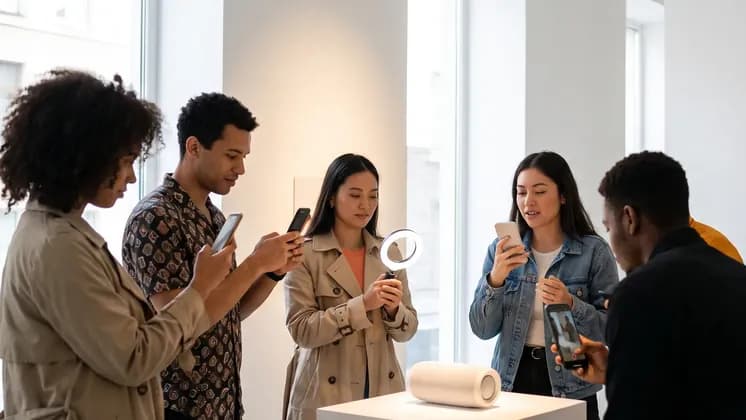
 Autumn preview
Live demos
Try the features
Everything here works right on the page. Nothing is saved, and nothing is sent.
Make the card
Pick the event, type the names, choose one of the designs and the language: the card follows as you go.
Answer as a guest
Tap a reply in the invitation: the organiser’s list counts it at once. Switch the guest’s language below.
The album guests open
Like a photo, save it to a folder only you see, or pick a few to download. Included with every event.
Build the event site
Pick one of the site builder’s eleven themes, the event, the names, the date and the sections: the preview rebuilds at once.
Seat them by drag
Drag a guest or a whole party onto a table, or tap the armchair to choose one. A table that is too small says so.
Messages on WhatsApp
Pick the message: invitation, reminder, event-day message or thank-you. Each goes to its own guests by default. Check how it looks in WhatsApp and send; here the queue only pretends.
Add an expense
Add a category, record a payment, and watch paid, left and the totals follow.
Keep track of the gifts
Mark each guest’s gift as money or an item and type the amount: you see at once who gave what was expected, less, or nothing yet, and the totals follow.
04 / Three kinds of launch night
Different guests, one list to keep
Each card names only what exists today.

Press morning or media preview
Journalists by name: know ahead who is coming, and hand them the pictures the morning after.
- A personal invitation for each person on the list
- A door that writes down the one nobody expected
- A gallery with a code for each person who writes about it
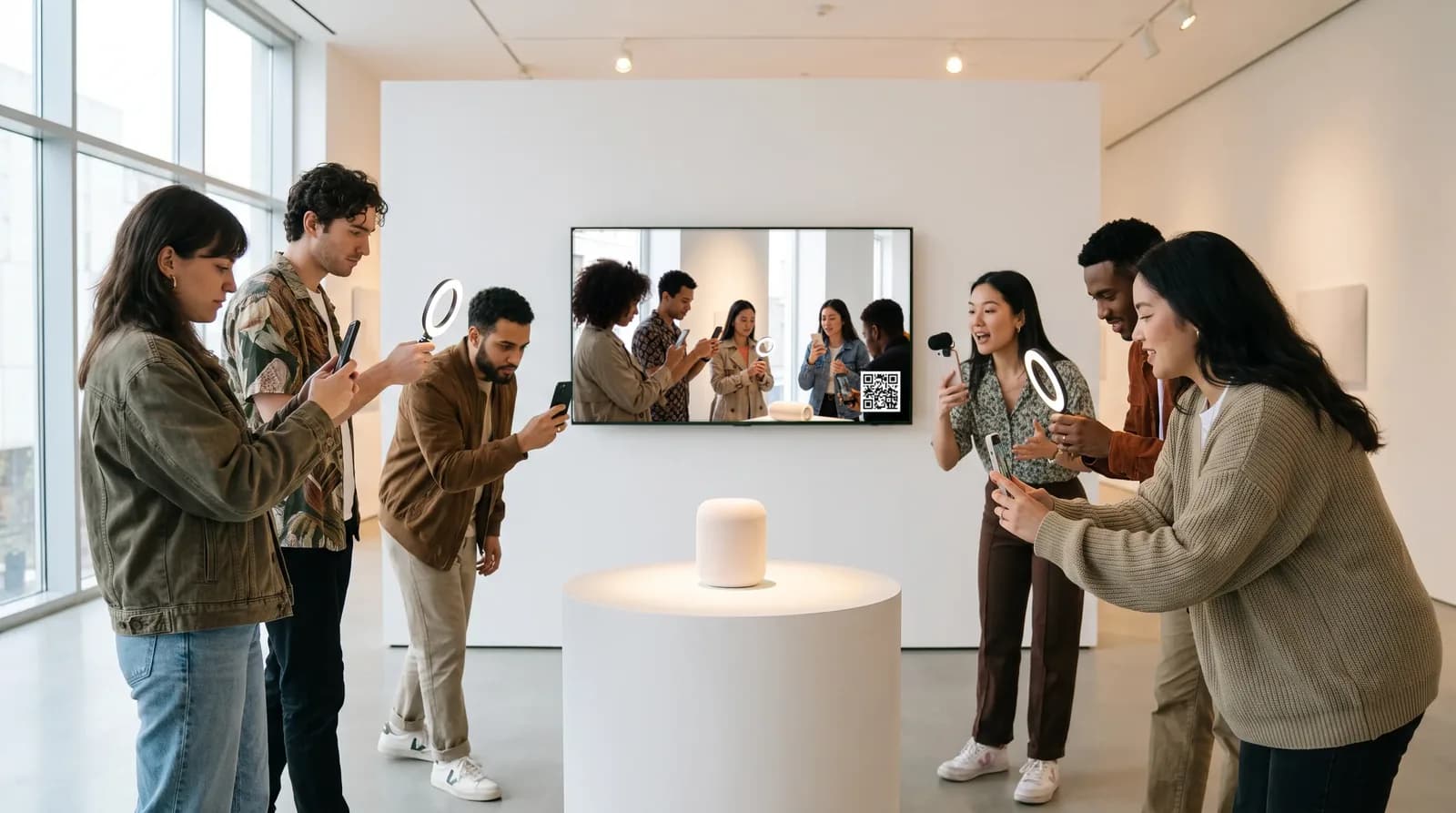
Creator or influencer evening
Guests who post. Give them a place to upload and a wall to see it on.
- Uploads go to the gallery, screened on arrival
- Their photos on the screen in the hall, unless they ask to keep them off
- You decide what stays up, and take any one down

Customer, dealer or partner reveal
A list by name, then seats or standing room, whichever the hall needs.
- A link of their own for every guest
- A list of the people who have not replied, ready for a phone round
- A seating plan of rows, stage and screen, for rooms where seats matter
05 / Built for
Whoever owns the guest list and the night
The people who invite others to see something first.
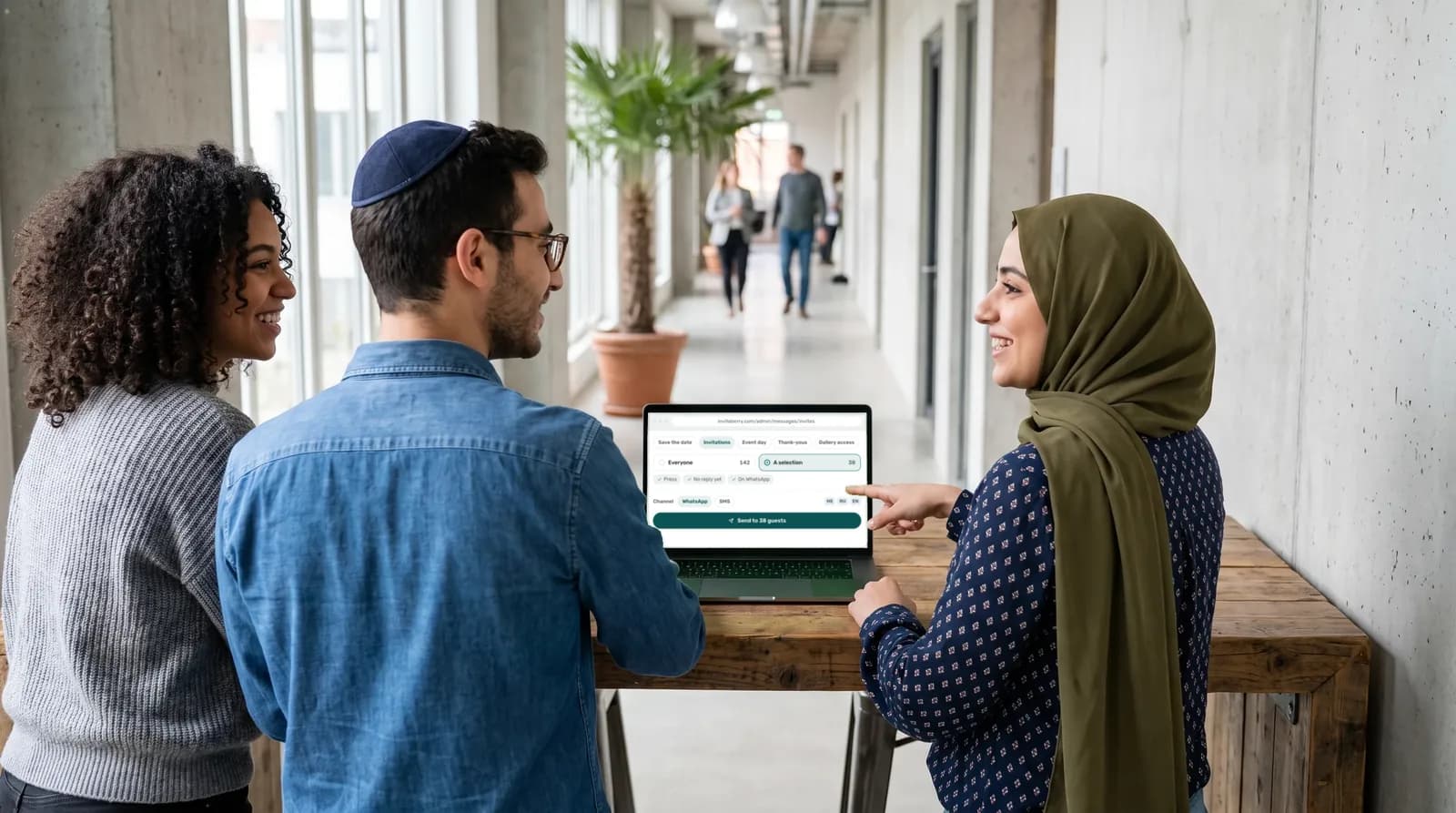
Brand and product marketing
Running the launch evening for press and partners.
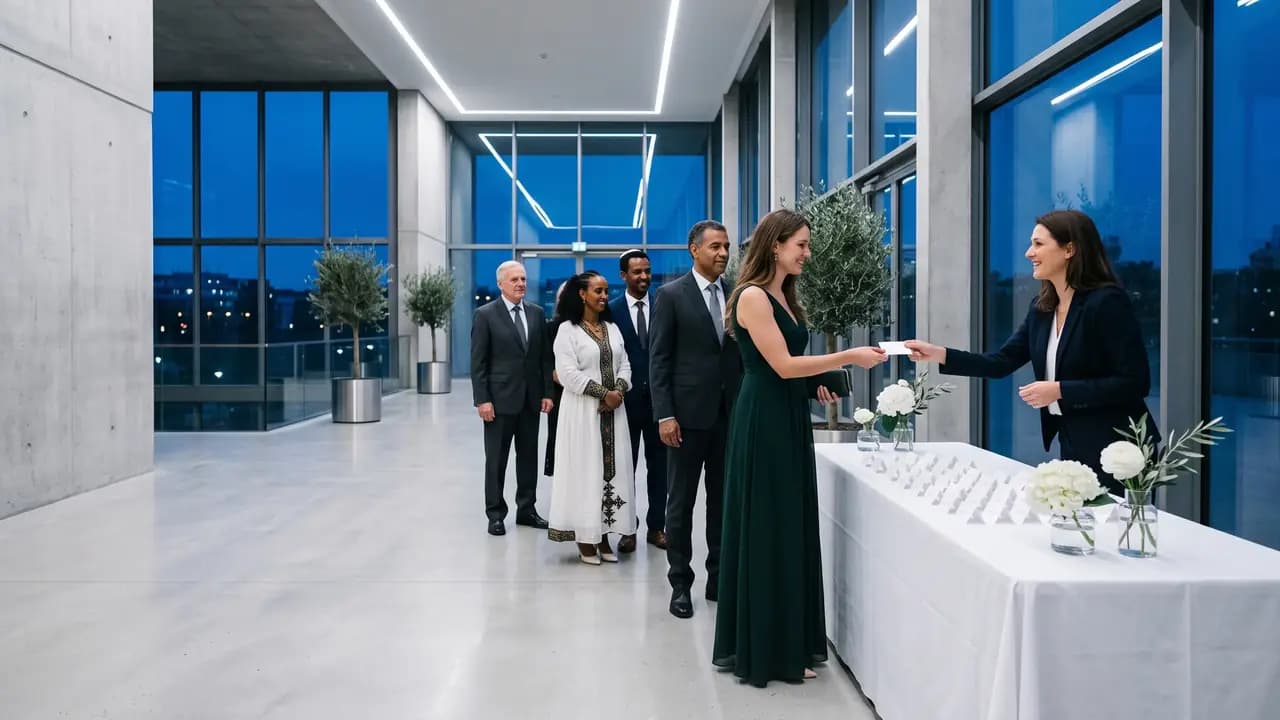
PR and communications
A media list, a need to know who actually came, and the pictures the same night.

Event producers and agency leads
Producing the night for a client who follows the preparation as host.

Importers and distributors
Hosting the local reveal for dealers and journalists.
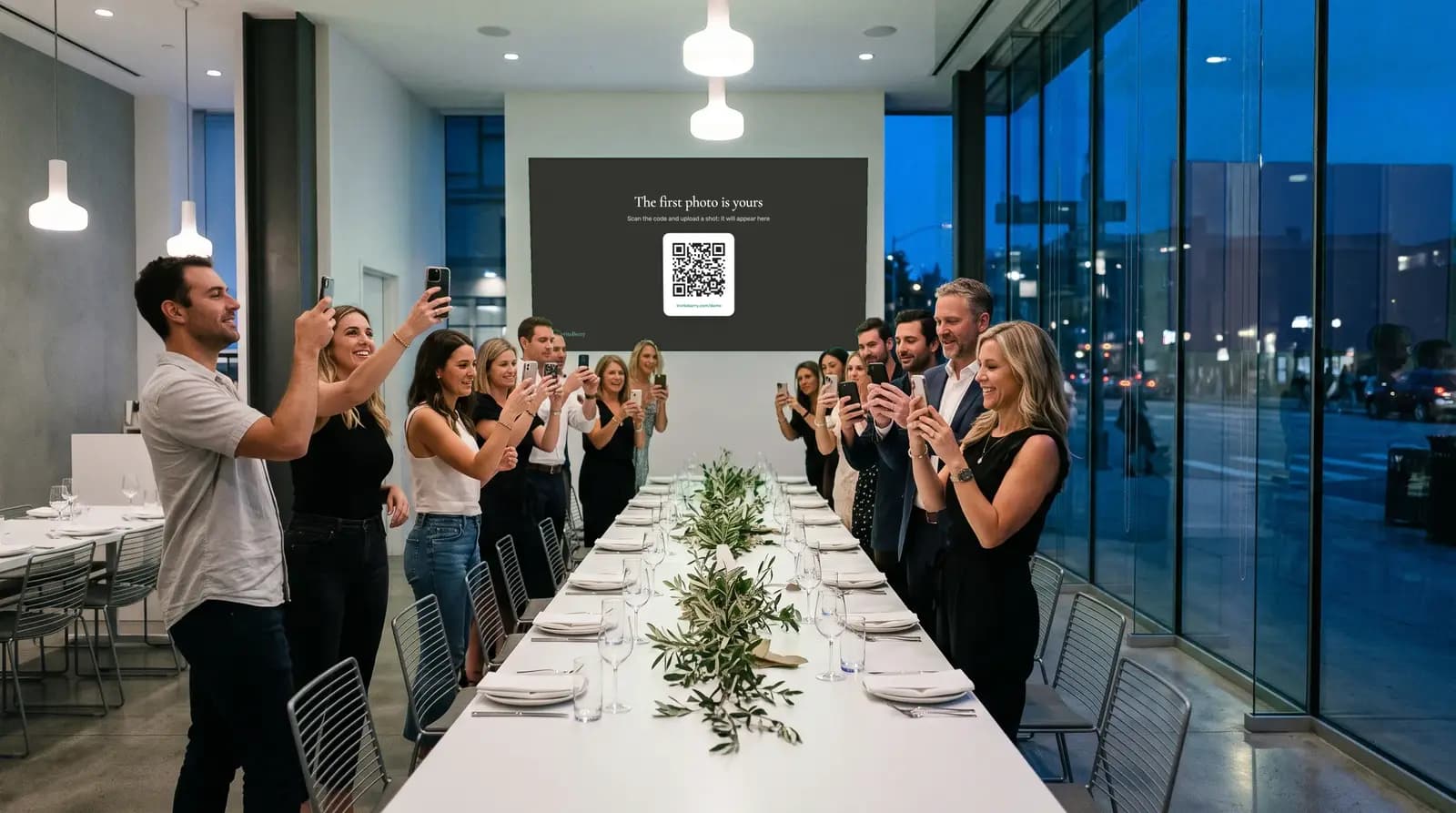
Community and social managers
Inviting creators and fans, and wanting their photos on the screen.
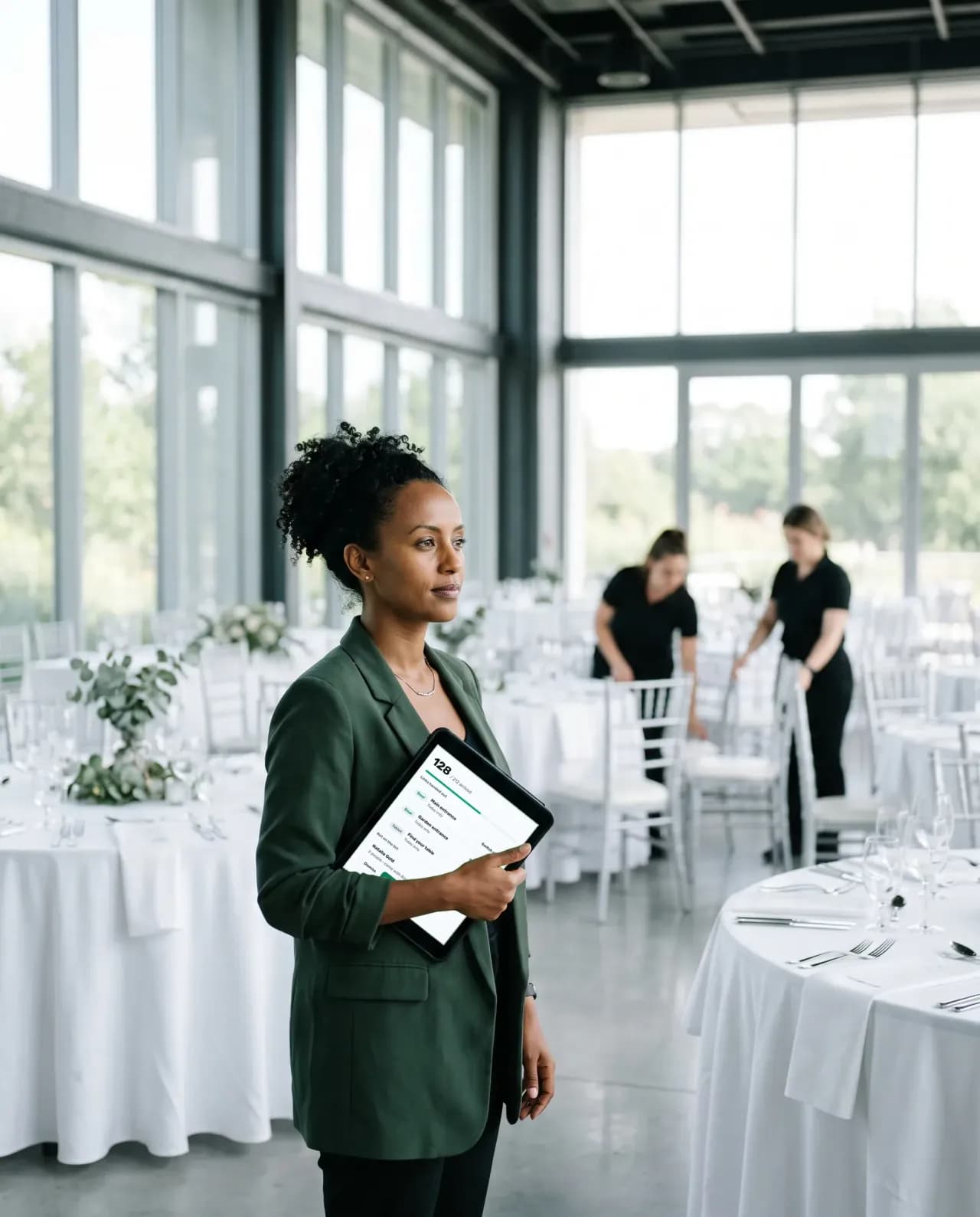
Venue and in-house event teams
Handing the door to hired staff for the evening.

The hired host at the desk
Opens one link on a phone and needs no account. Works only with the reception desk add-on.
06 / The organiser panel
Four tabs that help you run a launch night
Tap a tab. The names and numbers are examples.
Who is coming, and who is not answering
Replies from WhatsApp, SMS, the launch page and phone calls land in one list, with how many people each guest brings. Name the groups yourself: press, partners, customers.
- Said yes, waiting and not coming, counted for you
- Groups are names you choose, not built-in types
- The no-answer list is what a colleague calls from
- Press14 Said yes6 Waiting
- Partners22 Said yes5 Waiting
- Customers31 Said yes13 Waiting
Not answered yet
- Noa LeviCall list
- Дима ВолковCall list
- דנה כהןCall list
The invitation, the reminder, the morning of
Invitations, reminders, the event-day message and thank-yous go out by WhatsApp, or by SMS to Israeli numbers. Send to the whole list or just to a group you pick.
- Everyone, or a list you pick by group, reply or WhatsApp status
- A written text for each language, never a machine translation
- The event-day message carries the address and a Waze link
What reaches the wall is yours to decide
Every upload is screened and, by default, waits for you to publish it. What is on the wall right now is listed, with a button to take one off.
- Publish or hide in one tap, or hand it to a photo moderator for the night
- Take one photo off the screen while it stays in the gallery
- A guest can keep their own photos off the screen
The door, on one link and a phone
Whoever meets the guests finds each one by name, says the table and marks the whole party in with a tap. Sold as an add-on and switched on per event.
- A name is found whether it is typed in Hebrew, Russian or English letters
- The table in large type, one tap for the party and five seconds to undo
- Someone not on the list is written down for you, and nothing more happens
Replace seven places
Seven places for one night, or one.
Where the work of a launch night usually sits, and where it sits in InviteBerry.
| The job | The usual way | With InviteBerry |
|---|---|---|
| Invitations | A PR list, a WhatsApp group and a forwarded teaserOne line pasted into three channels, and no record of who saw it. | A personal invitation for every guest, in the language they read. |
| Answers | Replies in three chats and an inboxCopied into a sheet by hand. | Each reply is counted the moment it arrives, in one place. |
| Who is who | Press, partners and customers in one sheetSorted again before every message. | One list split by groups you name. |
| The countdown | A story post and a reminder nobody setsIt lives on a social feed, not on your page. | A countdown to the day on your launch page, and a calendar button. |
| The door | A guest list on paper, checked by handAnd the journalist who is not on it. | Find the name in English, Russian or Hebrew spelling, say the table, mark them in, and write down the one nobody expected. A paid add-on. |
| The room | A hashtag nobody checksPhotos stay on phones until someone asks. | The guests’ own photos on the screen in the hall, screened. A paid add-on. |
| The morning after | Pictures sent one by one on request“Send me the pictures” for a week. | A gallery that opens after sign-in, with a code for the journalist who was never a guest. |
| Seven places | One list |
Tickets, email invitations, livestreams and press rooms stay in your own tools.
Also in the box
- Included
Calling rounds
For the guests who have not answered: a ready list to work through from your own phone, each answer marked as you go. Or hand it to someone you trust with a private link.
- Paid add-on
Reception desk
Whoever meets your guests types the name a guest gives, finds the party, says the table, marks everyone in with a tap and writes down anyone not on the list.
- Paid add-on
Live screen
Guest photos that passed screening play as a slideshow on the venue projector.
- Included
Photo screening
Every upload is checked automatically and, by default, waits for you to publish it.
- Coming soon
Find photos of me
Guests will find the photos they appear in. It is switched off for now and is coming soon.
- Paid add-on
AI floor plan
Upload an image of the hall plan and AI reads it into the seating tool.
- Enabled per event
AI site translation
Write your invitation site in one language and AI drafts the missing ones, marked for you to review.
- Included
Team roles
Owner, editor, host and photo moderator, so every helper sees only what their role needs.
- Included
Countdown and add-to-calendar
Counts down to the day on the launch page if you switch it on, and gives a guest who accepted an add-to-calendar button.
- Included
Speakers and Sponsors
Two sections on the page, one for the people presenting and one for partners. Before a speaker’s photo goes up, you confirm you have their consent.
- Included
Quick links
Buttons on the page to anything else you want to hand over, such as a press kit you host elsewhere.
- Included
Gallery codes for people off the list
A code you issue by hand lets one named person look at the album and download it. They cannot upload or like. Coming soon: an album builder and ordering a printed album.
Questions
What organisers ask first
Tap a question to see the answer
- Not today. An invitation travels by WhatsApp, or by SMS if the number is Israeli. If your press list lives in email, leave it there and use InviteBerry for the part you invite by name.
- No. The reception desk is a paid add-on and works by name: the host looks the guest up, reads out the table and marks them in. Nothing is scanned or printed.
- Not for the event as a whole. You set how many people each invitation covers. There is no cap and no waiting list.
- It counts to the day: it runs to the start of the event date and shows days, hours, minutes and seconds. Once that moment has passed the numbers go and the calendar button stays.
- Photos your guests upload, only those that passed automatic screening, about two minutes after the upload. You can take one off, and a guest can keep their own off. It is a paid add-on, and it does not read Instagram or hashtags.
- Yes, with a code you issue by hand. They sign in, look and download. They cannot upload, like, or see who uploaded.
- Yes. Give the brand the host role: it can see the list and the seating and review photos, but cannot message anyone or edit. Hosts do not take a seat. How many editors and photo moderators one event can have depends on the plan, which is still to be announced.
- The door writes down a name and how many people. It goes to you, it creates no guest and it opens no gallery. You decide afterwards.
- Not through search: event pages are closed to search engines even once published, so people reach yours through the link you send. Edits to the site stay a draft guests cannot see until you publish. The exception is the date and the venue: messages use them too, so they update at once.
- You decide whom to invite and what they are sent; we keep the guest list and send the messages on your instructions. When you first sign in you accept a data processing addendum (DPA). A host, the person the event is for, accepts a short set of host rules instead.
- Data is encrypted in transit and at rest. Gallery access codes are kept only as hashes. Access is separated by event and by role, and organisers can protect their sign-in with a second factor. We work under Israel’s Protection of Privacy Law, including Amendment 13, and the GDPR. We do not sell data and do not keep an advertising list.
Early access
Start with the people you want in the room
Put your name down and tell us what you are launching and who you plan to invite.

Get early access
Early access and special conditions for early adopters.