


 Noam
Noam





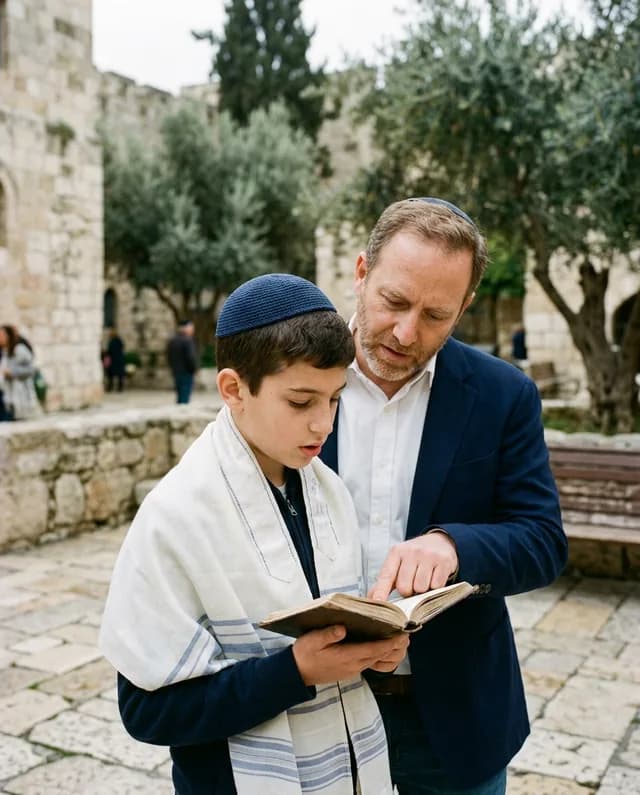
Bar mitzvah
The invitation texts and the thank-you are worded for a bar mitzvah, and three invitation themes are made for it. Wherever the ceremony is: a synagogue, the Kotel, a hall or a garden.
From the date to the thank-you
Scroll: the screen beside the text changes with it.
Months ahead
A first message tells everyone to keep the day free. The invitation can carry the Hebrew date under the date, and the organiser says if the day starts after sunset.
Weeks ahead
A personal invitation by WhatsApp or SMS, in each guest’s language, with the schedule and the place on the site behind it. SMS reaches Israeli numbers only.
As the answers arrive
Coming or not, how many, and the ceremony: all of us, or how many. Kosher and mehadrin meals, children’s meals and a teen mark are questions you switch on.
The morning
On the day the guest gets a reminder, with a Waze link and a calendar link after saying yes, and the table once the seating is set.
At the party
Photos the guests upload during the party pass the automatic check and play on the hall’s projector a couple of minutes later, with a QR code that brings the next table into the album. A paid add-on.
After
The thank-you round starts from who really came. The photos from the day sit in one shared album behind a sign-in. Coming soon: an album builder and ordering a printed book.
Live demos
Everything here works right on the page. Nothing is saved, and nothing is sent.
Pick the event, type the names, choose one of the designs and the language: the card follows as you go.
Tap a reply in the invitation: the organiser’s list counts it at once. Switch the guest’s language below.
Like a photo, save it to a folder only you see, or pick a few to download. Included with every event.
Pick one of the site builder’s eleven themes, the event, the names, the date and the sections: the preview rebuilds at once.
Drag a guest or a whole party onto a table, or tap the armchair to choose one. A table that is too small says so.
Pick the message: invitation, reminder, event-day message or thank-you. Each goes to its own guests by default. Check how it looks in WhatsApp and send; here the queue only pretends.
Add a category, record a payment, and watch paid, left and the totals follow.
Mark each guest’s gift as money or an item and type the amount: you see at once who gave what was expected, less, or nothing yet, and the totals follow.
For every guest
Big buttons, plain words, their own language, so the grandmother taps a reply as easily as the cousin. No app to install and no account to create. Try it: tap an answer and watch the count change.
Try it as a guest: tap a reply
We invite you to Noam’s mitzvah
Thursday 18.06 · 3 Tammuz
Open the invitation siteTwo celebrations
Choose the type once, and the default texts and the invitation themes follow it. The same tools, the same panel, the same plan.
The invitation texts and the thank-you are worded for a bar mitzvah, and three invitation themes are made for it. Wherever the ceremony is: a synagogue, the Kotel, a hall or a garden.

The invitation texts and the thank-you are worded for a bat mitzvah, and three invitation themes are made for it. Wherever the ceremony is: a synagogue, the Kotel, a hall or a garden.
The usual way, and this one
How a bar or a bat mitzvah usually gets organised, next to how it works in InviteBerry.
| The job | The usual way | With InviteBerry |
|---|---|---|
| Invitations | A printed card plus a WhatsApp groupCousins in three countries get three versions. | A personal invitation by WhatsApp or SMS in each guest’s language, with default texts written for a bar or a bat mitzvah. |
| RSVP | A phone RSVP service or a call to everyoneAnswers come back as a list you merge, and nobody asked about kosher or the ceremony. | A one-tap reply, with the ceremony, kosher, children and teen answers in your guest list. |
| Seating | An Excel chartRedo it every time grandmother’s table changes. | Groups for classmates and cousins, keep-apart rules and a printable chart. |
| Gifts and thanks | An envelope tally in a notebookWho gave what, and who is thanked, lives in someone’s head. | Gifts and attendance per guest, and a thank-you round that starts from who really came. |
| Photos | A WhatsApp group and a drive folderThe best photos sit on forty phones. | One shared album behind a sign-in, with automatic screening. |
| Album | A studio’s printed bookDownload, sort and upload everything again. | Coming soon: an album builder for a printed book from the shared album, and ordering it. |
| Six tools, six logins | One panel |
The organiser panel
Four of the things this day needs most. Tap a tab.
Answers from WhatsApp, SMS, the invitation site and phone calls land in one guest list, with how many people each guest brings.
4 / 6
Save the dates, invitations, event-day reminders and thank-yous, by WhatsApp or SMS. Each guest gets the text written for their language.
Three ready rounds: save the date, no answer yet, thank-yous. Call from your own phone and mark each answer with a tap, or hand a round to a parent by private link.
Record each gift as it comes in, money or an item. The panel puts who came next to who said they would.

Built for
The day belongs to the family, and the work is shared out by a link or a role, never by handing over your login.
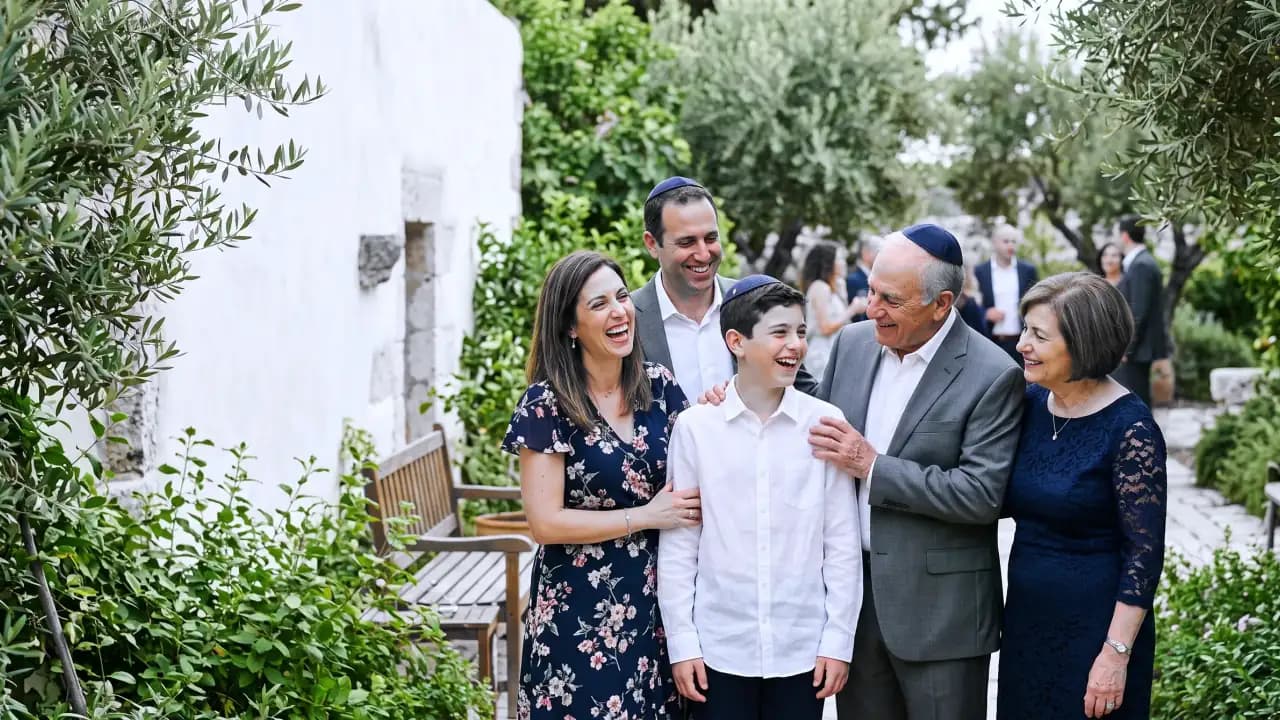
They own the event: send the invitations, watch the replies come in and thank everyone after.
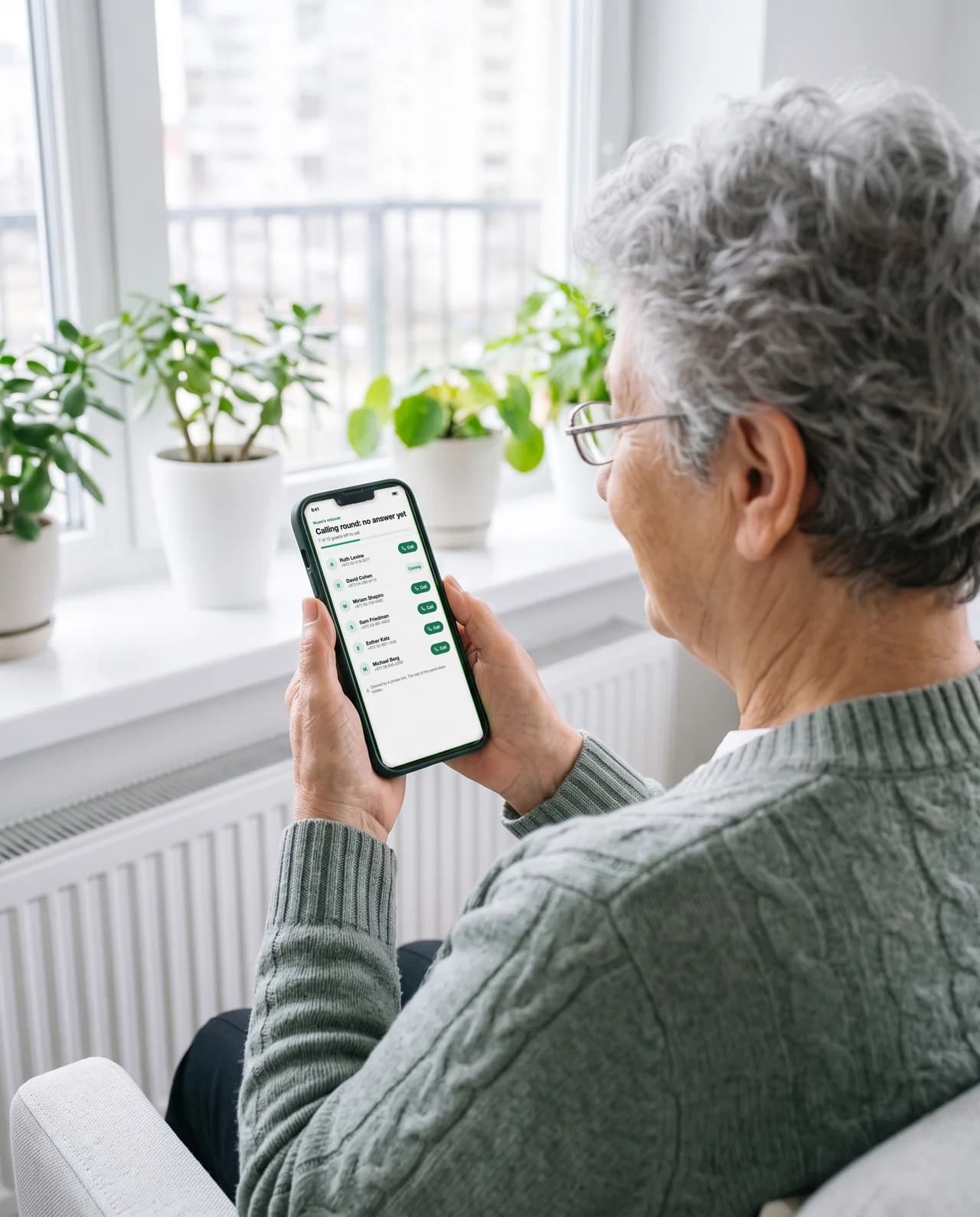
She gets a private calling-round link and the list of who to ring. She never sees the rest of the panel.

An editor works on the list, the seating and the messages. A host follows along, reads the list and the plan and records what each guest gave.
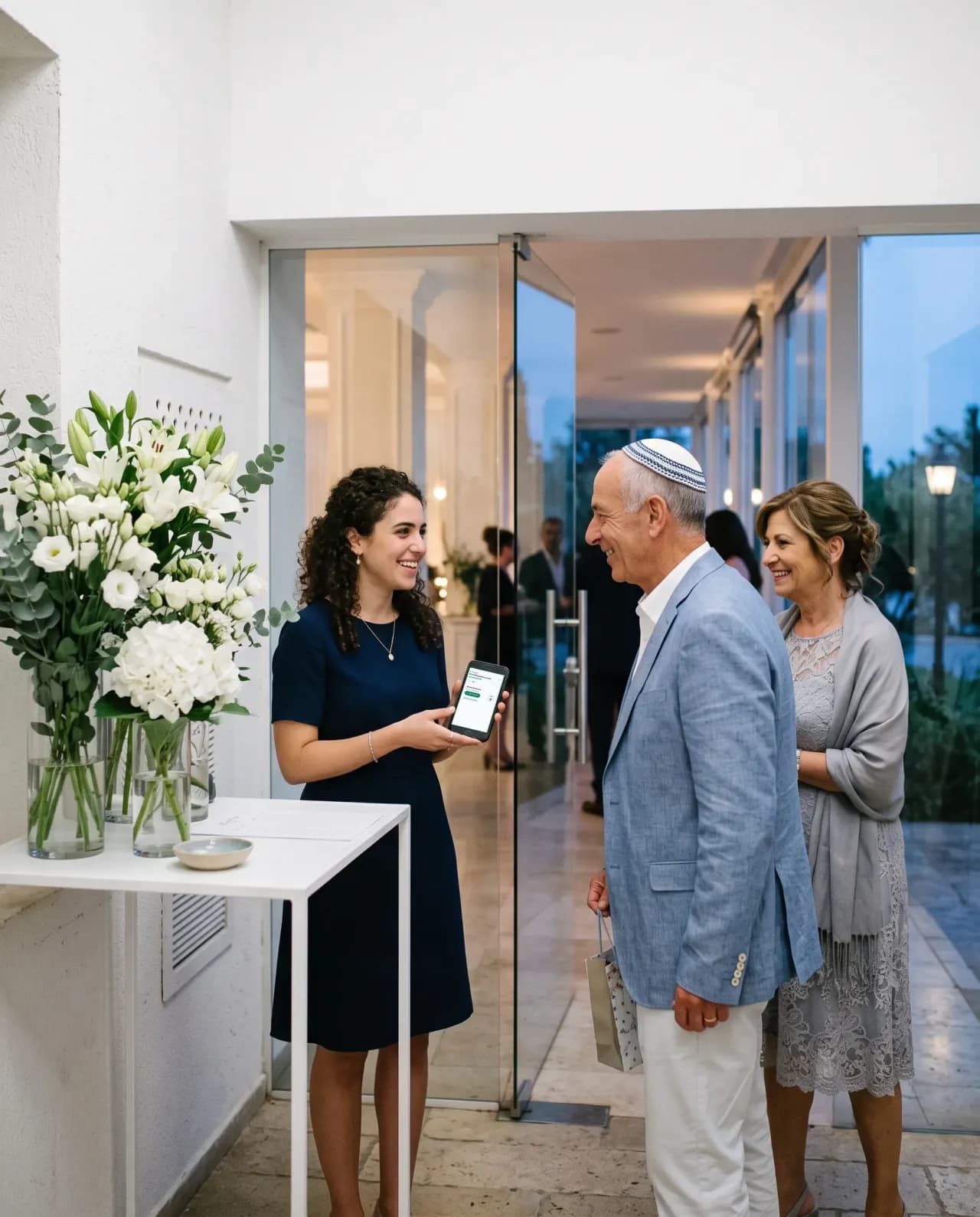
A hired hostess or a cousin with the reception-desk link finds each guest, says the table and marks them in. A paid add-on.
Guests RSVP by tapping a reply in WhatsApp, and the assistant answers their questions from your published event site.
For the guests who have not answered: a ready list to work through from your own phone, each answer marked as you go. Or hand it to someone you trust with a private link.
Guest photos that passed screening play as a slideshow on the venue projector.
Whoever meets your guests types the name a guest gives, finds the party, says the table, marks everyone in with a tap and writes down anyone not on the list.
Every upload is checked automatically and, by default, waits for you to publish it.
Coming soon: an album builder and a photo book from the best of the shared gallery, printed and delivered.
Write your invitation site in one language and AI drafts the missing ones, marked for you to review.
A print-ready card typeset from your published site: names, date, venue and schedule.
Guests will find the photos they appear in. It is switched off for now and is coming soon.
A second line under the date on the invitation: in letters on a Hebrew page, in digits with the month name on an English or Russian one. You say if the day starts after sunset.
Kosher and mehadrin meals, children’s meals and a mark for a teen under 18, as questions you switch on in the reply.
Questions
Tap a question to see the answer
Early access
Send the invitations, and the platform will help you organise the best celebration.
Join the waitlist for early access. The public launch is in Q4 2026.
Early access and special conditions for early adopters.