A private client evening
A private evening for your clients, with a personal invitation for each.
Send each client a personal invitation in Hebrew, Russian or English, with their name on the envelope. Give them room to bring a companion, and at the door find any guest by name in seconds.
Tap the seal
Plays on the client’s own link, once per client on a device. Names are examples.
01 / The invitation
Write the invitation in a minute
Pick an event, title it, switch the language. Each client then gets that same invitation in the language they read.
02 / The note
This is how your clients will see it
A personal message on WhatsApp that starts with their name, two big buttons, nothing to install. Tap a reply as a client and watch your list count it.
- עברית
- Русский
- English
Try it as a guest: tap a reply
An evening together, with the whole team
Thursday, 17 June 2027
Open the invitation site03 / From the envelope to the screen
The whole evening, from the envelope to the photos on the screen
Keep scrolling: the phone moves through the evening with you.
The first thing they see
An envelope with their name on it
A client who opens their own link meets a sealed envelope, addressed in the words your message used. One tap on the seal and the invitation opens. It plays once per client on a device, “Skip” goes straight in, and it is off until you switch it on.
Weeks before
An evening site in minutes
Create the site yourself, no designer needed: the date, the address with a Waze link and an entrance guide, in the client’s language. The brands that host the evening with you go under Sponsors, and a talk adds a Speakers section.
When they answer
Yes, and a companion within the seats you set
A client answers in one tap and can add a companion until the seats you gave that invitation are used. Past that, the page says so in words and writes nothing.
Once the answers are in
Seating on the hall plan
Drag a client and their companion onto a table and the plan shows at once how many seats are left. Priority guests near the host, seat-together groups and keep-apart rules.
While you prepare
The budget in view
Note the costs of the venue, the catering, the flowers and the photographer, record each payment, and see what is paid and what is left.
At the entrance · paid add-on
At the door, a client is found by name in seconds
A host with one link and a phone types the name the client gives, finds the party and says the table. One tap marks them in, with five seconds to undo. The screen shows no phone number, note or answer history.
During the evening · paid add-on
Guests’ photos on the projector
Guests upload photos from a QR code and, once screened, they play as a slideshow on the screen in the room. Afterwards they stay in the gallery, ready for the thank-you.


 Atelier Noa
Live demos
Try the features
Everything here works right on the page. Nothing is saved, and nothing is sent.
Make the card
Pick the event, type the names, choose one of the designs and the language: the card follows as you go.
Answer as a guest
Tap a reply in the invitation: the organiser’s list counts it at once. Switch the guest’s language below.
The album guests open
Like a photo, save it to a folder only you see, or pick a few to download. Included with every event.
Build the event site
Pick one of the site builder’s eleven themes, the event, the names, the date and the sections: the preview rebuilds at once.
Seat them by drag
Drag a guest or a whole party onto a table, or tap the armchair to choose one. A table that is too small says so.
Messages on WhatsApp
Pick the message: invitation, reminder, event-day message or thank-you. Each goes to its own guests by default. Check how it looks in WhatsApp and send; here the queue only pretends.
Add an expense
Add a category, record a payment, and watch paid, left and the totals follow.
Keep track of the gifts
Mark each guest’s gift as money or an item and type the amount: you see at once who gave what was expected, less, or nothing yet, and the totals follow.

04 / The door
A name is enough to find the table
The reception desk lets the host type the name a client gives and see their table at once. A guest tablet on a stand lets them look up their own table. Both are a paid add-on, switched on per event.
Not invited, not seated yet and not readable get the same sentence, so the tablet never says whether a stranger is on your list.
- The tablet forgets what was typed after thirty inactive seconds
- A person nobody expected is written down at the door and goes to you: it creates no guest and opens no gallery
- It prints nothing and scans nothing
05 / Three kinds of private evening
Whichever evening it is, the list is a client book
Each card names only what exists today.
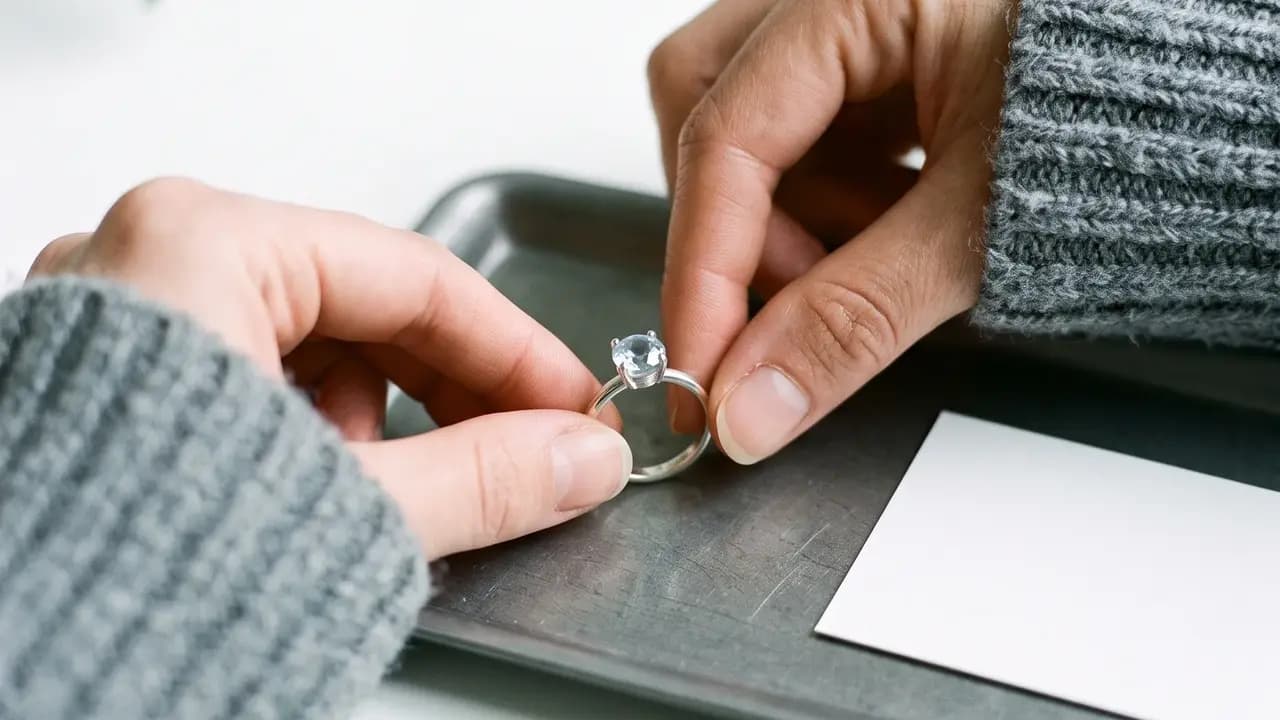
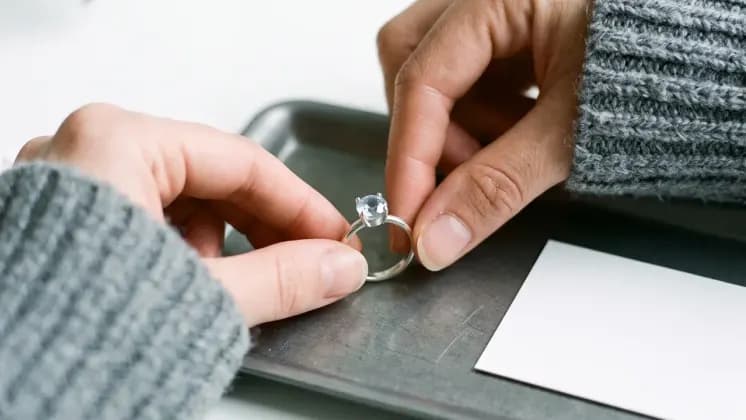
A private viewing at the boutique or atelier
A jeweller’s, a designer’s or a watchmaker’s evening for clients you have already served.
- A personal invitation that starts with the client’s name
- A companion within the seats you give, and no more
- A host at the door who finds the client on the list in seconds
Times for individual viewings stay in your own diary.

A client evening at the dealership or showroom
An unveiling, a drive and a dinner, with the brands you work with beside you.
- Partner brands under Sponsors on the page
- A season of invitations sent group by group, in waves
- A list of who has not replied, for your own calls

A private-banking or wealth evening
A talk with a guest speaker, a seated dinner and a short list in which everyone matters.
- A Speakers section for the evening’s guest
- A seated plan with priority guests
- The banker’s assistant edits the list, the director only reads it
06 / Built for
For the people who look after their own clients
Whoever holds the client book, the date or the door.

Boutique and atelier owners
Jewellery, watches or fashion, with a client book and two or three evenings a year.

Dealership and importer teams
Marketing or client relations running a club’s season of evenings.

Private bankers and their assistants
Inviting a client segment to a talk or a dinner.

Wealth and family-office teams
Hosting a speaker evening for the clients they advise.
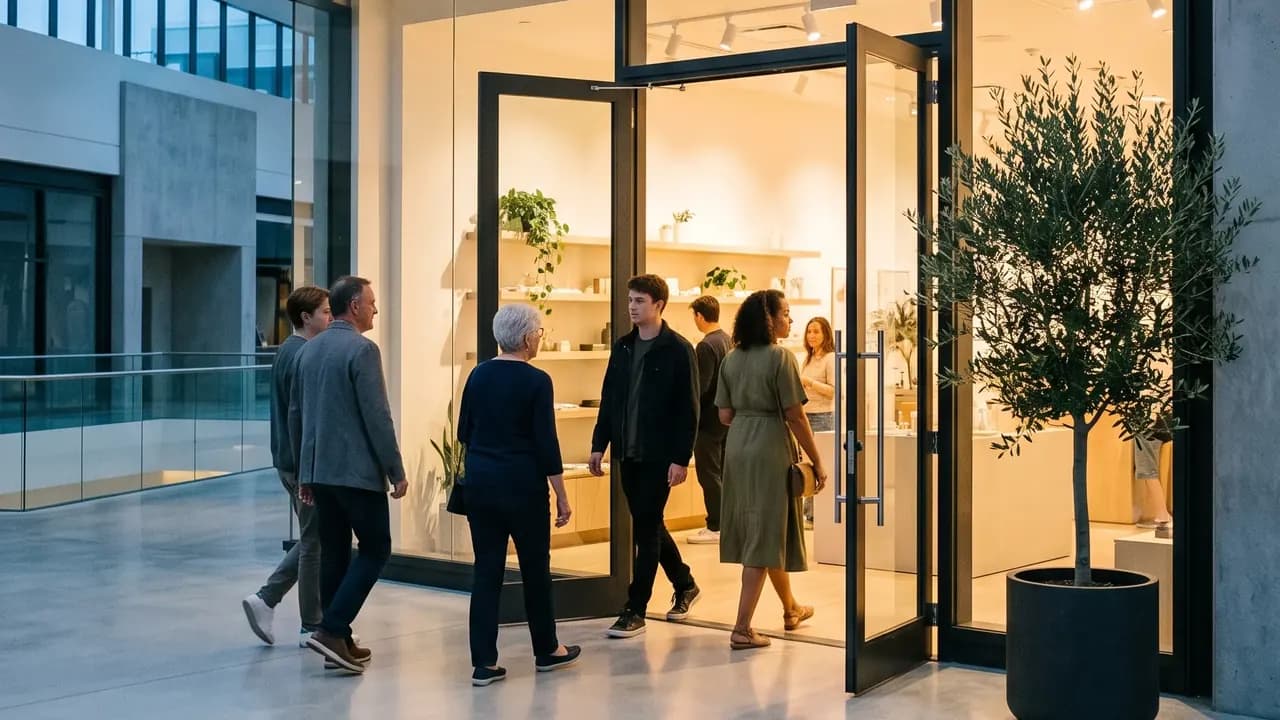
Brand and retail event managers
The same evening, run for several stores in a season.

Agencies and brand producers
Running it for a brand, and keeping the brand’s director as host.
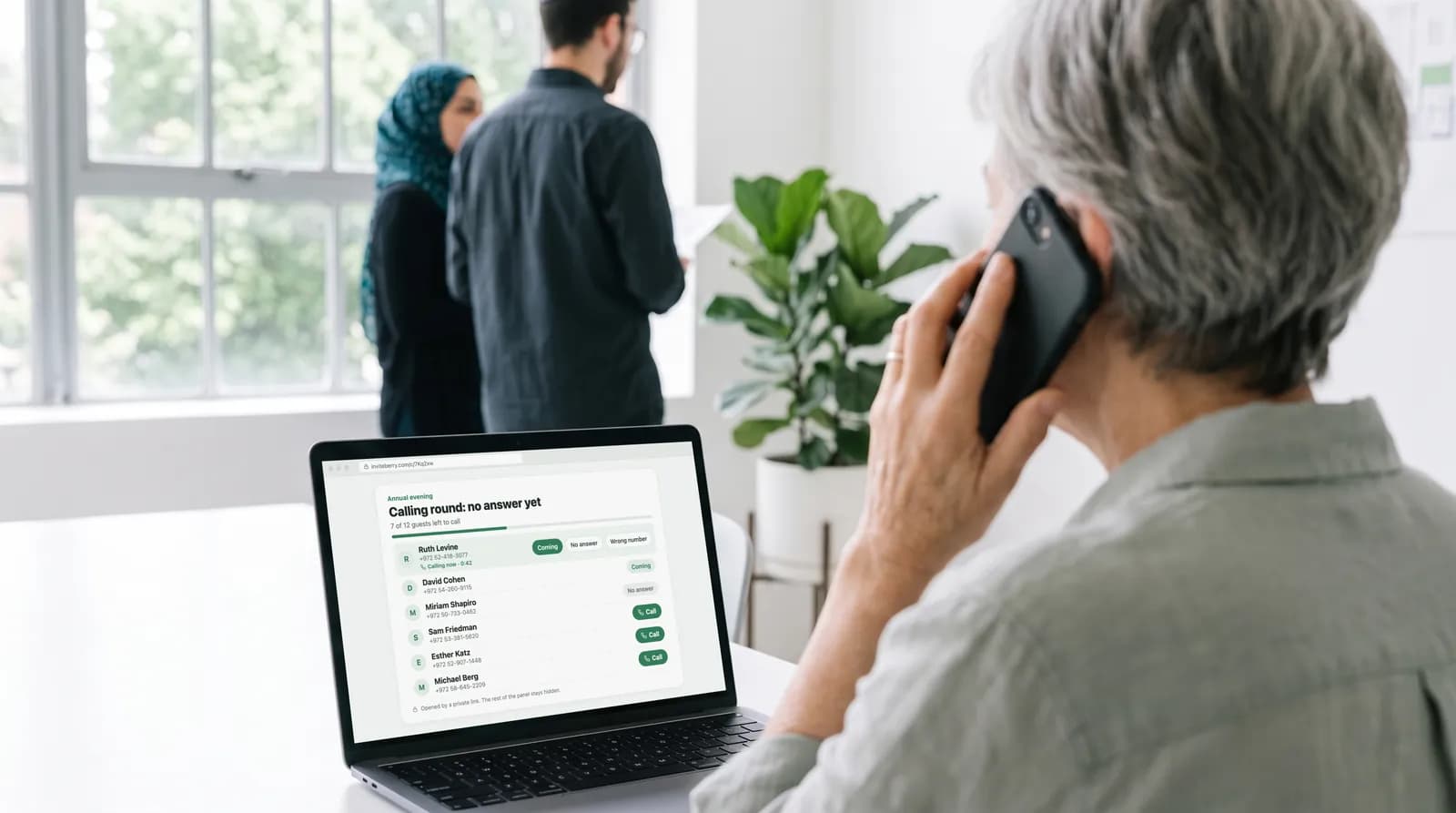
The client-facing associate
Writes each invitation personally and wants the answers in one place.

A host hired for the night
Signs in with nothing but a link on a phone. Works once the reception desk add-on is on.
07 / The organiser panel
Four screens where you plan an evening for your own clients
Tap a tab.
A note, not a poster: four touches, one by one
Save the date, the invitation, the day-before reminder and the thank-you, by WhatsApp or SMS to Israeli numbers. Each client gets the text written for their language.
- Everyone, or a hand-picked list: by group, by reply, by WhatsApp
- A written text for each language, never a machine translation
- Skipped automatically: guests who opted out
Answers by party, with the seats visible
Every answer lands in one list, party by party, next to the seats you gave that invitation. Those who have not answered are one tap from a call list a colleague can work.
- Coming, waiting and not this time, counted for you
- Companions added by a client, stamped for you, only within the seats you set
- A call round for those who have not answered, by you or someone you hand a link to
The director reads, the associate edits, the door is a link
The brand’s director follows the list, the seating and the delivery status as host, without a way to break anything. The associate or the assistant runs the list and the messages.
- Owner, editor and host, each seeing only what the role needs
- A host reads the list and the plan and cannot message or change settings
- The person at the door gets one link and a phone, not a seat
The envelope is a switch in the site builder
Turn on “Envelope opening” and a client on their own link meets their name first. The same builder holds the entrance guide and the brands that host the evening with you.
- Off by default, and never for a visitor without a personal link
- Sponsors for your partner brands, Speakers for a talk
- Hebrew, Russian and English on one site, right to left included
Replace six habits
Six small things that make a client feel looked after, or one place.
The usual way a private evening is run, beside the same evening in InviteBerry.
| The job | The usual way | With InviteBerry |
|---|---|---|
| The invitation | The same text to the whole listIt reads as addressed to nobody. | A note that starts with the client’s name, in their language. |
| The envelope | A PDF, or a link with a logoThe client opens it like any other attachment. | A sealed envelope addressed by name that opens on the client’s own link. |
| “And a guest” | Left vague, or settled by a phone callNobody knows the real headcount until the day. | Seats counted in the invitation, and a worded refusal past them. |
| Those who have not answered | An associate scrolling chatsSomeone chases those who have not answered by hand, again. | A list of those who have not replied, with a call round a colleague can take over. |
| The door | A printed list and “your name?”The client is asked who they are. | The host types the name and sees the table. A paid add-on. |
| The person nobody expected | A scene at the doorA promise is made that nobody granted. | A name written down that goes to the organisers, who decide. |
| Six habits | One place |
Also in the box
- Paid add-on
Reception desk
Whoever meets your guests types the name a guest gives, finds the party, says the table, marks everyone in with a tap and writes down anyone not on the list.
- Included
Calling rounds
For the guests who have not answered: a ready list to work through from your own phone, each answer marked as you go. Or hand it to someone you trust with a private link.
- Enabled per event
AI site translation
Write your invitation site in one language and AI drafts the missing ones, marked for you to review.
- Paid add-on
AI floor plan
Upload an image of the hall plan and AI reads it into the seating tool.
- Coming soon
Find photos of me
Guests will find the photos they appear in. It is switched off for now and is coming soon.
- Included
Companions within the seats you set
A client adds a companion until the seats for that invitation are used; past that the page refuses in words and writes nothing.
- Included
Sponsors for the brands beside you
The wine partner, the jeweller, the importer: a Sponsors section on the invitation site for an “other” event.
- Included
A thank-you with the album
After the evening, a thank-you with the album link. The gallery sits behind a sign-in, and by default every upload waits for you to publish it. Coming soon: an album builder and ordering a printed album.
Questions
What organisers ask first
Tap a question to see the answer
- Yes, within the seats you give that invitation. The client adds a companion, and past the limit the page refuses with a clear message and writes nothing. A person who turns up unannounced is written down at the door (a paid add-on) and goes to you to decide.
- It opens for a client on their own link, once per device, with their name on it. It never plays for someone who opens the site without a personal link, and never under reduced motion. It is a switch in the site builder, off by default.
- It is personal, not locked. A client’s own link shows that client’s page, a forwarded link carries no notes or full phone numbers, and the guest tablet gives the same answer to everyone it cannot find.
- Not today. Use groups and priority guests for the seating, and keep viewing times in your own diary.
- No. Invitations leave by WhatsApp, and by SMS too for Israeli numbers. Anyone who opted out is skipped. We announce pricing at launch.
- Yes. Owner, editor and host roles: the brand’s director as host sees the list, the seating and the delivery status without being able to change them.
- Yes. Each client gets their own language, and each message has its own written text. The site can also be translated with AI, which we enable for an event when you ask.
- A hired host or a colleague with one link and a phone. They find a name, say the table and mark the party in. The screen shows no phone, note or answer history, prints nothing and scans nothing.
- You decide whom to invite and what they are sent; we keep the guest list and send the messages on your instructions. When you first sign in you accept a data processing addendum (DPA). A host, the person the event is for, accepts a short set of host rules instead.
- Data is encrypted in transit and at rest. Gallery access codes are kept only as hashes. Access is separated by event and by role, and organisers can protect their sign-in with a second factor. We work under Israel’s Protection of Privacy Law, including Amendment 13, and the GDPR. We do not sell data and do not keep an advertising list.
- Yes. The owner exports the whole event: one Excel file with each part on its own sheet, plus a PDF summary. The same Excel file can restore the event into a new, empty project.
- No. We do not sell data and do not keep an advertising list. Your guests get only the messages of your event.
Early access
The client book and the date, kept together
Early access is open. Say which clients you are hosting this evening for.

Get early access
Early access and special conditions for early adopters.