One invitation site. Every guest reads it in their own language.
Build your event site in the same panel you plan everything else in: Hebrew, Russian and English on one address, right to left where it should be, with the RSVP and the directions inside it.
- 34 themes to start from
- Hebrew right to left
- RSVP inside the site

Three languages
Each language written, never machine-translated.
Every text on the site has its own Hebrew, Russian and English version. You write the languages you know. AI site translation, enabled per event, drafts the empty ones and marks each draft for you to check.

- A guest switches language in one tap, and the page mirrors for Hebrew
- AI fills only the empty languages and never overwrites what you wrote
- Publish checks that every language is filled before guests see it
- The builder itself speaks your language, whatever the site’s languages are
Not written yet. Publish asks you to fill it.
The same schedule, three directions of writing
- עברית
לוח זמנים
- 18:30קבלת פנים
- 19:30חופה
- 20:15ארוחה וריקודים
- Русский
Программа
- 18:30Сбор гостей
- 19:30Хупа
- 20:15Ужин и танцы
- English
Schedule
- 18:30Reception
- 19:30Chuppah
- 20:15Dinner and dancing
Envelope opening
First, an envelope with the guest’s name.
Switch this option on, and a guest who opens their personal link first sees a sealed envelope with their own name on it. A tap on the seal opens it, a card with your names and date slides out, and then the site appears.
- Their name on the envelope, as in their invitation and in their language
- Skip, or the Escape key, goes straight to the site
- Shown once per device, so on a shared phone each guest still gets their own
- It takes your theme’s colours and fonts, and guests who turned motion off never see it
Off by default. One switch in the Style tab turns it on.

On the guest’s phone
Everything a guest needs, on one page
You switch the sections on and put them in your order. Here are four of them.
Cover
Names, date and a countdown
The date comes from your event settings, so the site, the calendar file and the RSVP deadline never disagree. Add a Hebrew date line if you want one.
Schedule and directions
When to come and how to get there
A schedule, a dress code, and for each location your choice of a Google map or Waze and Google Maps buttons. After a guest says yes, the calendar and Waze are one tap away.
RSVP
The answer goes straight to your list
Coming or not, adults and children, and only the questions you switched on, like meals or parking. A personal link already knows who is answering.
After the event
The same site opens the album
The gallery section follows your album’s access: before it opens it shows the date, and afterwards guests sign in and add their photos.





Design
34 themes to start from. Then make it yours.
A theme sets the colours, fonts and photo style of every section. Keep it, or swap any of five parts for another theme’s: the palette, the photo card, the header, the heading font and the body font.
- 21 font families, with a note when one lacks Russian or Hebrew letters
- Ornaments, lines and frames you drag onto the page, or tap into place on a phone
- Sections switched on, off and into any order, with the cover always first
- Built on a computer, a tablet or a phone, and previewed at all three sizes
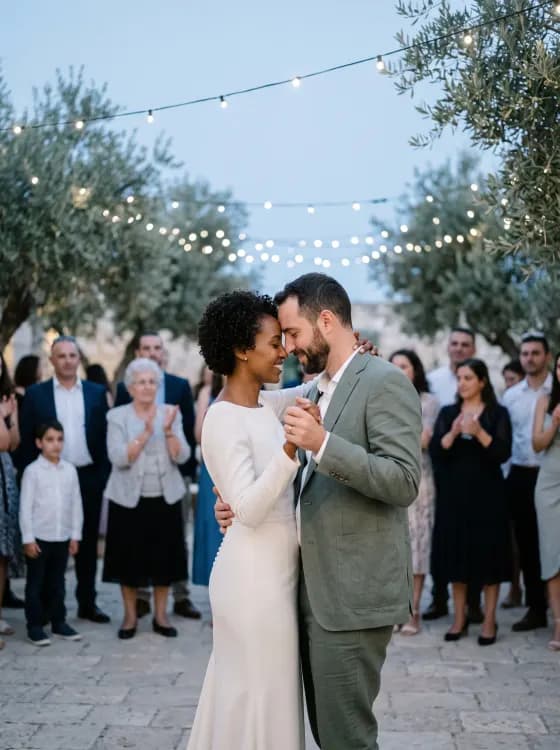
Make your invitation before you sign up for anything
Pick the event, type the names, choose the language and a style. The draft stays on this page while you look around.
- Wedding, bar mitzvah, birthday or corporate
- Hebrew, Russian or English, right to left included
- Save the draft and join early access
Publish
Nothing reaches guests until you press Publish
You edit a draft that saves itself. Guests see only the version you published, and you decide when that changes.


A printable card from the same site
Print PDF or PNG, every language
A 175 × 250 mm card typeset from your published site: a print PDF with 3 mm bleed or a 300 dpi PNG, in each of your languages.
A preview link for the family
A Draft banner, RSVP locked
Share the draft with whoever should see it first. It carries a Draft banner, its RSVP is locked, and search engines never index it.
Checks before it goes live
Every problem listed at once
Publish checks the quick links, that every language is filled in, and text moderation, and lists every problem at once. Each comes with a button that shows you where.
The last ten versions
Bring any version back
See who published what and when, open an earlier version and bring it back into the draft.
A proper card in WhatsApp
The date, the name, the languages
A shared link shows a preview card with the date, your event’s name and the languages the site speaks.
One address for every language
One link for everyone
The same link in every message, whatever language the guest reads.
The usual way
A picture in the chat, or a site with everything a guest needs
How an invitation usually reaches guests today, and what the site changes.
| The job | The usual way | With the InviteBerry site |
|---|---|---|
| The design | A designer’s picture or a bought templateBeautiful, but a flat image: every change is another round with the designer. | A themed site you change yourself, and guests always see the version you published. |
| Languages | One version per languageA picture or a page for each language, and grandma gets the one she cannot read. | One address: each guest switches to their language, Hebrew right to left. |
| RSVP | A separate form or an RSVP serviceThe answers live somewhere else and are copied into the list by hand. | The form is on the site, and every answer lands in your guest list. |
| Directions | The address sent in the chatThe evening before, guests ask again where to go. | Waze and Google Maps buttons or a map on the site, then calendar and Waze after a yes. |
| The printed card | Typeset again for printA second job, and the wording drifts away from the site. | A print-ready card typeset from the published site. |
| A picture, a form and a chat thread | One site, one address |
Built for
Who builds their site here
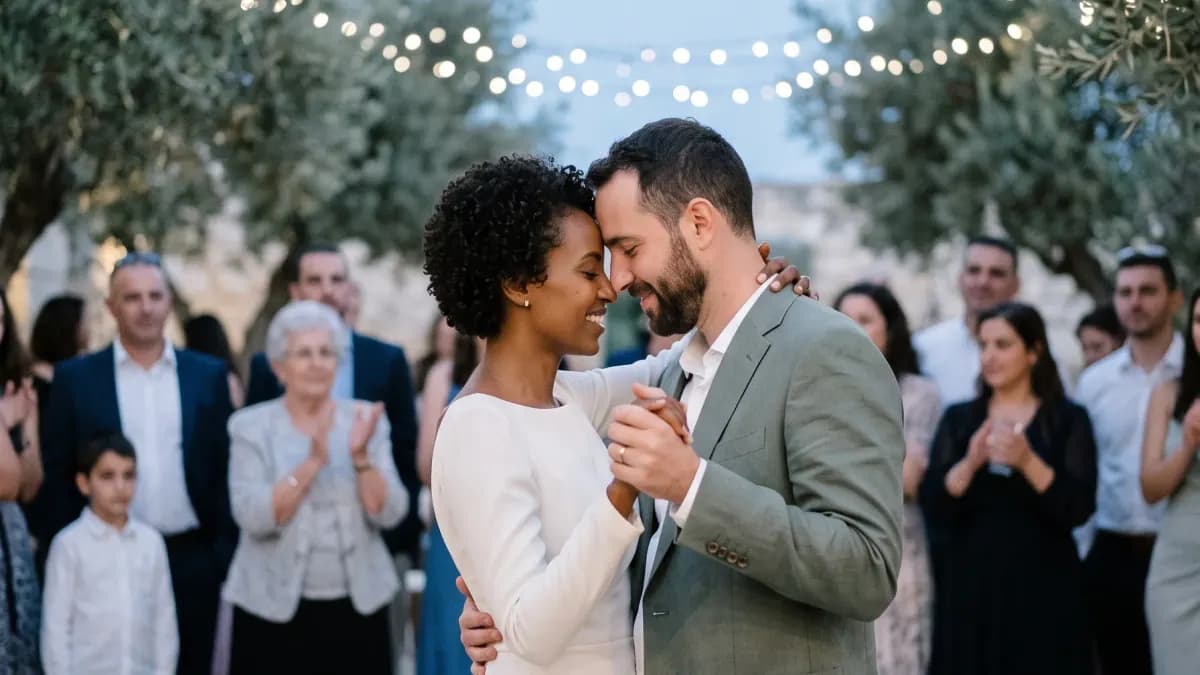
Couples with family in two or three languages
Hebrew for one side, Russian for the grandparents, English for friends abroad, all on one link.
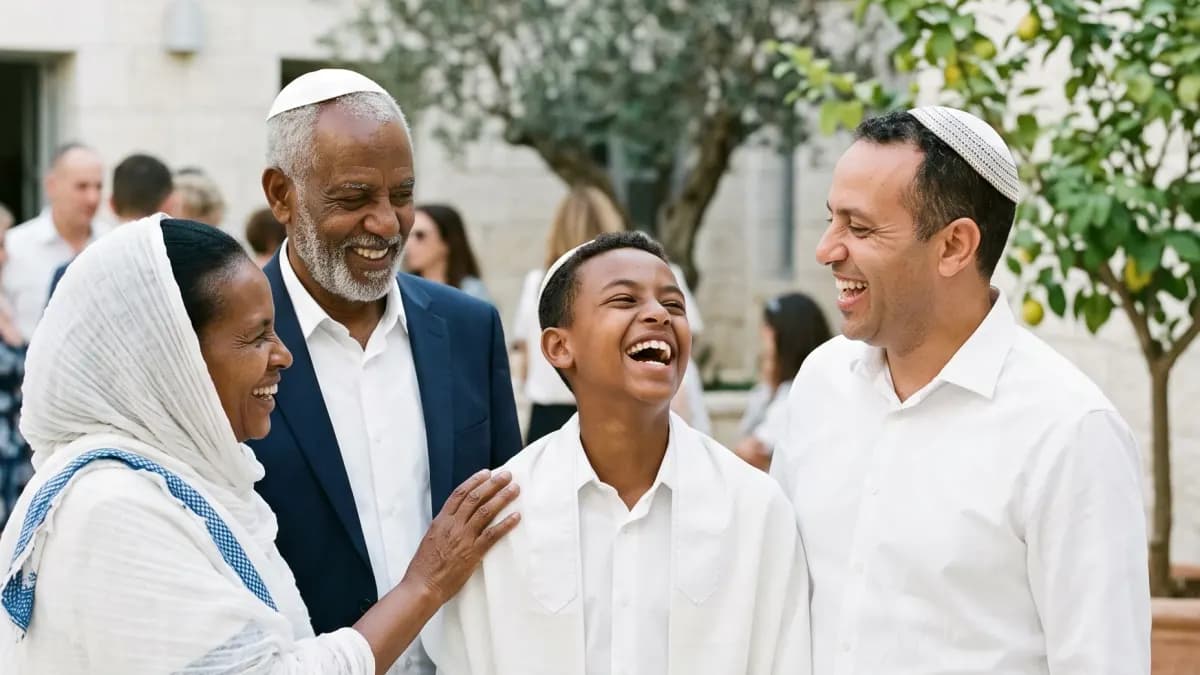
Parents of a bar or bat mitzvah
A starting set of sections and wording written for the event, read by three generations.
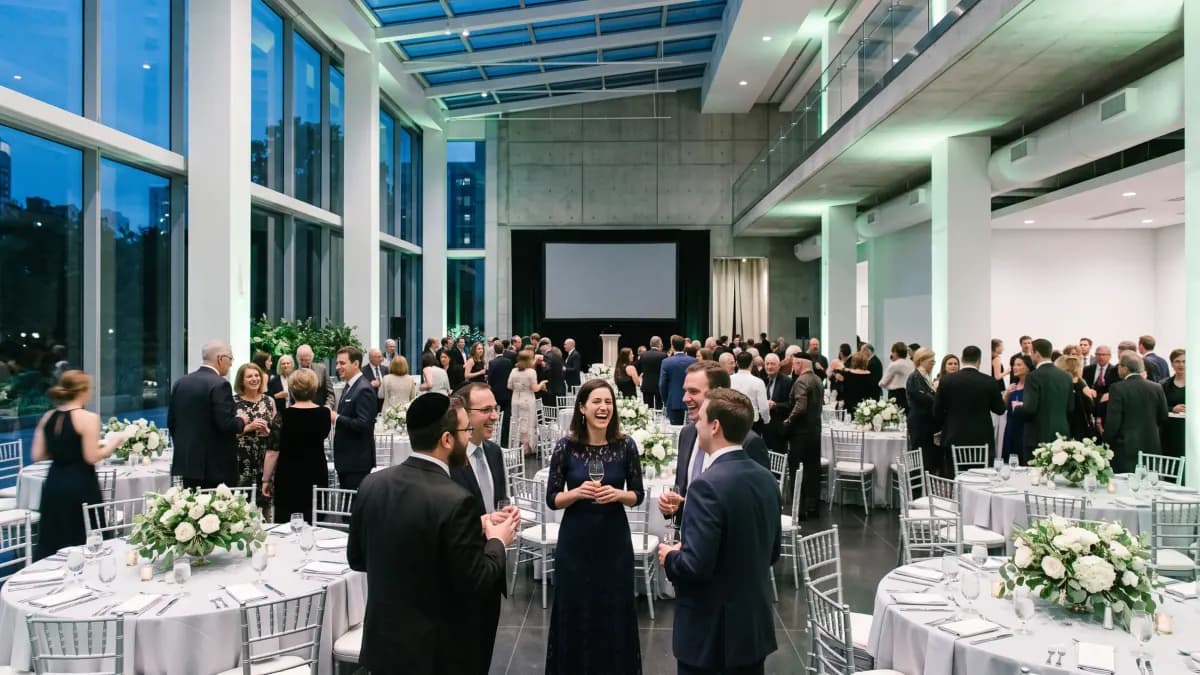
Teams running a conference or a company event
Speakers and sponsors sections, a schedule and directions, in your guests’ languages.
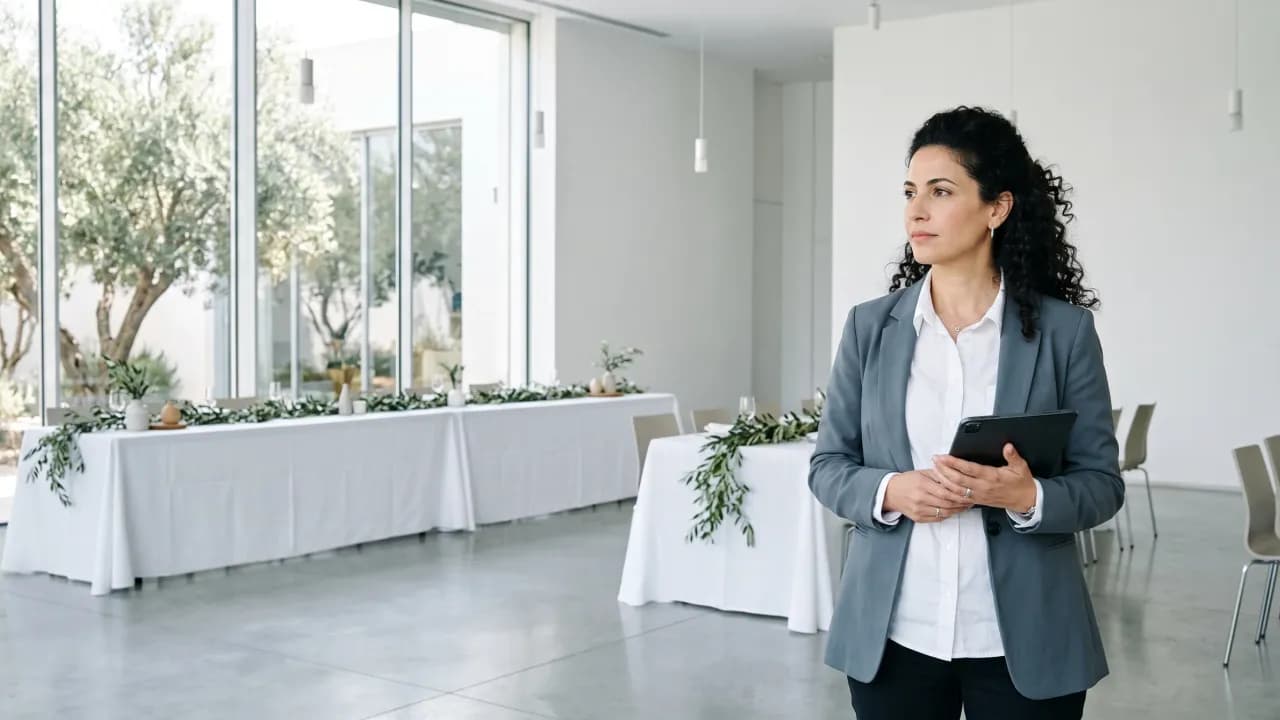
Planners building for clients
Build the site in an editor’s role and send the client the preview link before anything goes live.
Also in the box
- Enabled per event
AI site translation
Write your invitation site in one language and AI drafts the missing ones, marked for you to review.
- Included
Printable invitation
A print-ready card typeset from your published site: names, date, venue and schedule.
- Enabled per event
WhatsApp assistant
Guests RSVP by tapping a reply in WhatsApp, and the assistant answers their questions from your published event site.
- Included
Calling rounds
For the guests who have not answered: a ready list to work through from your own phone, each answer marked as you go. Or hand it to someone you trust with a private link.
- Included
Team roles
Owner, editor, host and photo moderator, so every helper sees only what their role needs.
- Included
Photo screening
Every upload is checked automatically and, by default, waits for you to publish it.
- Paid add-on
Live screen
Guest photos that passed screening play as a slideshow on the venue projector.
- Paid add-on
Reception desk
Whoever meets your guests types the name a guest gives, finds the party, says the table, marks everyone in with a tap and writes down anyone not on the list.
- Included
Envelope opening
A sealed envelope addressed to each guest on their personal link. Off until you switch it on.
- Included
Speakers and sponsors
Two sections for conferences and business events: speaker cards and sponsor logos in groups.
- Paid add-on
Your own subdomain
elena-yonatan.inviteberry.com instead of the path, and every link already sent keeps working.
- Included
Accessibility menu
A button on every page of the site for larger text, higher contrast, highlighted links and less motion.
The organiser panel
Build it, send it, count the answers
The site builder sits in the same panel as the guest list and the messages: the published site goes out in your invitations, and every answer comes back to one list.
Your invitation site, built and published from here
Start from your venue’s link, write once, and publish one address that every guest opens in their own language.
- Venue details suggested from its link, confirmed by you
- Hebrew, Russian and English on one site, right to left included
- AI site translation, enabled per event, drafts the missing languages for review
Elena & Yonatan invite you to their wedding
Elena & Yonatan
Thursday, 14 May · 19:00
- Our story
- Schedule
- Dress code
- Directions
Every reply, the moment it arrives
Answers from WhatsApp, SMS, the invitation site and phone calls land in one guest list, with how many people each guest brings.
- Attending, waiting and not coming, counted for you
- Each answer shows how it arrived: a message, the site or a call
- Each guest's RSVP history, answer by answer
Send to everyone, or only the people you pick
Save the dates, invitations, event-day reminders and thank-yous, by WhatsApp or SMS. Each guest gets the text written for their language.
- Everyone, or a hand-picked list filtered by side, reply or WhatsApp status
- A written text for each language, never a machine translation
- An optional personal link, and an unsubscribe link in every message
Questions
Questions about the invitation site
Tap a question to see the answer
- You write the languages you know. If AI site translation is enabled for your event, it drafts the empty ones and marks each draft for you to check. It never overwrites a text you wrote, and Publish checks that every language is filled.
- Yes. The switcher is on every page, Hebrew turns the page right to left, and a personal link suggests the guest’s own language.
- Yes. Edit the draft whenever you like. Guests keep seeing the published version until you publish again, at the same address.
- No. The site opens in any browser from the link in their message. Only the photo album asks them to sign in.
- Not a domain of your own. Every site lives at inviteberry.com/your-names, and a subdomain like your-names.inviteberry.com is a paid add-on.
- Pricing is announced at launch. Join early access to hear it first.
- No, not even once it is published. Event pages and photo galleries are closed to search engines, so people reach them through the link you send.
- Every page has an accessibility menu: larger text, high contrast, highlighted links and reduced motion. The site is built to the Israeli standard IS 5568, and the accessibility statement is in Hebrew, Russian and English.
- Not on your own yet. The platform already runs real events in early access, and the public launch in Israel is in Q4 2026. Join early access: its members come in first.

Get early access
Early access and special conditions for early adopters.