For photographers
Your work, and the whole day around it.
Every event on InviteBerry has one private gallery. Your set is uploaded beside the guests’ own photographs, in an order you and the host set by hand. You sign in to the platform with a role of your own, not the guests’ code.
Keep the tool you deliver with, if you like. This is an addition beside it.
Already running real events · Public launch Q4 2026
Contact sheet
One evening, two kinds of eye.
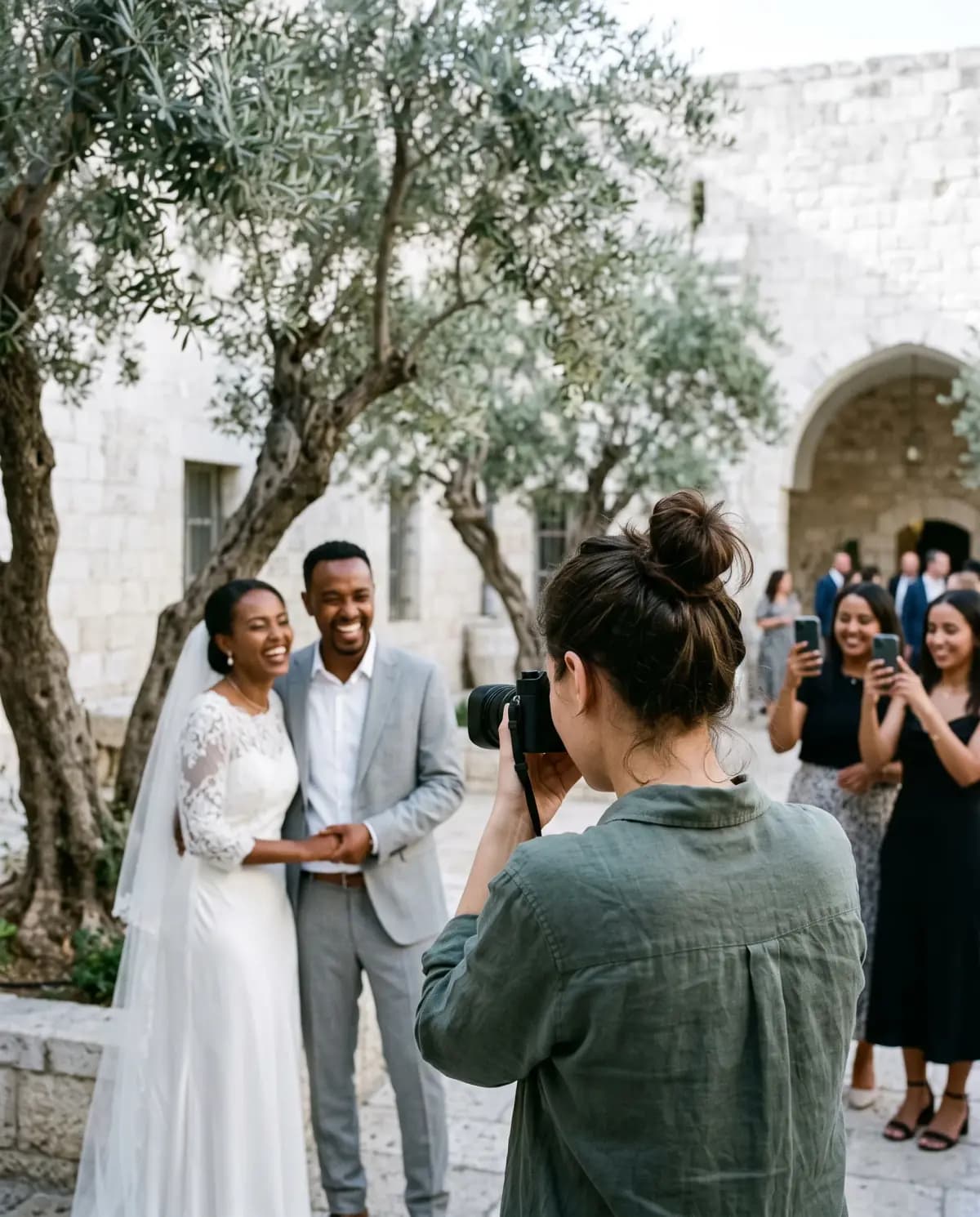
Your frames and the guests’ frames land in the same gallery, and every photograph keeps its own proportions.
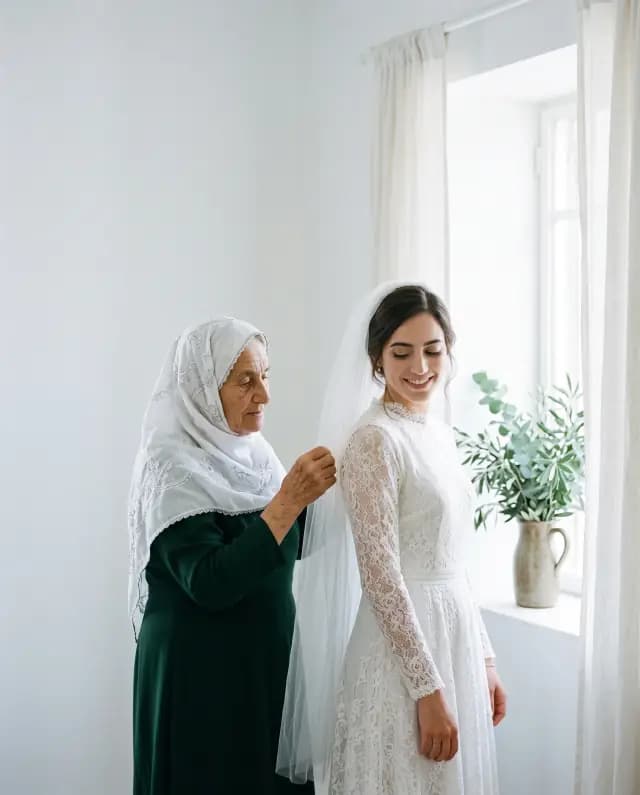
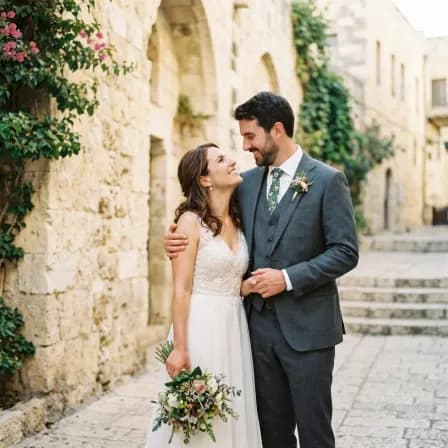
Your setWeddingBefore the chuppah 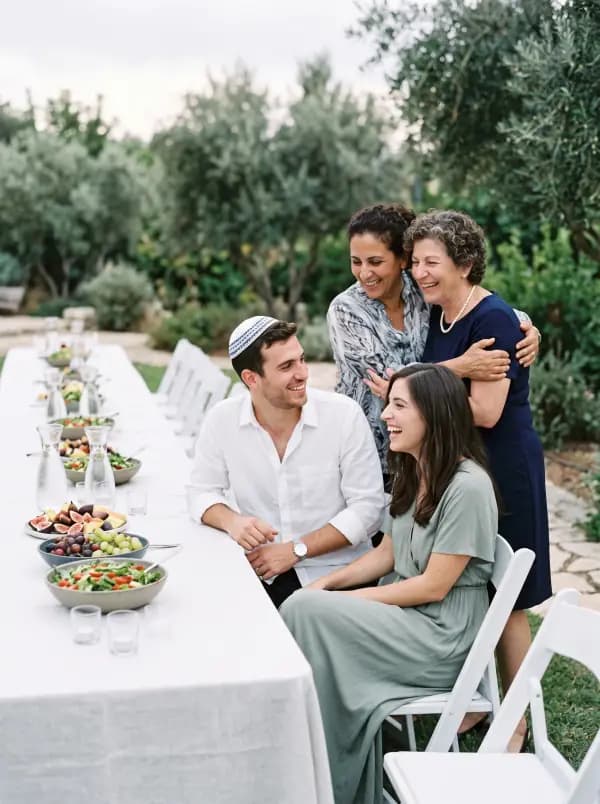
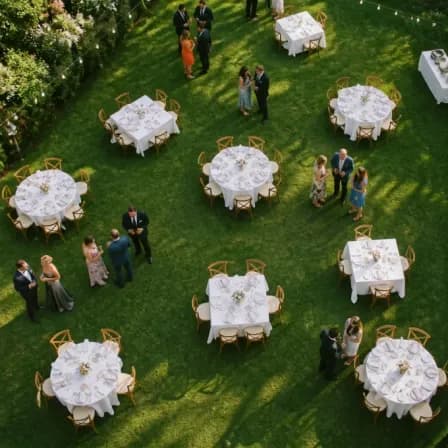
From a guestEngagementA garden table 
Your setBar mitzvahStone courtyard 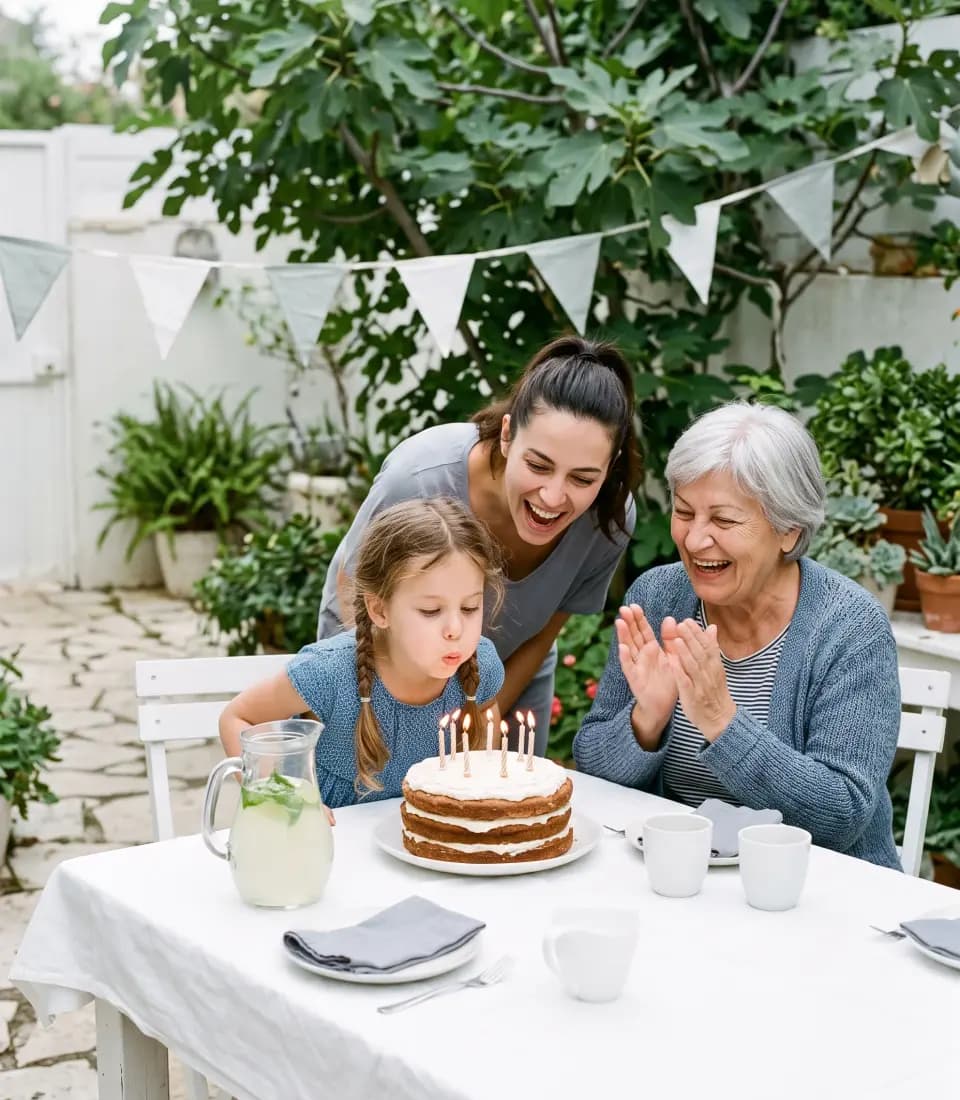
From a guestBirthdayUnder a fig tree 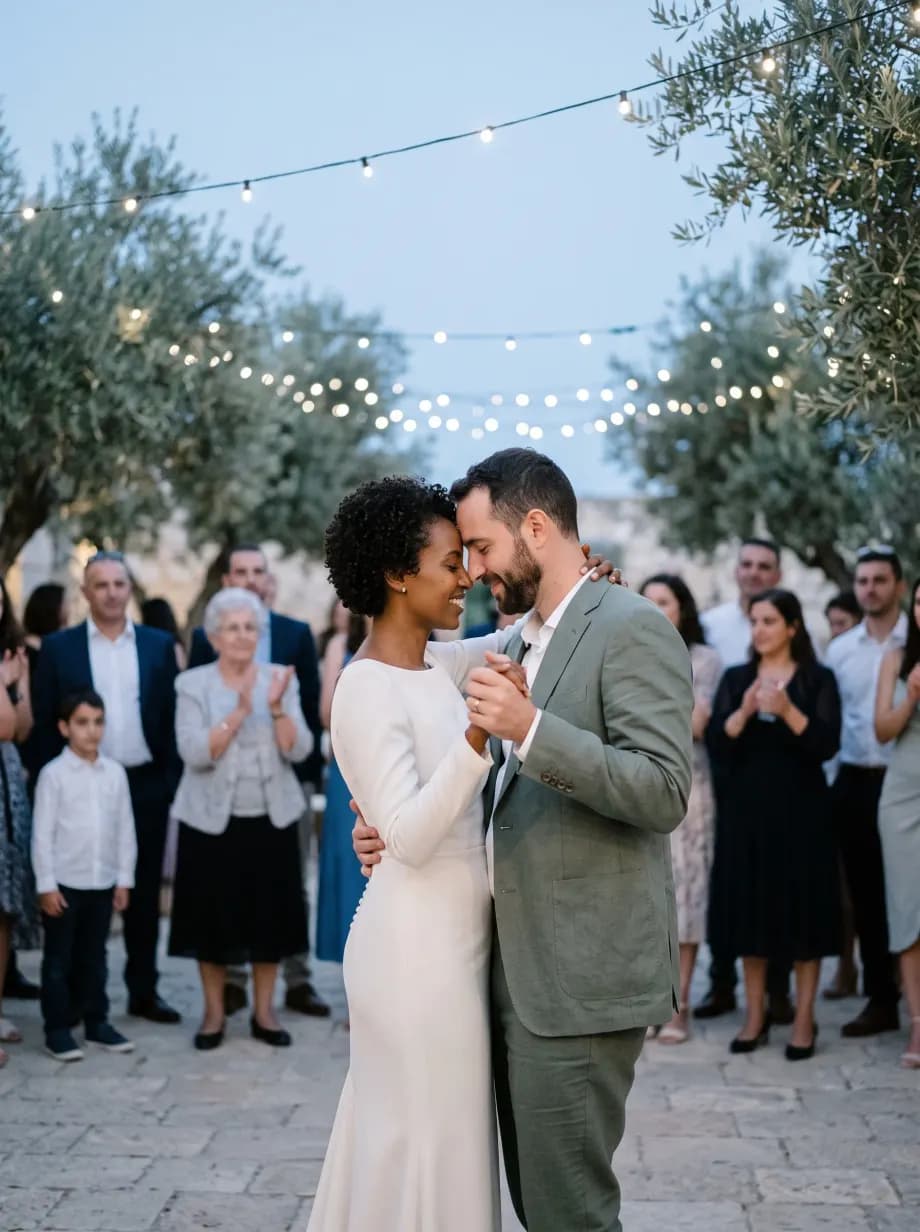
Your setWeddingThe first dance 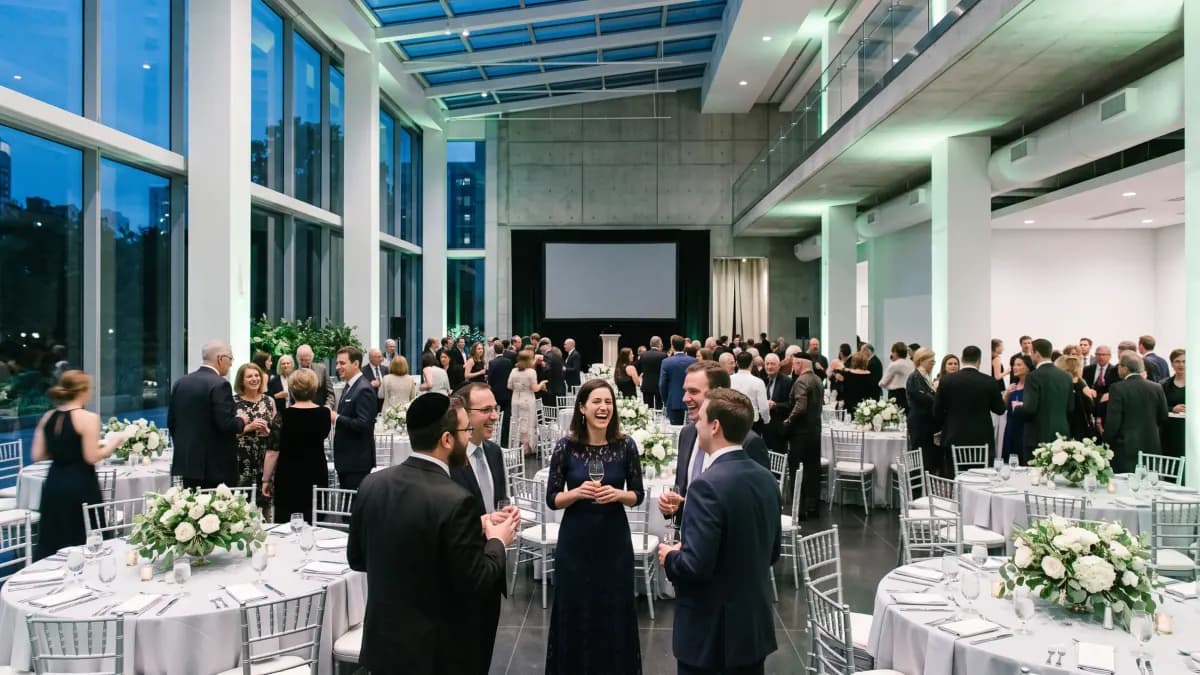
Your setGala dinnerA glass hall
Where we stand
Keep delivering where you deliver now. InviteBerry is the gallery of the event itself.
Your contracts stay where they are, and for now so do your client gallery and your portfolio. What we add is the place where the guests’ photographs meet yours, and where the host decides who takes what home.
The InviteBerry service
- Your set beside the guests’ photographs
- The host choosing who downloads the whole album
- A Google Drive folder of originals, kept for the organiser
- An invisible mark in every downloaded copy
- A photo moderator role for you
- The live screen in the hall, a paid add-on
- A printed album laid out from the gallery Coming soon
- The edited set, under your name Coming soon
- Proofing and your client’s picks Coming soon
- Prints and albums for your clients Coming soon
- Your portfolio Coming soon
Stays in your delivery tool
- Bookings, contracts and invoices
Soon you will be able to deliver the whole shoot to your client on InviteBerry.
Five things to know
What changes for you on the day, and after it.
Your set and the guests’ photographs, side by side.
The guests add theirs from their phones during the evening; you add the set when it is ready. The host arranges the album by hand, and that order is what everyone sees first. Each photograph keeps its own proportions, so a vertical frame stays vertical.
- What the organiser uploads goes up at full resolution
- Guest photos are screened automatically

From the guestsWeddingGarden reception The host decides who can download the whole album.
The host’s own photographs are packed as one file and offered only to the guests the host switches on, one by one. Everyone else saves a selection at a time. Originals are kept in a Google Drive folder that the organiser can open.
- Whole-album download is off by default
- Up to 25 photos per download for everyone else
- Every downloaded copy carries an invisible mark naming the event and who took it
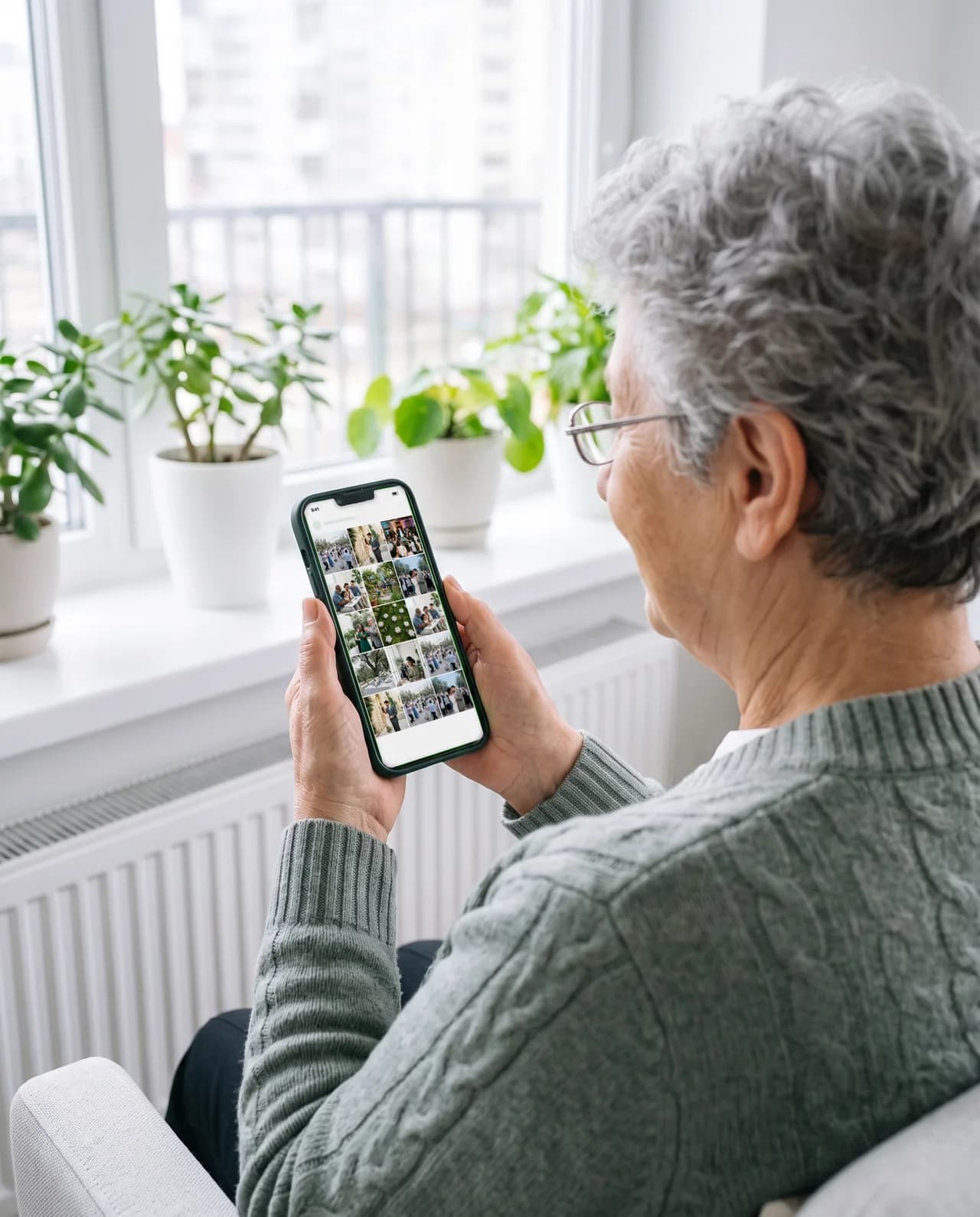
The host’s albumAfter the dayAt home You come in as the photo moderator.
The owner invites you by email. You see the gallery and nothing else: hiding photographs, their order, the album pages, downloads and your own uploads. Guest contacts, access codes and the hall plan stay closed to you by the access rules themselves, not only by the menu.
- The seat counts toward the event’s team seats
- Your client gets a host seat of their own

Two photographersBar mitzvahA white hall A printed album from the same gallery.
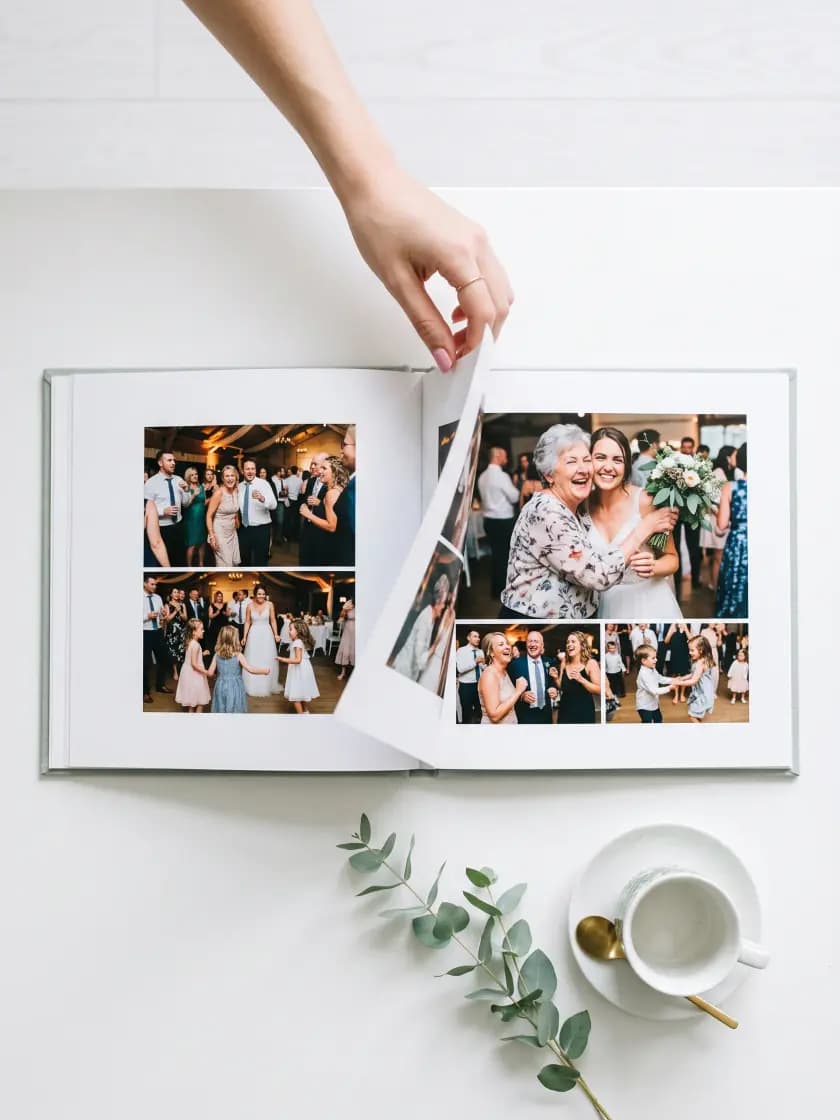
The best frames, yours and the guests’, become the spreads of a book. How the editor works is just below.
- The album pages are part of the photo moderator role
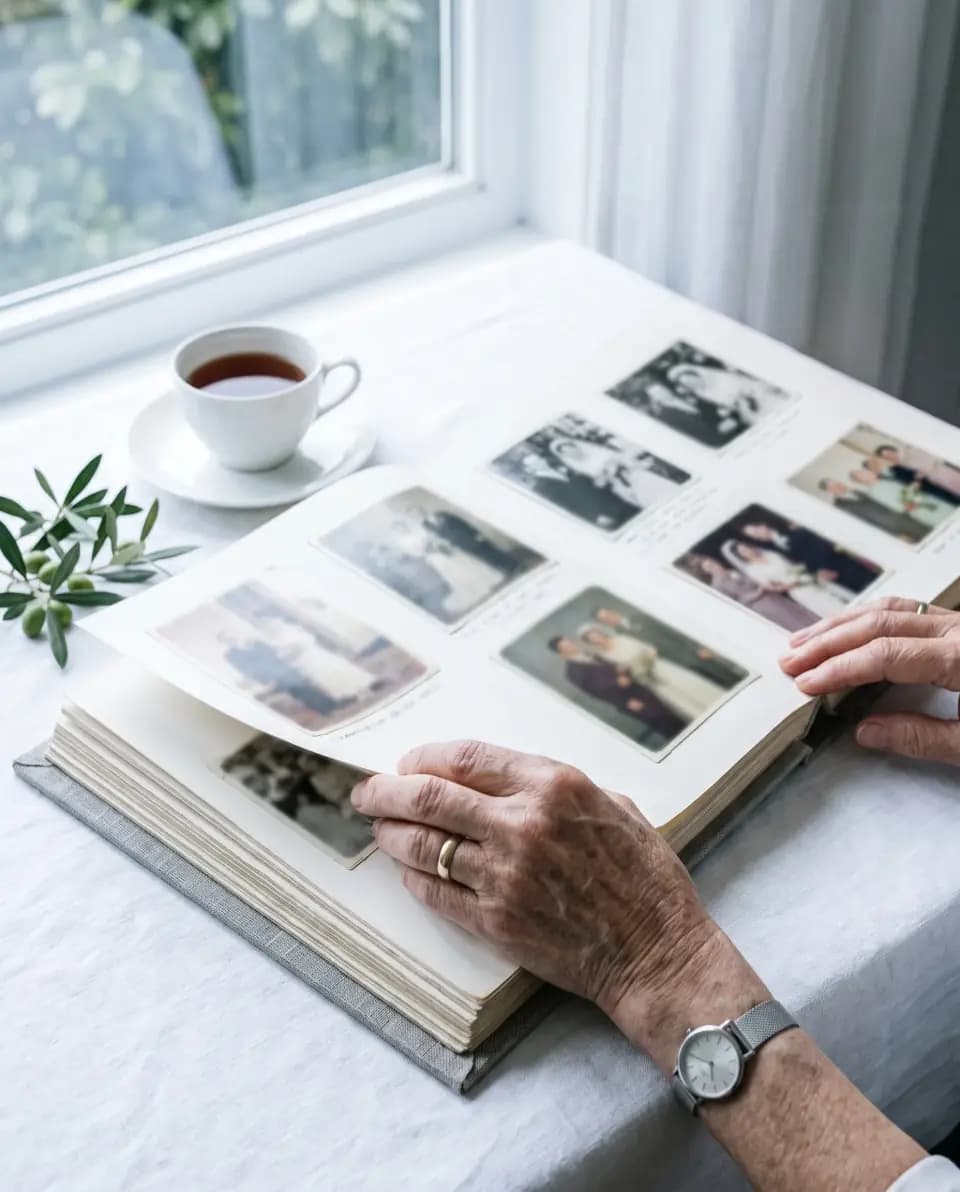
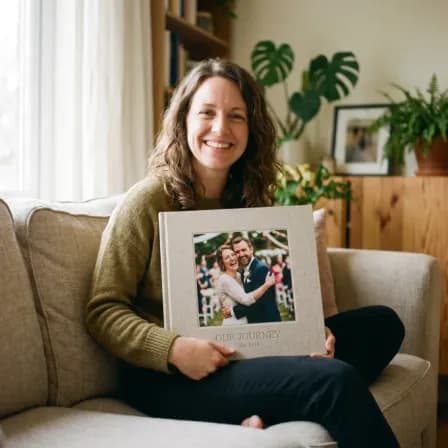
The bookWedding albumOn the table The guests watch the evening come back on the projector.
With the live screen, a paid add-on, photographs that passed screening appear on the venue projector two minutes after upload, never sooner. As the photo moderator you can take a single frame off the wall and put it back.
- Paid add-on, switched on per event
- A guest can keep their own uploads off the wall
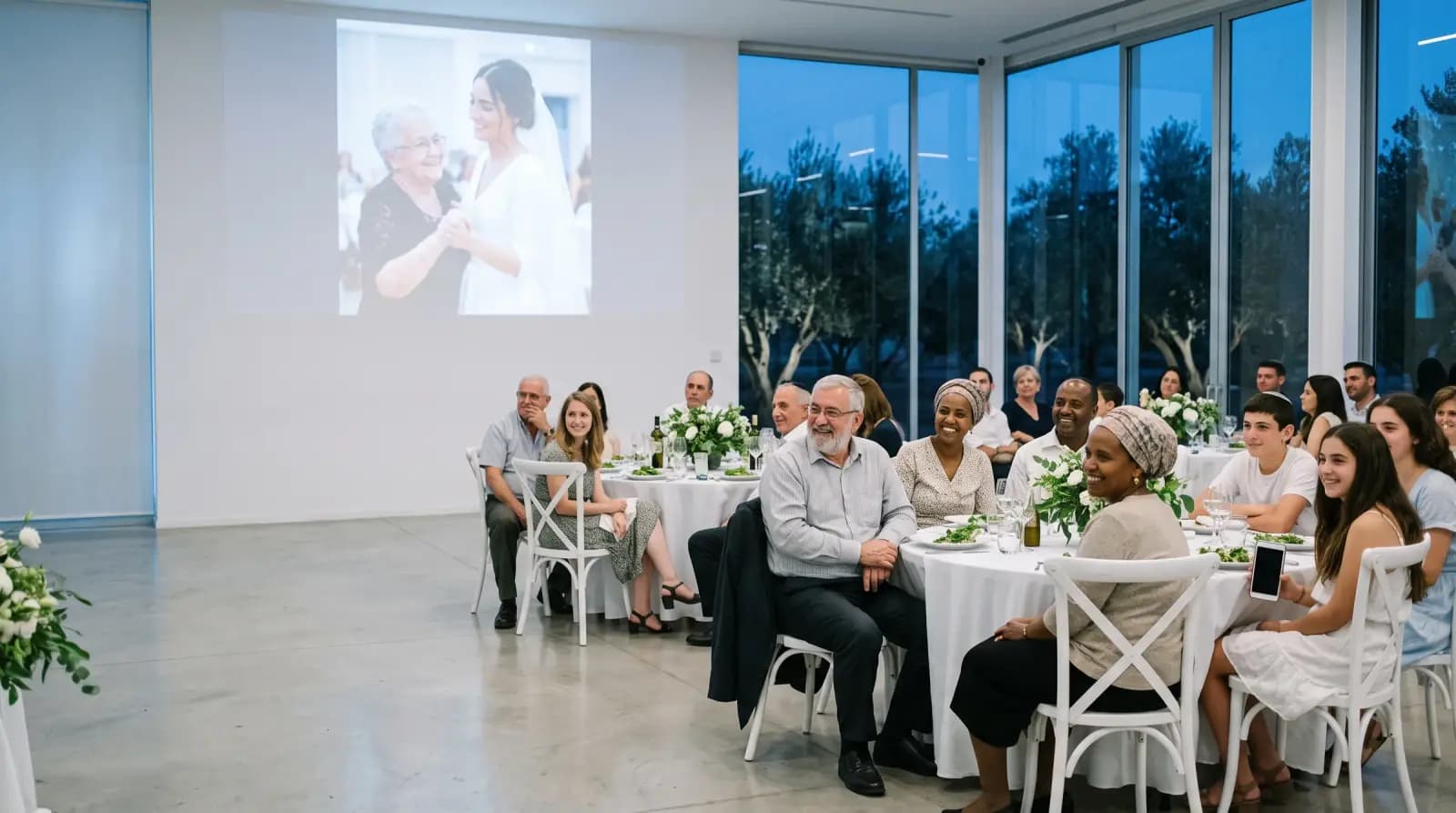
The live screenWeddingEvening reception
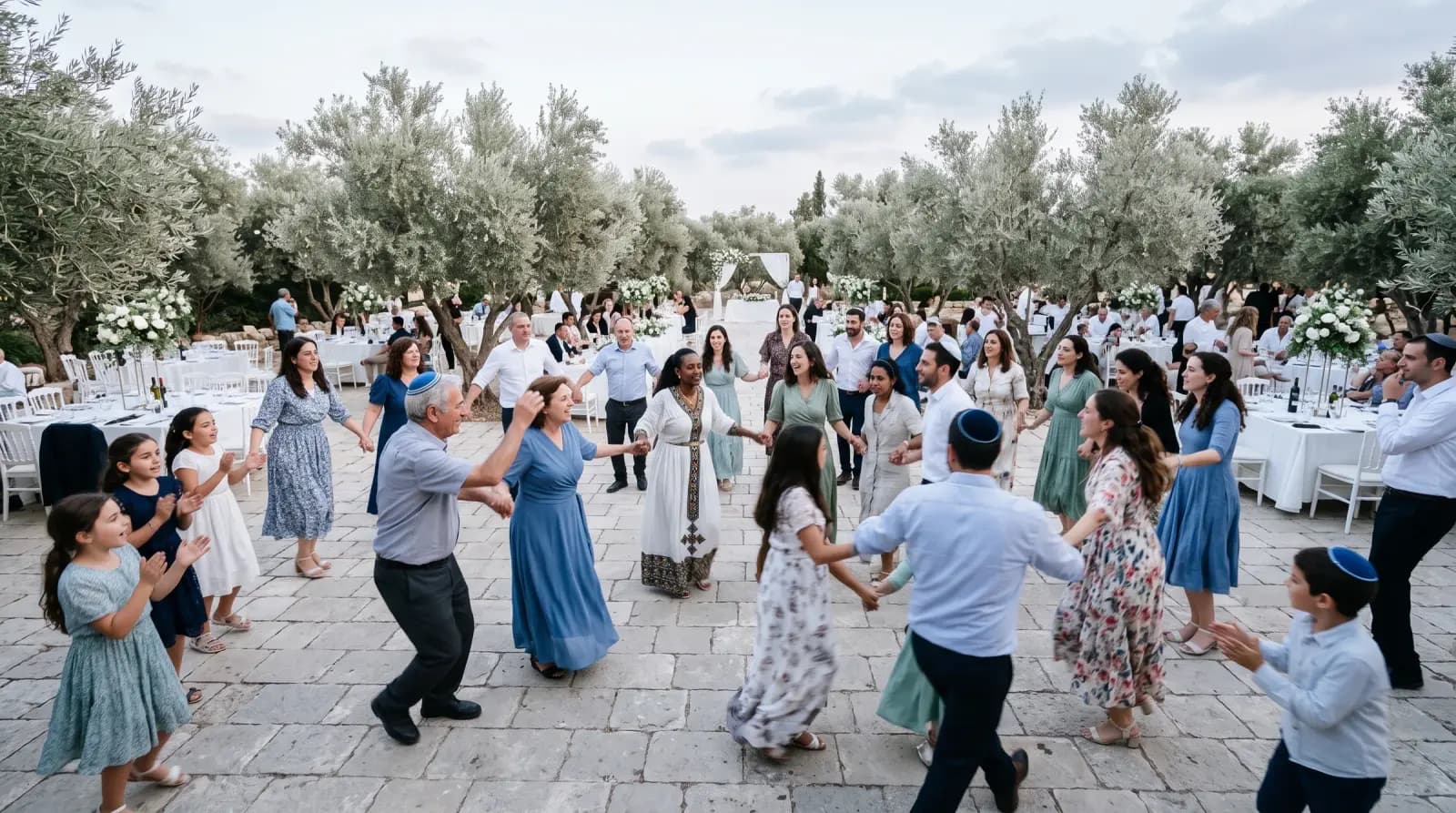
The guests photograph the evening from inside it. You photograph it from where it reads.
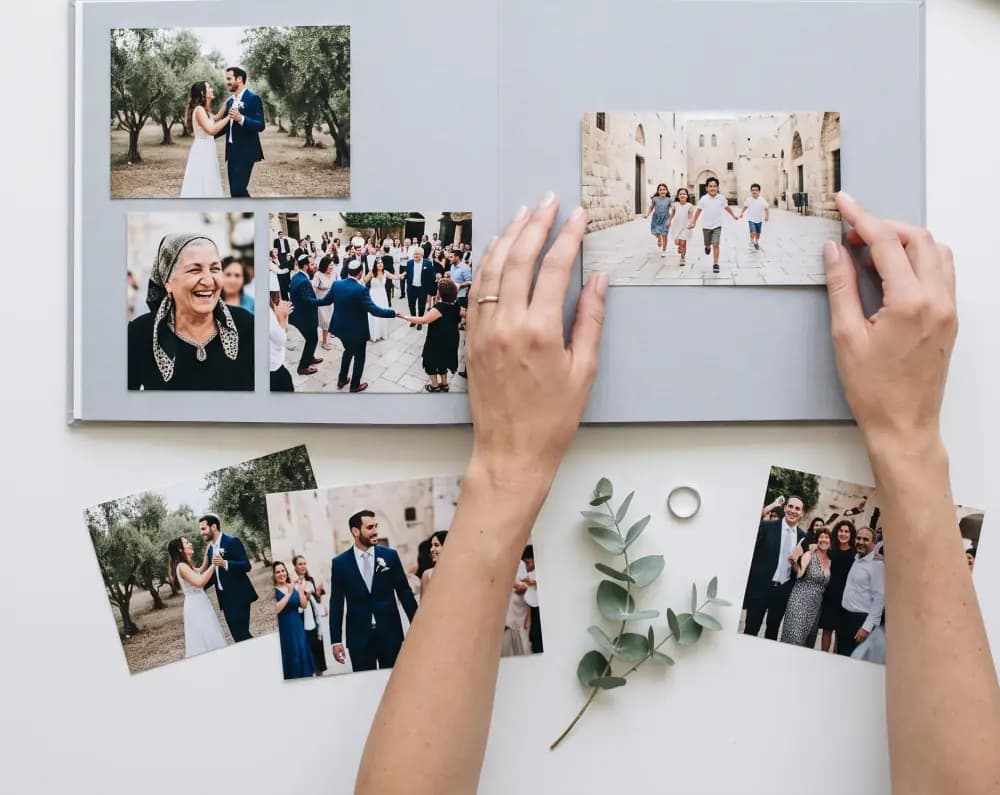

From gallery to book Coming soon
The album, laid out by the person who shot it.
The editor works on the event’s own gallery, so the guests’ best frames sit on the same spread as yours. Place photographs by drag or tap, crop and pan each one, set it in black and white, and let the check before print tell you which slots will not hold up on paper.
- 27 layouts in three groups, and a blank sheet
- Fourteen photo adjustments, in the manner of a phone editor
- Single page, flip-book and full-screen preview
- Ordering the print is coming soon
Built for
Who this page is for
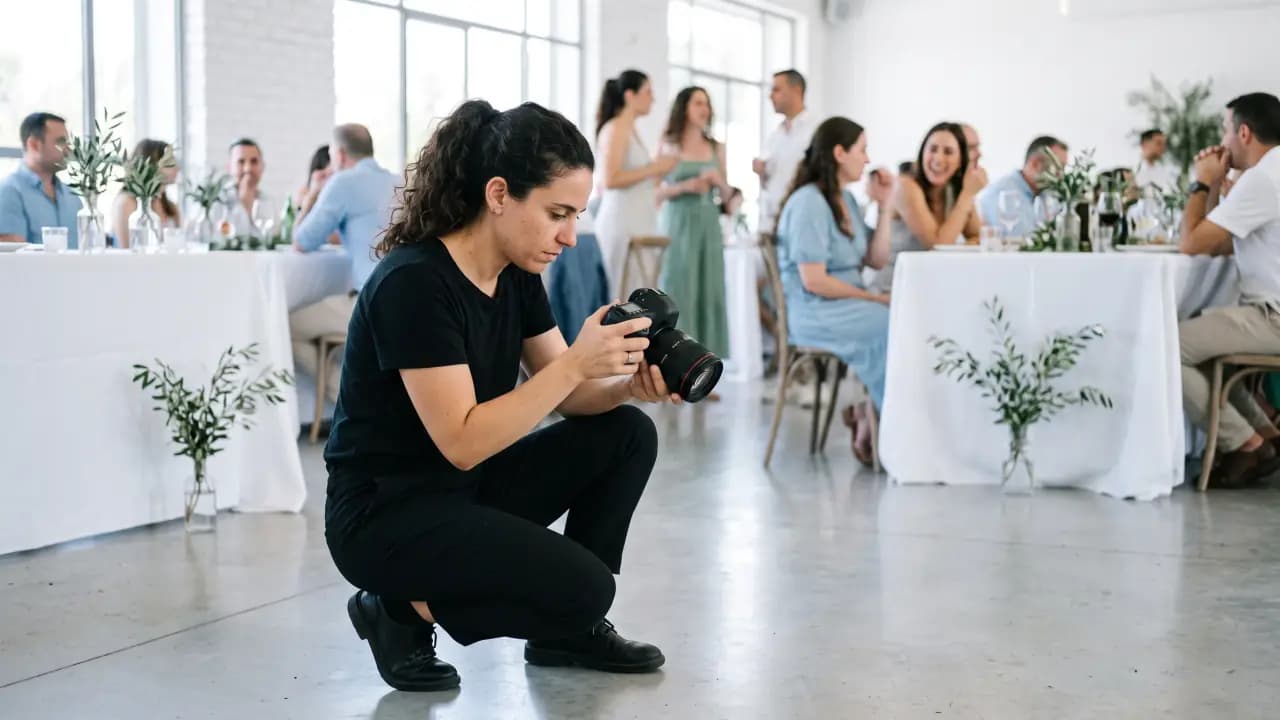
The photographer the couple hired
Your set goes into their gallery, next to the guests’ photographs.

A second pair of hands
A colleague or an assistant can take a moderator seat too, within the event’s team seats.
A studio with many events
Each event has its own gallery and its own team, so every client stays separate.

Your client, the host
The couple’s own seat: they moderate the gallery and read the guest list, with no messaging and no settings.
The organiser panel
The two tabs you will actually open
Photo moderation and team roles. Everything else in the panel belongs to the host.
Moderation is a seat, and it can be yours.
A photo moderator can hide a single photograph and set the order everyone sees first, and that moderator can be you.
- A photo moderator can hide a single photograph
- Set the order everyone sees first
- On the wall now: take a frame off the live screen and put it back



Four roles, and yours is the narrowest.
The owner invites an editor or a photo moderator by email, with a temporary password shown once. Each role opens only what it needs.
- Photo moderator: the gallery and nothing else
- Host: the client’s seat, moderating the gallery and reading the list
- Editors and photo moderators share the event’s team seats
Also in the box
- Paid add-on
Live screen
The venue projector shows screened photographs as they arrive, and a moderator can lift any one of them off.
- Coming soon
Find photos of me
For guests looking for the frames they appear in. It is not switched on in any gallery today.
- Coming soon
Printed album editor
Layouts, crop, tone and a check before print. Ordering the print is coming soon.
- Included
Photo screening
Runs automatically on every guest upload, and a moderator can hide any single photograph.
- Included
Team roles
Owner, editor, host and photo moderator, each seeing only its own part.
- Included
Originals folder
A Google Drive folder of originals that the organiser can open.
- Included
Download marks
An invisible mark in each downloaded copy, and a record of every download.
- Included
Calling rounds
Your client’s guests who have not answered, in one ready list the organiser calls or hands on.
- Paid add-on
Reception desk
Guests checked in at the door, and a tablet where they find their own table.
- Paid add-on
AI floor plan
An image of the hall plan, read into the seating tool.
Questions photographers ask
Before you suggest it to a client
Tap a question to see the answer
- No. InviteBerry does not replace it: this is the gallery of the event itself. You deliver the edited set under your name the way you do now.
- When the organiser uploads your set, it goes up at full resolution. The originals are kept in a Google Drive folder that the organiser can open.
- Only the guests the host switches on, one by one; by default, nobody. Everyone else downloads a selection, up to 25 photos at a time, and every copy keeps an invisible mark naming the event and who took it.
- Yes. The owner invites you by email as the photo moderator. You see only the gallery, and the seat counts toward the event’s team seats.
- “Find photos of me” is coming soon. It is not part of the gallery today.
- The photographer or the organiser who put them there. We host the folder for the event, but none of the files in it is ours.
- No, not even once it is published. Event pages and photo galleries are closed to search engines, so people reach them through the link you send.
- Pricing is announced at the public launch. Join early access before then and we will email you a special offer.
- Yes. In the gallery a guest selects the photos they are in and asks for their removal. Anyone, invited or not, can report a photo through our public form, with no account. To see, correct or delete their data, they write to us by email.[email protected]

Get early access
Early access and special conditions for early adopters.