
Your company event under control, from the invitation to the last guest at the door.
Send each guest a personal invitation in Hebrew, Russian or English on WhatsApp, watch the answers add up, plan the seating and the budget, and keep the photos from the day.
Doors open in
The run of the day
- Doors and coffee
- OpeningNext
- Workshops
- Lunch, seated
- Team activity
Names and numbers on this page are examples.
01 / The invitation
Create your invitation in a minute
Pick the event, type its name, switch the language. The same invitation then reaches every guest in their own language.
02 / The answer
This is how your guests will see it
A personal message on WhatsApp, big buttons, plain words. Tap a reply as a guest and watch your list count it. Nobody has to install an app or create an account. The invitation is the one you built above.
- עברית
- Русский
- English
Try it as a guest: tap a reply
An evening together, with the whole team
Thursday, 17 June 2027
Open the invitation site03 / From the list to the door
One event, from the site to the photos on the screen
Scroll, and the phone follows the day.
Weeks before
An event site in minutes
Build the site yourself, no designer needed: date, countdown, schedule, venue and how to get there, in Hebrew, Russian and English. A conference adds Speakers and Sponsors sections.
When they answer
Who is coming, and what they eat
Attending or not, how many people, and the questions you switch on: vegetarian, vegan, gluten-free, allergies, parking. Totals for the caterer come out of it. After a yes, the guest is offered the calendar and Waze.
Once the answers are in
Seating on the hall plan
Drag a department or a group onto a table and the plan shows at once how many seats are left. Tables or rows of chairs, a stage and a screen, seat-together groups and keep-apart rules.
While you prepare
The budget in view
Note the costs of the venue, the catering and the photographer, record each payment, and see what is paid and what is left.
On the day
A reminder with the venue
The event-day message goes out by WhatsApp or SMS with the venue name and address and a button to your event page.
At the door · paid add-on
The host finds the party and its table
Whoever meets your guests, a hired host or a friend with a link, hears a name, finds the party, says the table and marks everyone in with one tap. Five seconds to undo. Switched on per event.
At the event · paid add-on
Guests’ photos on the projector
Guests upload photos from a QR code and, once screened, they play as a slideshow on the hall’s screen. Afterwards they stay in the gallery: the photo report is ready.



 Annual company party
Live demos
Try the features
Everything here works right on the page. Nothing is saved, and nothing is sent.
Make the card
Pick the event, type the names, choose one of the designs and the language: the card follows as you go.
Answer as a guest
Tap a reply in the invitation: the organiser’s list counts it at once. Switch the guest’s language below.
The album guests open
Like a photo, save it to a folder only you see, or pick a few to download. Included with every event.
Build the event site
Pick one of the site builder’s eleven themes, the event, the names, the date and the sections: the preview rebuilds at once.
Seat them by drag
Drag a guest or a whole party onto a table, or tap the armchair to choose one. A table that is too small says so.
Messages on WhatsApp
Pick the message: invitation, reminder, event-day message or thank-you. Each goes to its own guests by default. Check how it looks in WhatsApp and send; here the queue only pretends.
Add an expense
Add a category, record a payment, and watch paid, left and the totals follow.
Keep track of the gifts
Mark each guest’s gift as money or an item and type the amount: you see at once who gave what was expected, less, or nothing yet, and the totals follow.
04 / Three kinds of company day
Whichever day it is, the list is the same job
Each card names only what exists today.

Company party, offsite or team day
Headcount, meals, who sits with whom, and a thank-you afterwards.
- Meal and parking questions in the RSVP
- Seat-together groups and keep-apart rules at the tables
- A thank-you to everyone, or only to those who came

Conference or summit with an invited audience
Speakers and sponsors on the site, a hall with rows, a list at the door.
- Speakers and Sponsors sections on the invitation site
- Rows of chairs, a stage and a screen on the hall plan
- A door list your host works from a phone (paid add-on)
Tickets, payments and multi-track agendas stay in your ticketing tool.

Customer or partner day
A personal invitation, a seat for the guests who matter most, and a list of those who have not answered, to call.
- One personal link per guest
- Priority guests on the seating plan
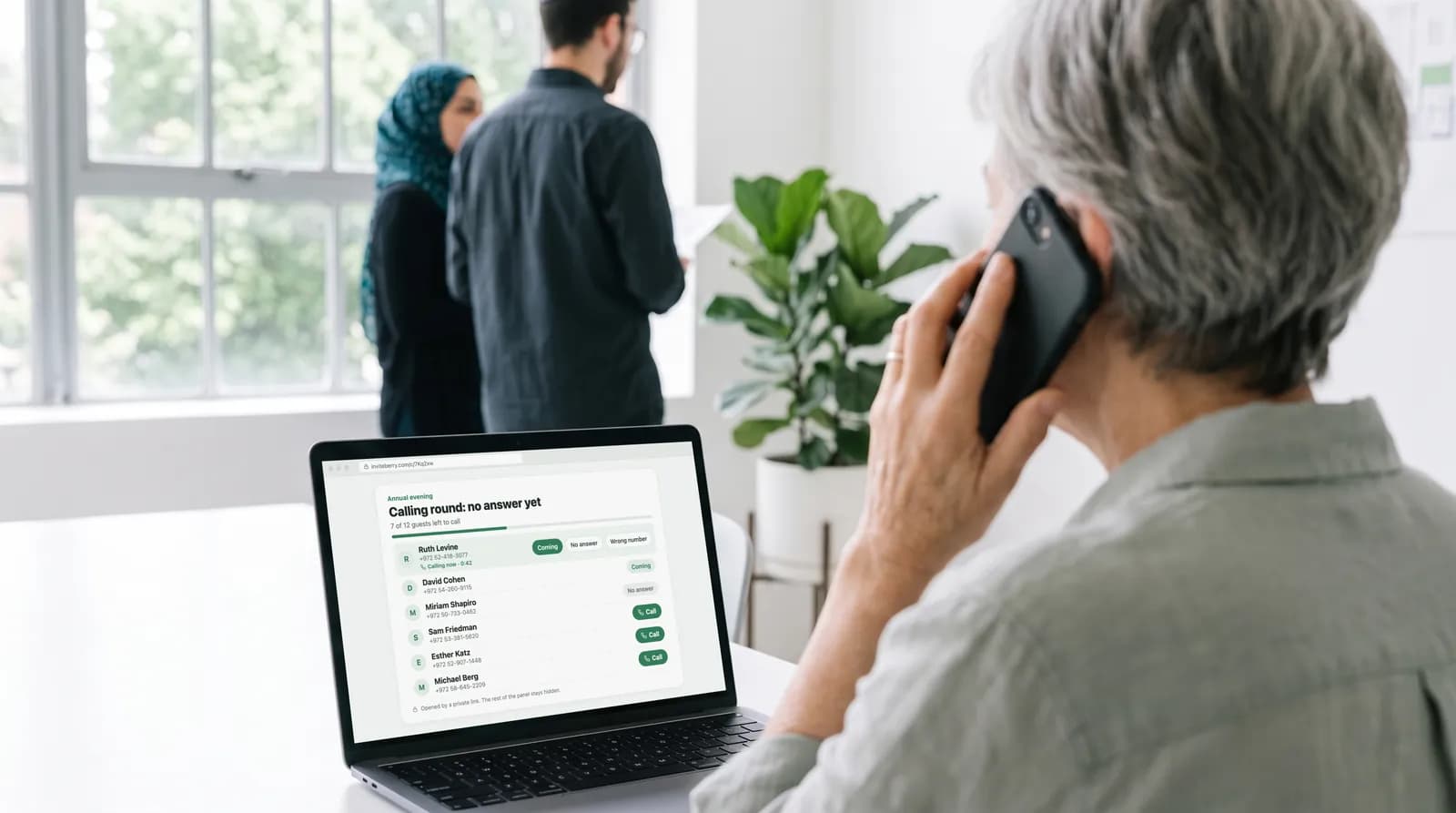
- A call round for those who have not answered, yours or a colleague’s
05 / Built for
The people who get handed the list
Whoever owns the date, the headcount or the door.

HR and event organisers
Running the annual party, the offsite or the family day: headcount, meals, who sits with whom.
Internal communications
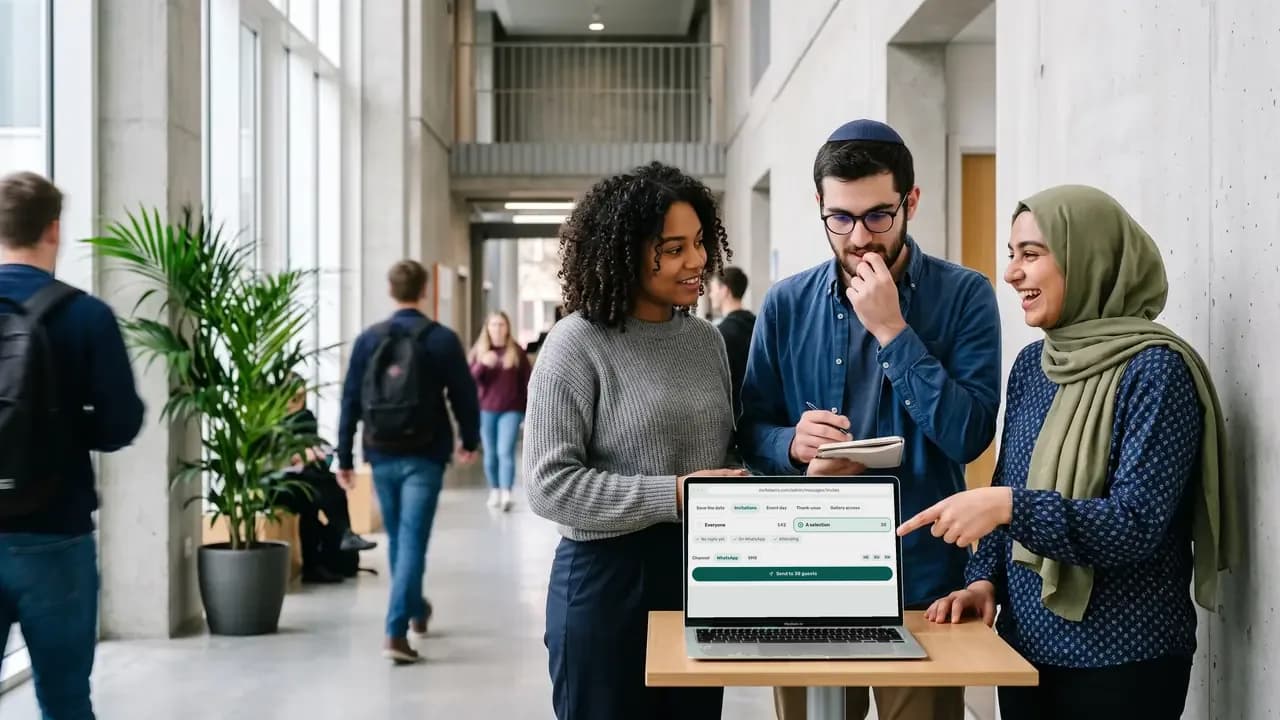
One invitation to everyone, in Hebrew, Russian and English.

Marketing and event managers
A customer day, a partner summit or a one-day conference with an invited audience.
Office managers and assistants
Handed a list and a date, and asked to make it work.

Producers and agencies
Running it for a client company, with the client following along as host.

The head of the department
The event is for them: they read the list and the seating and change nothing.

Hired hosts at the door
One link and a phone, no account. Needs the reception desk add-on.

Associations and member bodies
An annual meeting for members, invited by name.
06 / The organiser panel
The four screens a company event leans on
Tap a tab. The names and numbers are examples.
Send to everyone, or only the people you pick
Save the dates, invitations, event-day reminders and thank-yous, by WhatsApp or SMS. Each guest gets the text written for their language.
- Everyone, or a hand-picked list filtered by group, reply or WhatsApp status
- A written text for each language, never a machine translation
- An optional personal link, and an unsubscribe link in every message
The door, on one link and a phone
Whoever meets the guests finds each one by name, says the table and marks the whole party in with a tap. Sold as an add-on and switched on per event.
- A name is found whether it is typed in Hebrew, Russian or English letters
- The table in large type, one tap for the party and five seconds to undo
- Someone not on the list is written down for you, and nothing more happens
Your invitation site, built and published from here
Start from your venue’s link, write once, and publish one address that every guest opens in their own language.
- Venue details suggested from its link, confirmed by you
- Hebrew, Russian and English on one site, right to left included
- AI site translation, enabled per event, drafts the missing languages for review
Helpers see only what their role needs
Invite an editor or a photo moderator by email, move them between roles, pause or remove them. Hosts follow along without touching anything they should not.
- Editors run guests, messages, seating, money and the site
- Hosts read the list and the plan, record gifts and moderate photos
- Photo moderators see the gallery and nothing else
Replace seven places
Seven places to check, or one.
How a company event usually gets run, next to how it goes in InviteBerry.
| The job | The usual way | With InviteBerry |
|---|---|---|
| Invitations | A WhatsApp group and an email chainA poster forwarded again and again, and nobody sure who got it. | One personal link per guest, in their own language. |
| Answers | Replies in chats and a formA spreadsheet kept by hand. | One list, counted as the answers come in. |
| Meals and parking | A second formSent after the first one, answered by some. | Asked in the RSVP, with totals for the caterer. |
| No answer yet | Scrolling chats at nightSomeone checks who has not replied, again. | A no-answer list and a call round a colleague can work without access to the rest. |
| The hall | A slide or a sketchRedrawn after every change. | The hall drawn with tables or rows, a stage and a screen, and who sits where. |
| The door | A printed list and a penNames crossed out in a queue. | Find a name in Hebrew, Russian and English letters, say the table, mark the party in. A paid add-on. |
| After | Pictures in a shared folderAnyone with the link can add anything. | A gallery behind a sign-in, screened on upload. |
| Seven places | One list |
Tickets, payments and multi-track agendas stay in your ticketing tool.
Also in the box
- Included
Calling rounds
For the guests who have not answered: a ready list to work through from your own phone, each answer marked as you go. Or hand it to someone you trust with a private link.
- Paid add-on
Reception desk
Whoever meets your guests types the name a guest gives, finds the party, says the table, marks everyone in with a tap and writes down anyone not on the list.
- Paid add-on
AI floor plan
Upload an image of the hall plan and AI reads it into the seating tool.
- Enabled per event
AI site translation
Write your invitation site in one language and AI drafts the missing ones, marked for you to review.
- Paid add-on
Live screen
Guest photos that passed screening play as a slideshow on the venue projector.
- Included
Photo screening
Every upload is checked automatically and, by default, waits for you to publish it.
- Coming soon
Find photos of me
Guests will find the photos they appear in. It is switched off for now and is coming soon.
- Included
Team roles
Owner, editor, host and photo moderator, so every helper sees only what their role needs.
- Included
Printable invitation
A print-ready card typeset from your published site: names, date, venue and schedule.
- Included
Rows, a stage and a screen
Seat a hall as well as a dinner: tables of seven shapes or rows of chairs with aisles, plus a stage, a screen and a bar on the plan.
- Included
Venue and catering summary
Totals and allergy descriptions for the caterer, with no names or contacts, printed or as a spreadsheet.
- Included
Calendar file and Waze
A guest who said yes can add the event to a calendar and open the venue in Waze.
Questions
What organisers ask first
Tap a question to see the answer
- No. InviteBerry runs a list of people you invited, with a personal link for each. If you sell tickets, keep your ticketing tool and use InviteBerry for the invited part: staff, speakers, partners and VIPs.
- Not today. The site has one schedule for the day. If you run tracks, write them there as text.
- No. The reception desk, a paid add-on, finds a guest by name, says the table and marks the party in. It prints nothing.
- Yes. The site and the messages come in all three, each message with its own written text, and each guest gets their own language. Translating the site with AI is switched on per event.
- Yes. Owner, editor and host roles, a call-list link and a door link each open only what they are for. How many helpers an event gets depends on the plan, announced at launch.
- Invitations, reminders and thank-yous go by WhatsApp and, to Israeli numbers, by SMS. Guests who opted out are skipped. Pricing is announced at launch.
- Yes. A conference or an “other” event gets Speakers and Sponsors sections on the invitation site. A speaker’s photo needs your undertaking that you hold their consent.
- Only the people you give a role. A guest’s personal link shows that guest what their own page shows, with the phone number masked to its last four digits.
- You decide whom to invite and what they are sent; we keep the guest list and send the messages on your instructions. When you first sign in you accept a data processing addendum (DPA). A host, the person the event is for, accepts a short set of host rules instead.
- Data is encrypted in transit and at rest. Gallery access codes are kept only as hashes. Access is separated by event and by role, and organisers can protect their sign-in with a second factor. We work under Israel’s Protection of Privacy Law, including Amendment 13, and the GDPR. We do not sell data and do not keep an advertising list.
- Yes. The owner exports the whole event: one Excel file with each part on its own sheet, plus a PDF summary. The same Excel file can restore the event into a new, empty project.
- No. We do not sell data and do not keep an advertising list. Your guests get only the messages of your event.
Early access
Your next company event, without the spreadsheets and the chaos
Early access is open. Tell us who you are organising for.

Get early access
Early access and special conditions for early adopters.