Opening evening11.0319:00Example
Open the doors to the right people, and know who came through them.
Send each guest a personal invitation on WhatsApp in Hebrew, Russian or English, show them exactly which door to use, and write down the ones who arrive without one. In the same place, plan the seating and the budget, keep track of gifts, and gather a shared photo gallery to keep the memory of the evening.
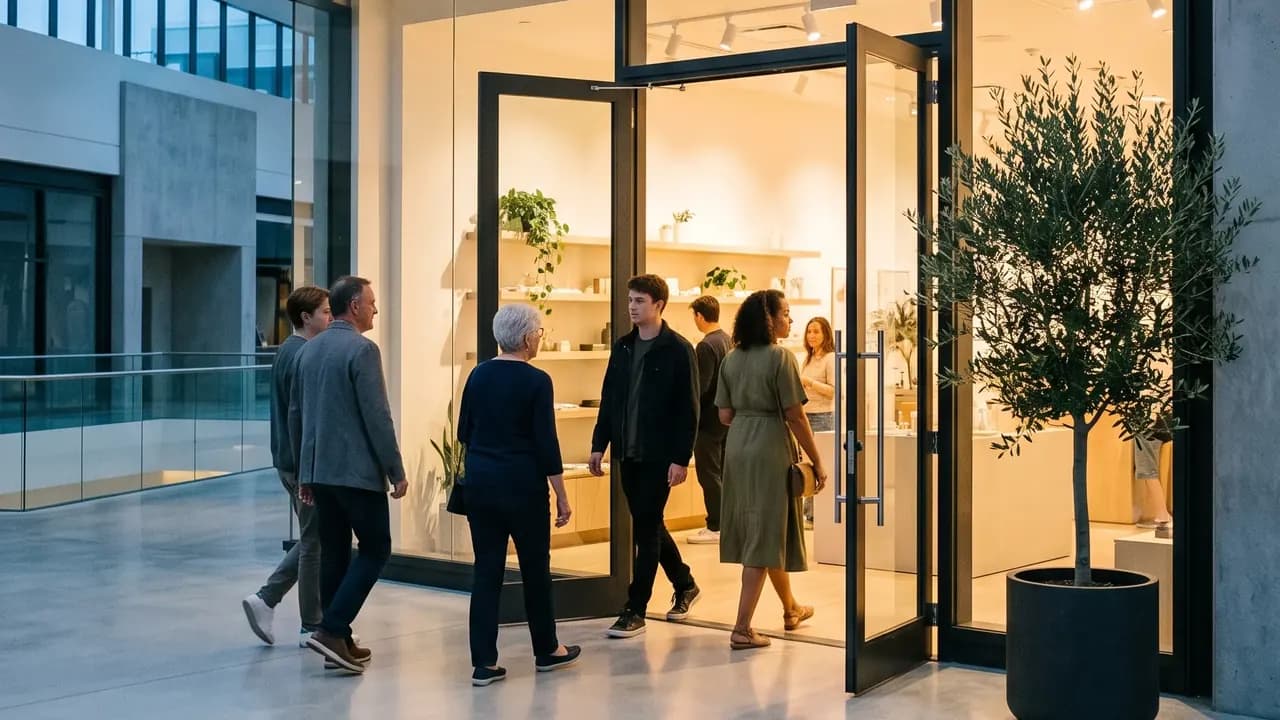 Example opening
The venue, the times and the names are examples. The reception desk is a paid add-on.
01 / Invitation design
Start with the invitation
Choose the occasion, name it and set the language. Then see it the way a guest will, in Hebrew, Russian or English.
02 / The answer
This is how your guests will see it
A personal WhatsApp message to each person on your list, in their own language, with a one-tap reply. Answer as a guest yourself and see the count on your list move. Nobody installs an app.
- עברית
- Русский
- English
Try it as a guest: tap a reply
An evening together, with the whole team
Thursday, 17 June 2027
Open the invitation site03 / From the site to the screen
One opening, from its site to the photos on the screen
Scroll, and the phone follows the opening from the site you build to the projector in the room.
Weeks before
The opening’s site in minutes
Build it yourself, no designer needed: the date, the running order, Location with Waze and map buttons and Getting there with the parking notes, in Hebrew, Russian and English. The RSVP can ask who needs step-free car access to the entrance.
The Entrance guide
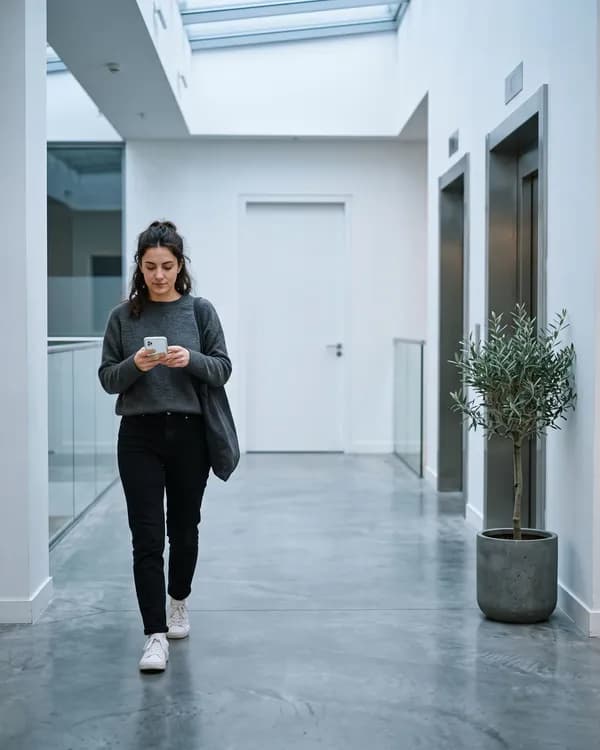
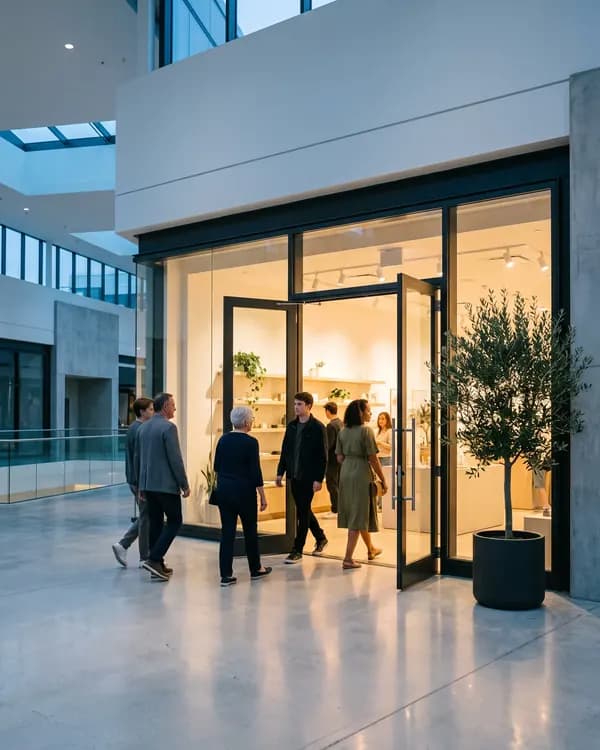
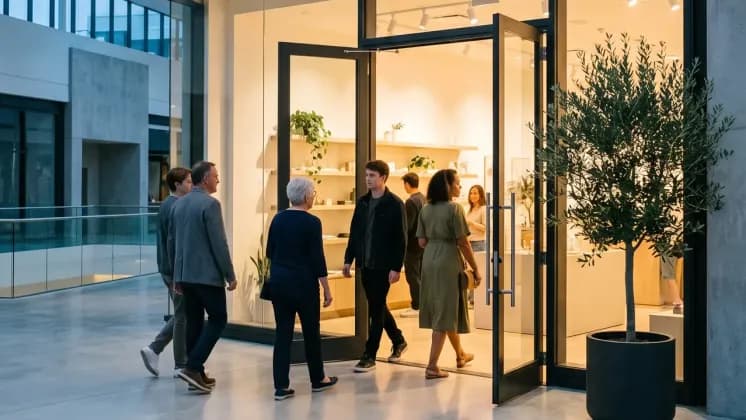
A silent walk through the corridor
Inside a mall the first guest question is where the door is. A short silent walk-through shows the way from the car park to your entrance.
Once the answers are in
Seating on the floor plan
Drag a guest or a group onto a table and the plan shows at once how many seats are left. Long tables and a bar for the opening dinner, seat-together groups and keep-apart rules.
While you prepare
The budget in view
Note the costs of the venue, the catering, the styling and the photographer, record each payment, and see what is paid and what is left.
On the doorstep · paid add-on
A name found, a party marked in
Whoever you hire for the door gets one link and a phone. They find the name in any alphabet, mark the whole party in with a tap, and write down anyone who arrived without an invitation.
The first pictures
A gallery behind a sign-in
Guests sign in with a code sent to their phone. Uploads wait for you by default, and nothing shows to the other guests until you approve it.
At the opening · paid add-on
Guests’ photos on the projector
Guests upload photos from a QR code and, once approved, they play as a slideshow on the room’s screen. Afterwards they stay in the gallery, the memory of the evening.
 Silent walk-through



 Studio Nira
Live demos
Try the features
Everything here works right on the page. Nothing is saved, and nothing is sent.
Make the card
Pick the event, type the names, choose one of the designs and the language: the card follows as you go.
Answer as a guest
Tap a reply in the invitation: the organiser’s list counts it at once. Switch the guest’s language below.
The album guests open
Like a photo, save it to a folder only you see, or pick a few to download. Included with every event.
Build the event site
Pick one of the site builder’s eleven themes, the event, the names, the date and the sections: the preview rebuilds at once.
Seat them by drag
Drag a guest or a whole party onto a table, or tap the armchair to choose one. A table that is too small says so.
Messages on WhatsApp
Pick the message: invitation, reminder, event-day message or thank-you. Each goes to its own guests by default. Check how it looks in WhatsApp and send; here the queue only pretends.
Add an expense
Add a category, record a payment, and watch paid, left and the totals follow.
Keep track of the gifts
Mark each guest’s gift as money or an item and type the amount: you see at once who gave what was expected, less, or nothing yet, and the totals follow.
04 / Three kinds of opening
A shop, a restaurant or a hotel: one door, three lists
The evening before the public day is a short list of people you know by name. What changes is who is on it, and which tool you reach for first.
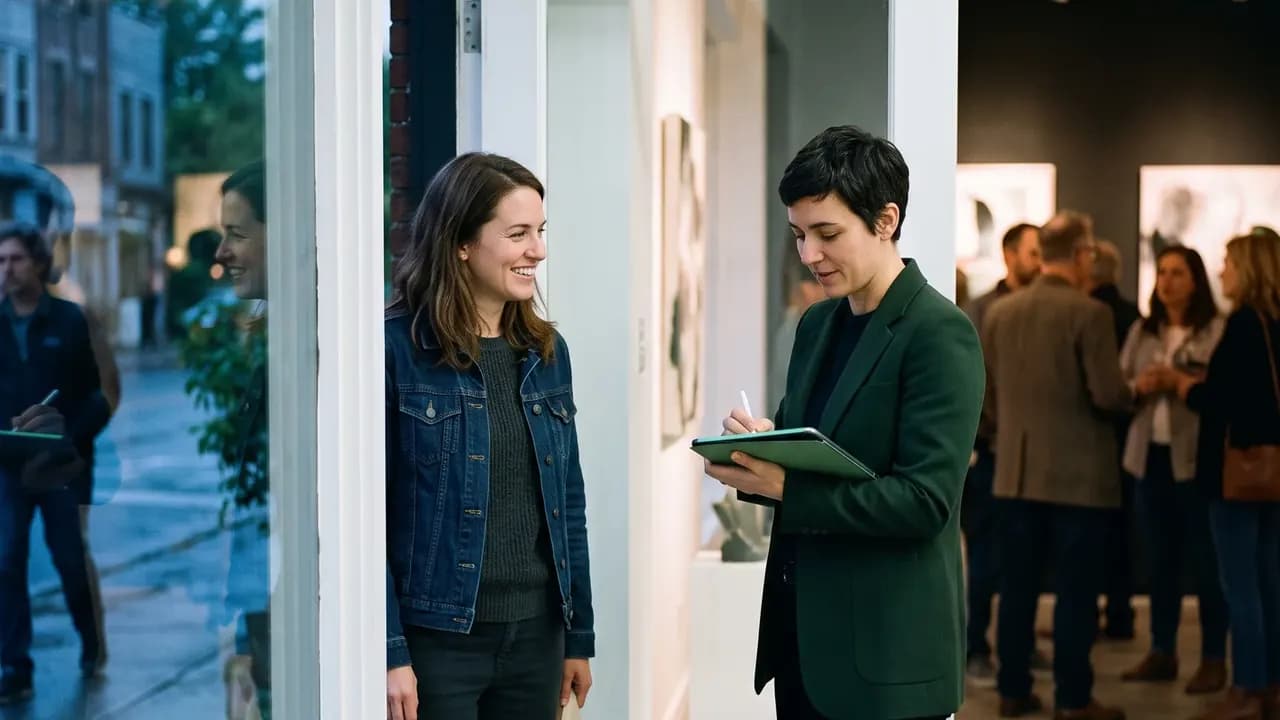
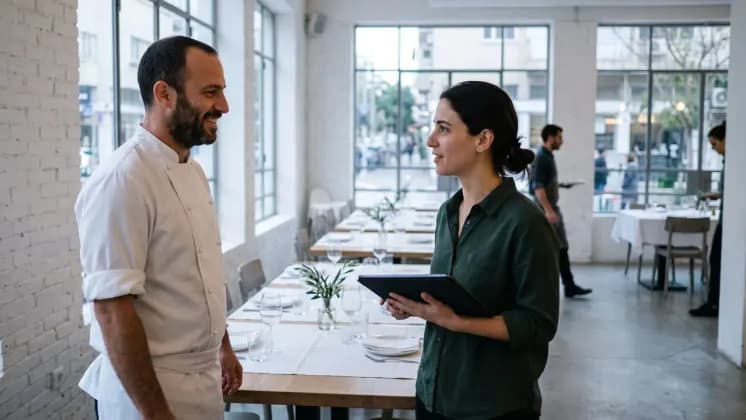
Store, showroom or flagship
A press and VIP evening before the doors open to everyone. In a mall, the door is the hard part.
- Sides for press, VIP clients, partners, staff and neighbours
- Location, Getting there and the Entrance guide for a shop inside a mall
- A hired host at the door with one link (paid add-on)
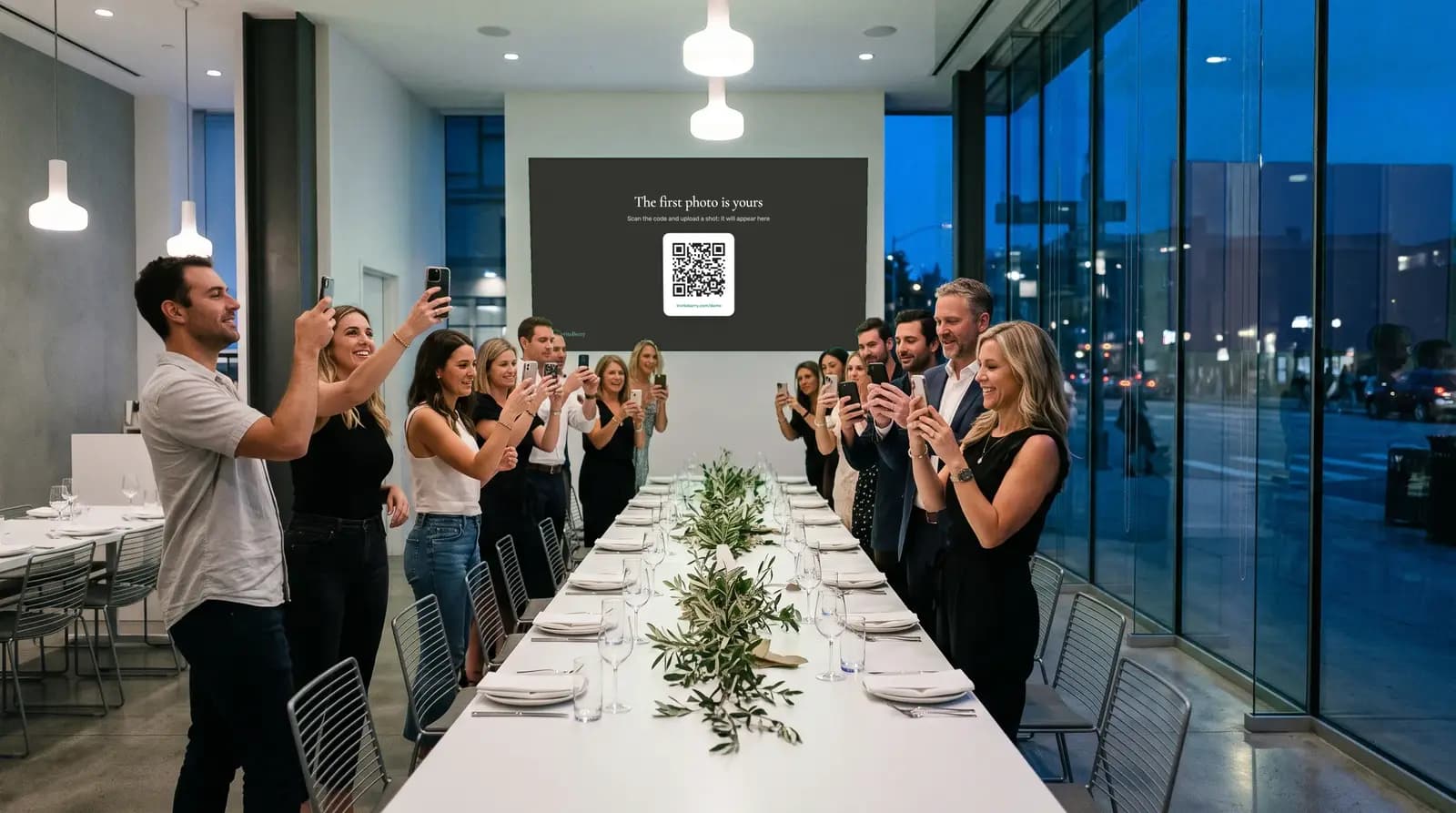
Restaurant
A friends-and-family night, then the opening dinner at long tables.
- Long tables and a bar on the seating plan
- A call round for those who have not answered, made by you or by a manager you hand it to
- The room’s first pictures in a shared gallery
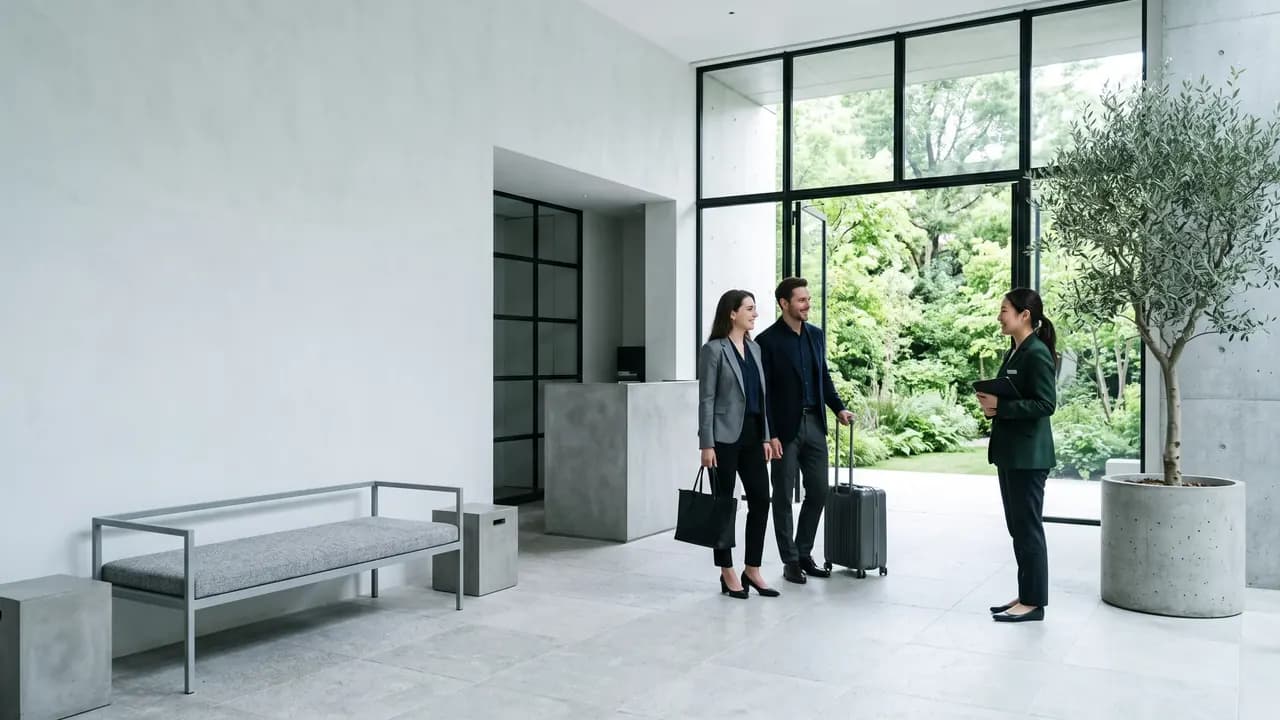
Hotel
The press and officials evening, with the brand in the room.
- A press and officials list with sides and groups
- A host role for the brand: it reads the list and moderates photos
- Speakers and Sponsors sections on the site for who is hosting
InviteBerry runs the private evening for the people you invite. The open day, tickets and the till stay in your own tools.
06 / Built for
For the people who open the doors
You have a premises, a date and a list of people you know by name.

Brand and marketing managers
Opening a flagship, a showroom or a pop-up with a press and VIP evening.

Franchise operators and store owners
Running the opening for a brand you hold the rights to, with your own list.
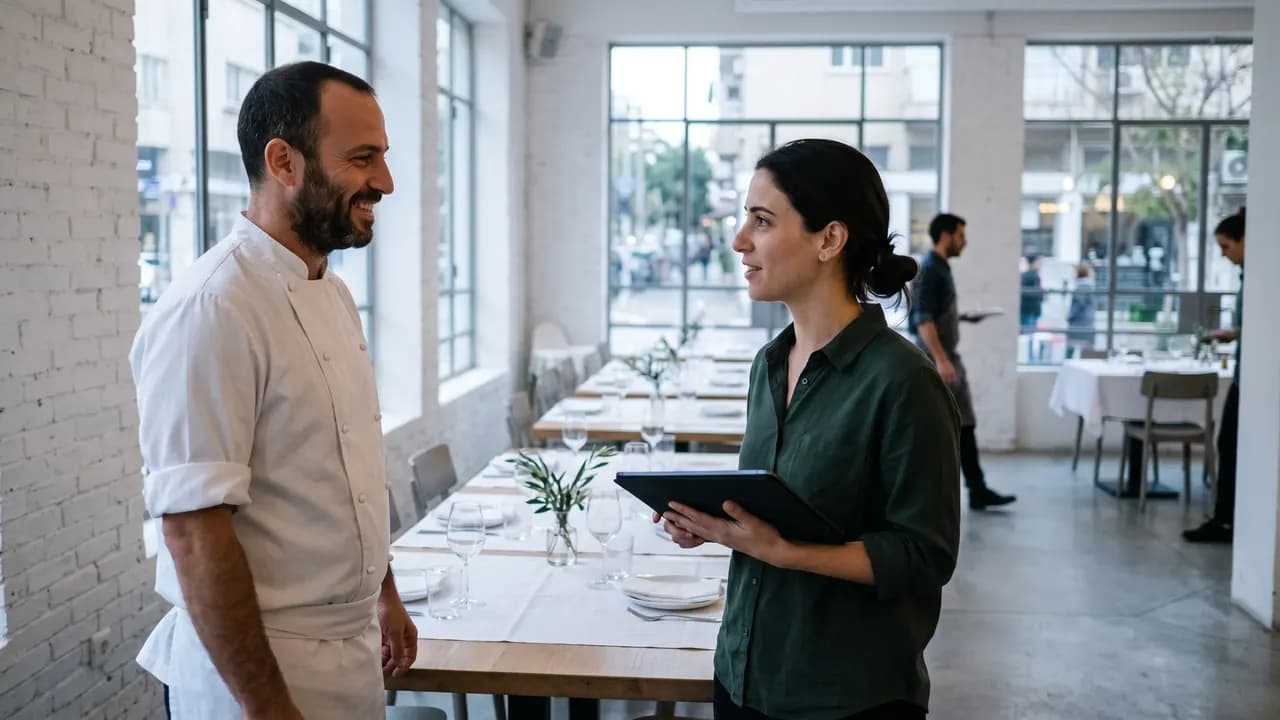
Restaurant owners, chefs and managers
A friends-and-family night, an opening dinner and a call round for those who have not answered.
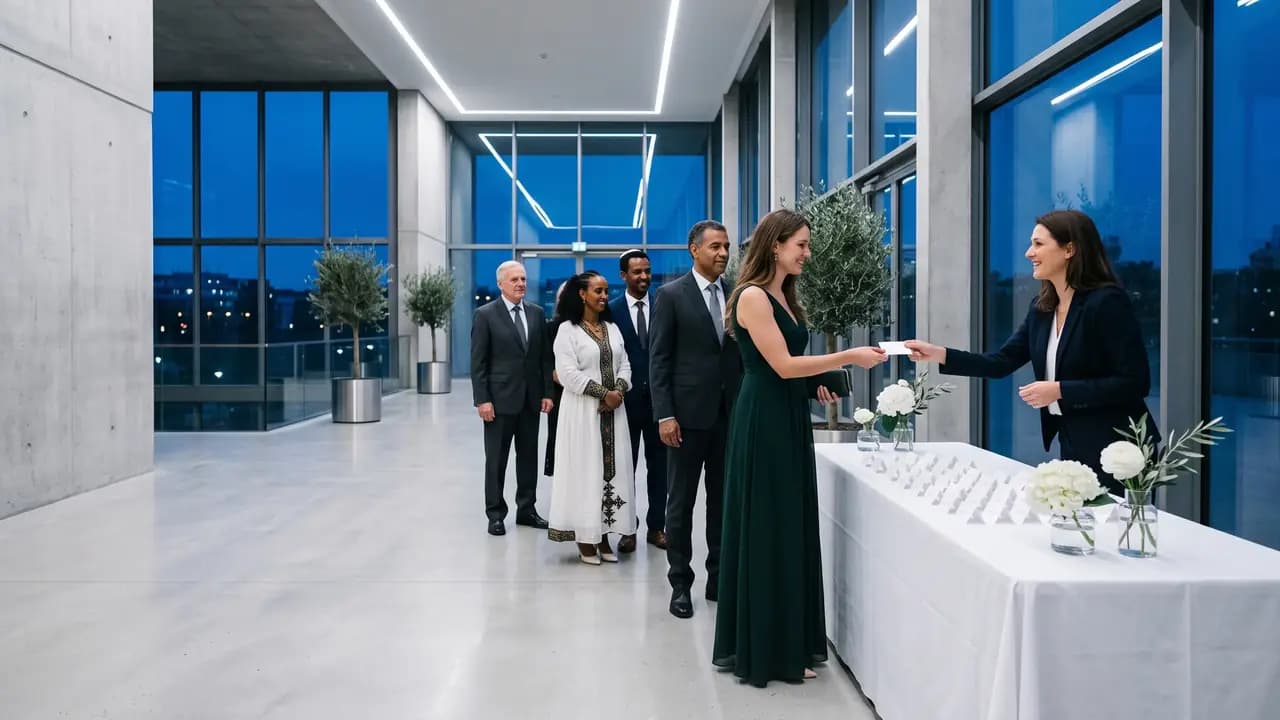
Hotel PR and marketing teams
The press and officials evening, with the brand following along as a host.

PR and event agencies, and mall marketing teams
Run it for a client or a tenant, and keep them in the loop without handing over the controls.

Hosts you hire for the door
One link and a phone. No account to create, and only what the door needs.
05 / The evening as a plan
The evening, written down once
The running order, the address as a guest reads it, and the ways to get there. It is the checklist behind the invitation site, drawn with an invented venue.
Running order
- Doors
- WelcomeNext
- First look
- Open floor
- Close
Venue
Studio NiraExample Mall, Example Street 12Floor 1 · Entrance C · by the lift lobbyOn the site these are the Schedule, Location, Getting there and Entrance guide sections. Everything here is an example.
07 / Behind the scenes
The four screens that matter in opening week
Tap a tab. The names and numbers are examples.
The door, on one link and a phone
A hired host or a friend finds each guest by name, marks the party in and writes down anyone who arrived without an invitation. Sold as an add-on and switched on per event.
- A name is found whether it is typed in Hebrew, Russian or English letters
- A late or lost guest gets the route in one tap, through the phone’s own share menu
- Someone not on the list is written down: a name, how many, who they came with
- Dana LeviParty of 2
Not on the list
- Name
- Moshe, from number 14
- How many
- 2
- Came with
- Dana Levi
An event-day message with the entrance and the parking
The invitation, a reminder on the day and the thank-you are sent on WhatsApp, with SMS added for Israeli numbers. Every guest reads the text written in their own language.
- Press, VIP clients, partners, staff or neighbours: pick a side, or pick by hand
- A written text for each language, never a machine translation
- An unsubscribe link in every message, and guests who opted out are skipped
Every reply counted, and the question a mall asks
Answers from WhatsApp, SMS and the invitation site land in one list. The RSVP can also ask who needs step-free car access to the entrance.
- Who is coming, who is waiting, who is not: counted for you
- Parking is one of the twelve preset RSVP questions, and you see the step-free count
- An answer given on the site without a personal link is badged, so you know where it came from
The room’s first pictures, held until you say so
Every upload is screened, and by default waits in “Waiting for you” until you publish it. Guests sign in with a code, so only people you let in can upload.
- Approve or hide in one tap, or hand it to a photo moderator
- Guests sign in with a code or their phone
- Nothing shows to the other guests until you approve it
08 / Replace seven lists
One place to look, not seven.
How an opening tends to be run now, set beside the same work in InviteBerry.
| The job | The usual way | With InviteBerry |
|---|---|---|
| Who is invited | A press list, a VIP file, a phonePress in one file, clients in another, partners in someone’s phone. | One guest list with sides for press, VIP clients, partners, staff and neighbours. |
| The invitation | A poster forwarded in chatsNobody knows who got it, or in which language. | A personal invitation on WhatsApp, in the guest’s own language. |
| The answers | Direct messages and callsReplies are scattered and chasing is done from memory. | One list, counted as answers arrive, with a call round for those who have not answered. |
| Which way in | “Where do I enter?” calls on the dayThe same question gets answered again and again. | Location, Getting there and an Entrance guide on the site, Waze and map buttons, and a share-the-route button at the door. |
| The door | The guest list on paper, and a penNames are spelled three ways and the list is already out of date. | Find a name in any alphabet and mark the party in. A paid add-on. |
| The visitor who is not on the list | A name scribbled on the back of the listIt is lost by morning. | A note with the name, how many people and who they came with, sent to you: approve it in one tap and they are on the list, or let the door add them at once. A paid add-on. |
| The pictures | In everyone’s phoneNothing is shared, and nobody knows what was taken. | A gallery behind a sign-in, screened and held for your approval. |
| Seven lists, seven chats | One panel |
Tickets, payments, opening-day offers and open public registration with a cap stay in your other tools.
Also in the box
- Paid add-on
Reception desk
Whoever meets your guests types the name a guest gives, finds the party, says the table, marks everyone in with a tap and writes down anyone not on the list.
- Paid add-on
Live screen
Guest photos that passed screening play as a slideshow on the venue projector.
- Included
Calling rounds
For the guests who have not answered: a ready list to work through from your own phone, each answer marked as you go. Or hand it to someone you trust with a private link.
- Paid add-on
AI floor plan
Upload an image of the hall plan and AI reads it into the seating tool.
- Enabled per event
AI site translation
Write your invitation site in one language and AI drafts the missing ones, marked for you to review.
- Included
Team roles
Owner, editor, host and photo moderator, so every helper sees only what their role needs.
- Included
Event archive
Export the whole event to one spreadsheet with a PDF report, and bring it into a new event later.
- Coming soon
Find photos of me
Guests will find the photos they appear in. It is switched off for now and is coming soon.
- Paid add-on
Guest tablet: find your table
A tablet or a phone on a stand where guests type their name and see their table, handy at an opening dinner. It shows nothing else.
- Paid add-on
Share the route
A guest rings because they are late or lost? The host sends the venue name, the address and a Waze link in one tap, through the phone’s own share menu.
- Included
Speakers and Sponsors on the site
Say who is hosting and which partners are in the room. A photo of a person needs your confirmation first.
- Included
Add to calendar, open in Waze
After a guest answers “coming”, they can add the evening to their calendar and open the route in Waze.
10 / The first pictures
The first pictures of the room
A gallery behind a sign-in, where every upload waits for you. Tap a picture to see the next one. The photographs are generated examples.
Behind a sign-in. Nothing shows until you approve it.
11 / Questions
Questions organisers ask
Tap a question to see the answer
- The list in InviteBerry is made of the people you invite, and each one has a personal link. The invitation site can be shared and its form answered without a personal link, and you see those answers marked as such. There is no cap, no waitlist and no approval step. The open day itself stays in your own tools.
- With the reception desk, a paid add-on, your host writes down the name, how many people and, if they like, a phone number and who they came with. It goes to you, and you approve it in one tap: the person joins your guest list on their own, marked as arrived, or joins the invitation of the guest they came with. A note you do not need, you hide. Switch on automatic approval, and everyone the door writes down goes straight onto the list.
- No. Messages go out on WhatsApp, plus SMS to Israeli numbers only: the invitation, the reminders and the thank-you. Guests who unsubscribed receive none of these; only a notice that an event is cancelled still reaches them. If your press list lives on email, that part stays in your own tools. Prices come with the launch announcement.
- No. The desk finds a name, marks the party in and notes a walk-in. It prints and scans nothing.
- No. There is no ticket sale and no payment collection. Keep your ticketing and your till for that.
- Switch on Location, Getting there and the Entrance guide on the invitation site: Waze and map buttons, parking notes and a silent walk-through. The RSVP can also ask who needs step-free car access to the entrance. At the door, a host can send a late guest the route in one tap.
- Yes. There are owner, editor and host roles, and separate links for a call list and for the door. A host reads the list and moderates photos. A host is not counted against a plan; each plan sets how many editors and photo moderators an event can have, and the plans are published with the launch.
- Yes, with the Live screen, a paid add-on: approved pictures appear as a slideshow, with a QR code that leads back to the gallery.
- Pricing is announced at the public launch. Join early access before then and we will email you a special offer.
- Not on your own yet. The platform already runs real events in early access, and the public launch in Israel is in Q4 2026. Join early access: its members come in first.
- In the panel, your event’s team sees them, each within their role: owner, editor, host or photo moderator. A photo moderator sees the gallery and nothing else. Every export of a file with personal data is written to the event’s activity log.
- There is a separate cancellation message for everyone you invited. It reaches guests who opted out of the other messages too.
Early access
Open the doors to the right people
Join the waitlist and tell us about the opening you are planning.

Get early access
Early access and special conditions for early adopters.