Every phone in the room, one album you decide on.
Your guests add photos and videos from their own phones into one private gallery. Every upload is screened automatically, and you choose who takes the whole album home.
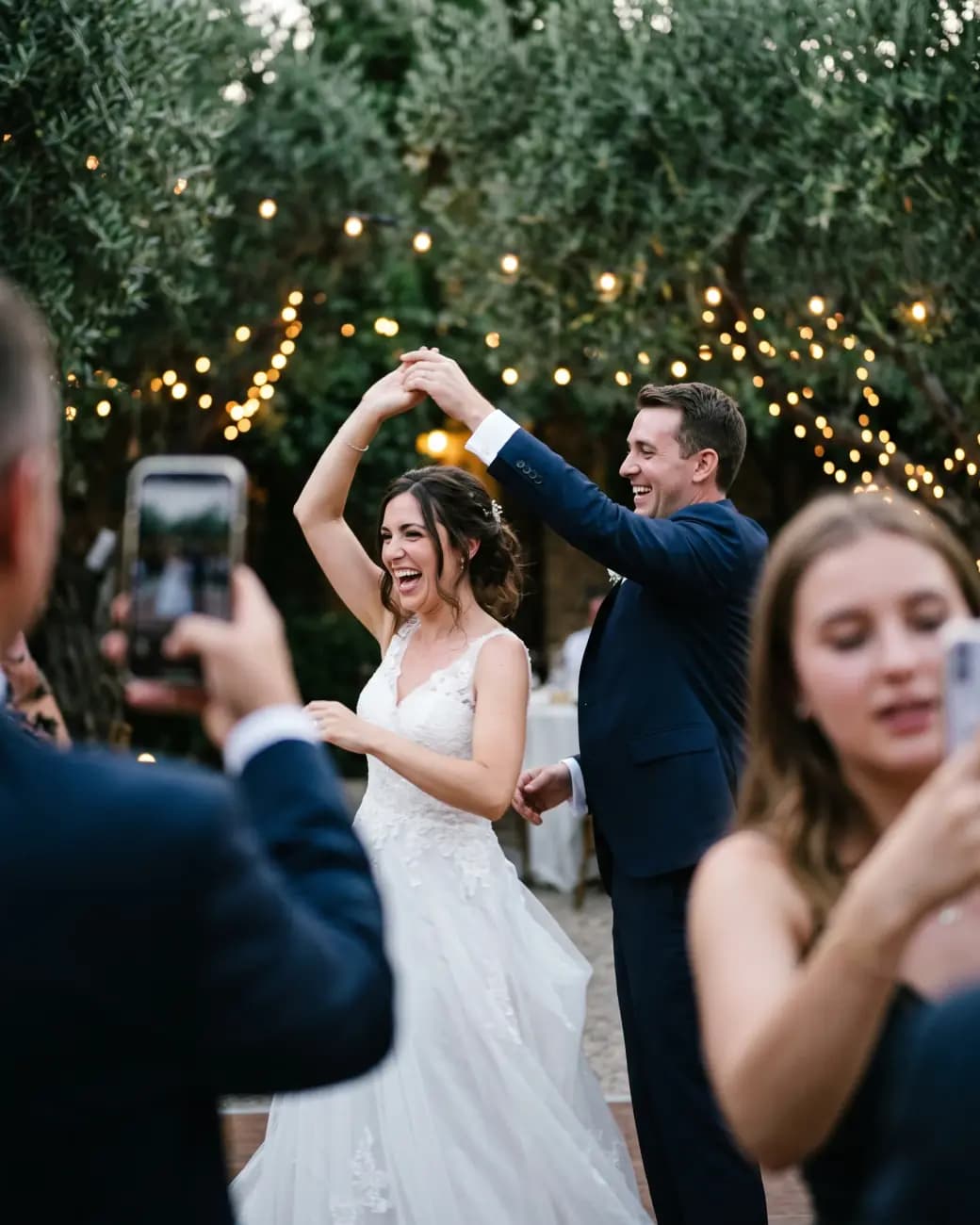
What your guests do
From the dance floor to the album on their phone: four steps
An album your guests put together. Nothing to install: it opens in the phone’s browser.
During the evening
They sign in with a code to their phone
On the day of the event everyone on your list can sign in and upload, by a one-time code sent by SMS. You switch this open sign-in on yourself, and it closes automatically after the event.
Still at the table
They upload photos and videos
Several files can go up at once. An upload interrupted by a dropped connection carries on from where it stopped.
After the event
They get their own way into the album
You send each guest a WhatsApp message with their own login, how long the album stays open, and a button that opens it. The access code is never inside a link.
In the weeks after
They like, save and download photos
A heart for the photos they love, a private saved list with folders of their own, and downloads a selection at a time.

The gallery
Likes everyone sees, saved photos only you see
Tap a heart, save a photo into a folder, or pick a few to download.






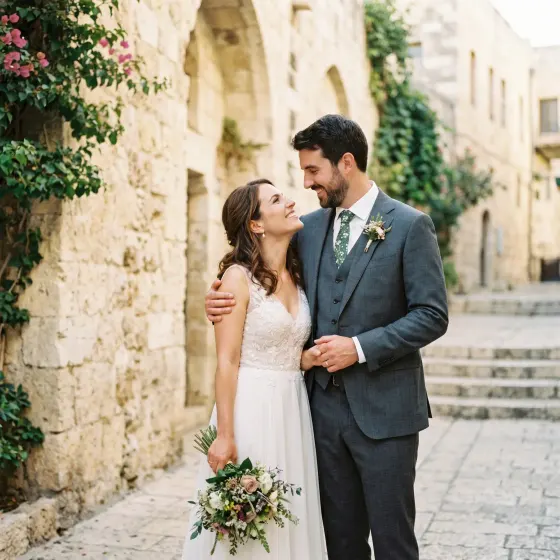

Likes are public, from three
Everyone sees how many guests liked a photo, but only from three upwards, so a number never points at one person. Who liked it is never shown.
Saved is private
A guest’s saved list and the folders inside it are theirs alone. Not other guests, not you: nobody sees them or counts them.
Your order comes first
Guests meet the evening in the sequence you lay out, so the story is told your way. Any of them can re-sort it by date or by most liked with one tap.

For your guests
A guest who is in a photo has a say in it
People share more when they know they can take something back. These are the guest’s own controls, not favours they have to ask for.
Ask for a photo to come down
A guest can ask to remove photos that show them, with a reason. The photos are hidden at once, before anyone decides, and a decline comes with a written reason.
Keep mine off the big screen
One tick before uploading, or later on any of their own photos, keeps it off the projector in the hall. Nobody can overrule it, you included.
Delete what they sent
A guest can delete their own uploads, and a refused file always says why instead of failing quietly.
For you
Everything that needs a decision, in one list
Every upload is screened automatically and, by default, waits for you to publish it. What the screening holds, and every removal request, waits on the same screen. Try it: decide on each one.
- Nothing the screening holds is deleted automatically: a person decides, and the guest whose photo was held is told someone will look at it within 7 days
- Removing a photo the screening held asks first whether it broke a rule, and a removed photo cannot be uploaded again
- A removal request nobody answers within 7 days is granted by itself
- Hand the gallery to a photo moderator, who sees the photos and nothing else
Waiting for a decision: 3
 Held by screeningUploaded by DanaHidden from guests until you decide
 Removal requestAsked by IgorHidden while the request is open
 Held by screeningUploaded by MosheHidden from guests until you decide
Early access
Collect the whole evening in one album
InviteBerry is already running real events. Join early access and we will help you set up your event.
Live screen · paid add-on
Guests’ photos on the projector while the party goes on
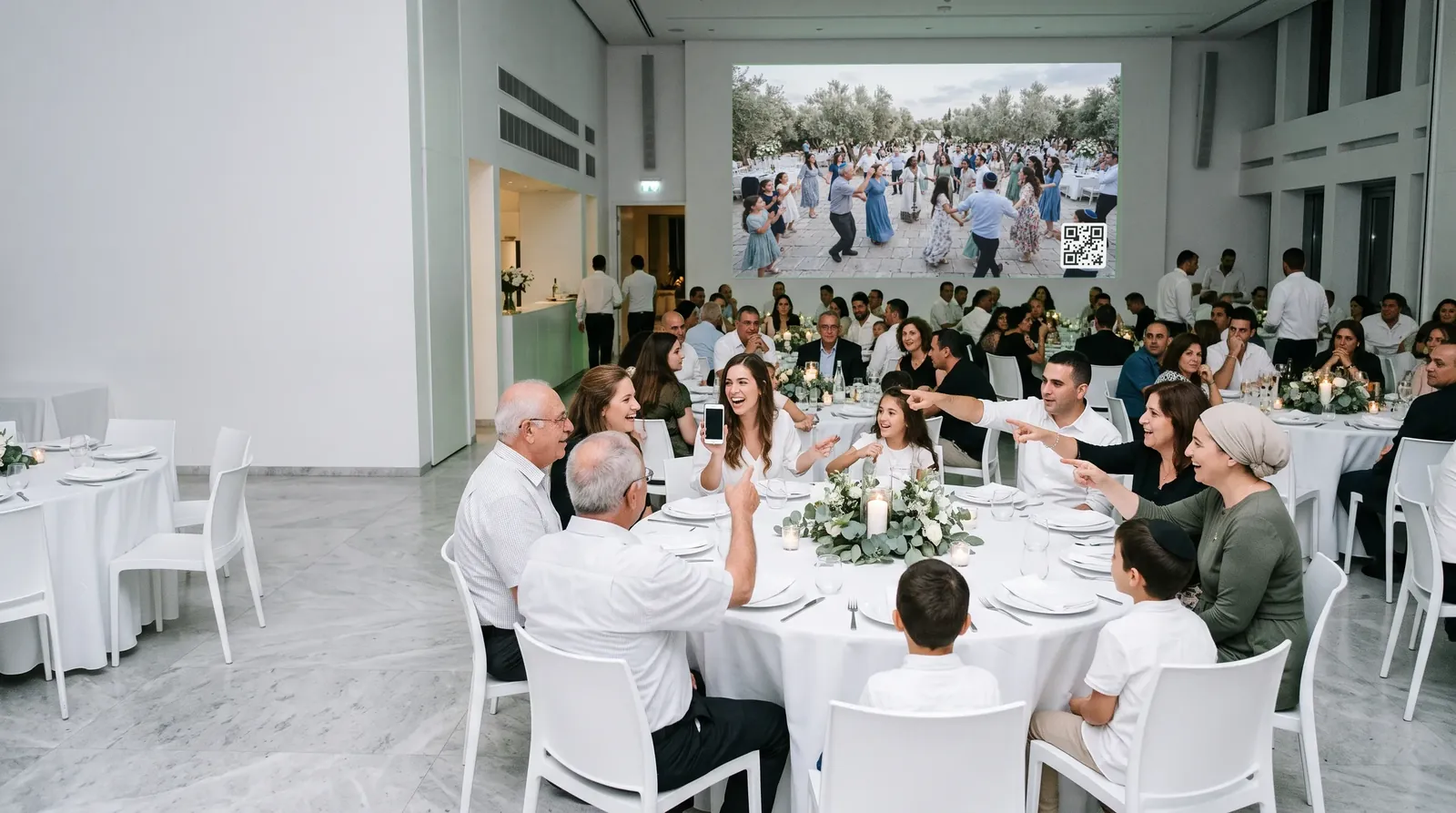
A slideshow for the projector in the hall. A guest photographs the dancing, uploads it, and a couple of minutes later it is three metres tall, with a QR code that invites the next table.




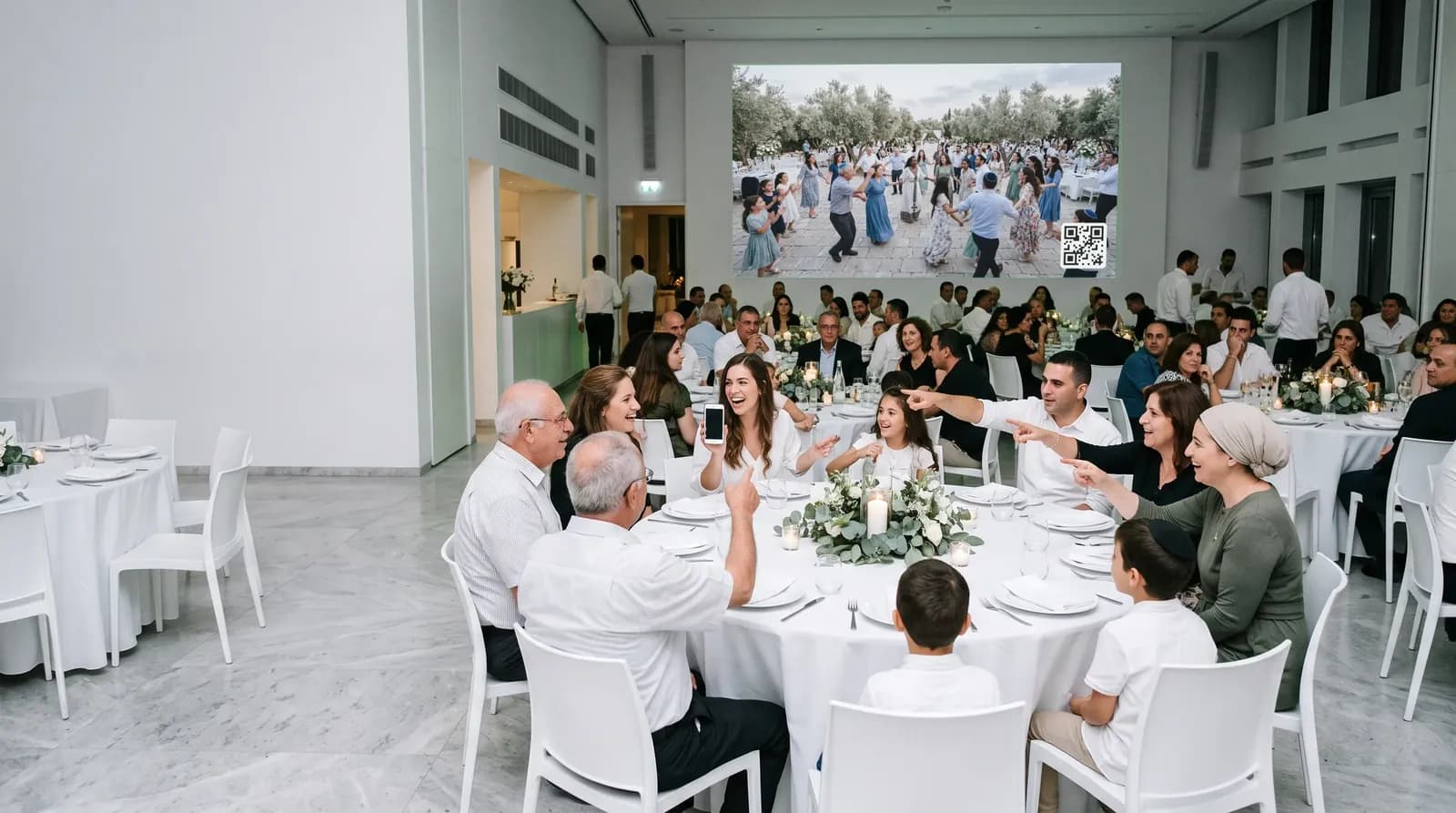 Just arrived
Two minutes, and only approved
Only photos the screening approved, never sooner than two minutes after upload: time to delete a regret, or for you to hide it.
No sign-in at the venue
Open a secret address on the laptop by the projector. Replace the link and every copy of it stops at once.
A pause for the speeches
During the toasts the screen holds a title slide instead of photos, and the QR code stays up.
One photo off the screen
Take a single photo off the projector, and it stays in the gallery.
In the language you choose
For an event in more than one language, you pick the wall’s language when you copy its address.
Two minutes, and only approved
Only photos the screening approved, never sooner than two minutes after upload: time to delete a regret, or for you to hide it.
No sign-in at the venue
Open a secret address on the laptop by the projector. Replace the link and every copy of it stops at once.
A pause for the speeches
During the toasts the screen holds a title slide instead of photos, and the QR code stays up.
One photo off the screen
Take a single photo off the projector, and it stays in the gallery.
In the language you choose
For an event in more than one language, you pick the wall’s language when you copy its address.
Taking it home
Who takes what home is your call
Everyone can download what they choose. Your album in one file, and the folder of originals, go only to the guests you pick.
A selection at a time
Up to 25 photos per download, with a counter as they pick. On a phone, Save to gallery puts them straight in the photo library.
The hosts’ album, for the people you choose
Put the few who want everything, close family say, on a short list in your guest page. Only they see the button that downloads your photos in one go.
Full quality, in your Drive
A Google Drive folder of originals for you and the guests you choose, and it outlives the album.

A selection at a time
Up to 25 photos per download, with a counter as they pick. On a phone, Save to gallery puts them straight in the photo library.

The hosts’ album, for the people you choose
Put the few who want everything, close family say, on a short list in your guest page. Only they see the button that downloads your photos in one go.

Full quality, in your Drive
A Google Drive folder of originals for you and the guests you choose, and it outlives the album.
The album stays open until a date you set, three months after the event by default, and the message to your guests says so.

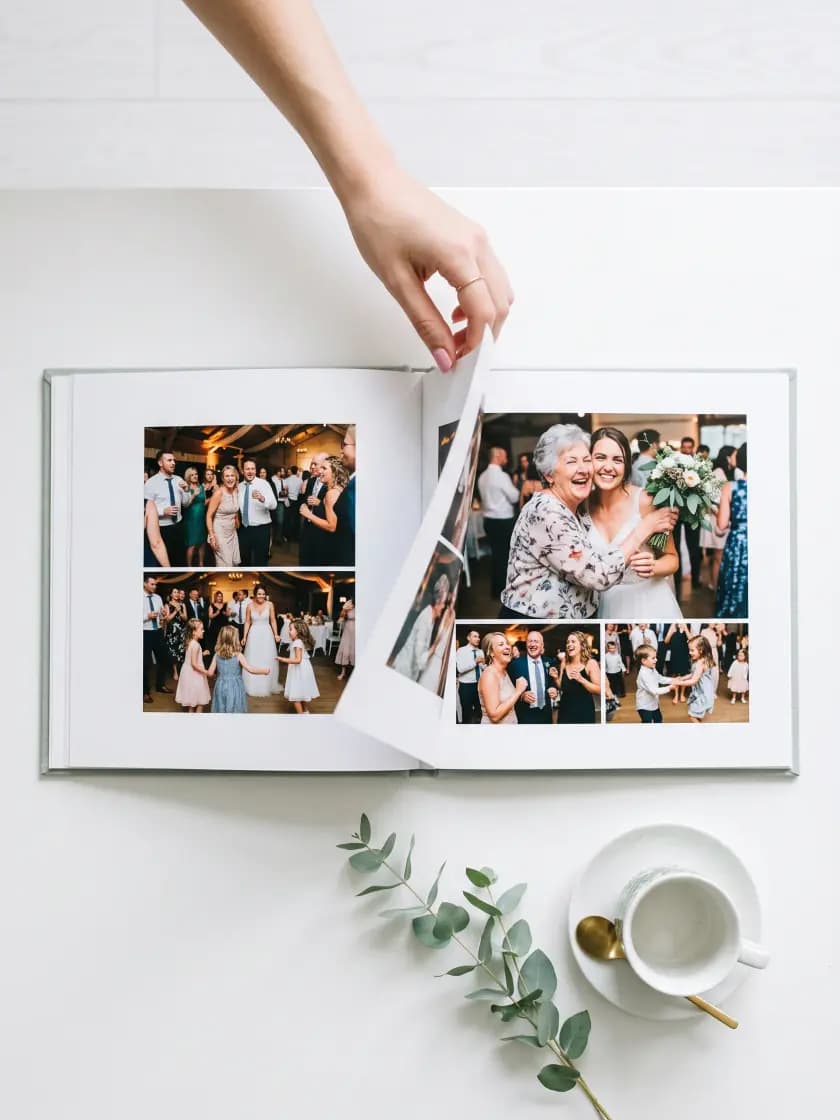
Printed album · coming soon
The best of the evening, as a book you hold
Soon you will build a photo book page by page from the shared album, the guests’ photos and your own, and order it printed and delivered.
- 27 ready layouts, or a blank page you arrange yourself
- Crop, zoom and turn each photo; colour or black and white
- A check before print points at any photo too small for its place
Instead of
A hundred phones and a group chat, or one album.
Where the photos of an evening usually end up, next to where they end up here.
| The job | The usual way | With InviteBerry |
|---|---|---|
| Collecting the photos | A family group chatPhotos land between the messages, and anyone who joined late misses them. | Every guest uploads to one album, from their own phone. |
| Keeping it appropriate | Hoping for the bestNobody checks what goes up until somebody complains. | Every upload screened automatically and, by default, waiting for you to publish it. |
| The photos on the night | A separate wall vendorAnother booking, another link, another list of guests. | The live screen, a paid add-on, plays the same album. |
| Getting them home | Shared drives and linksWhoever has the link has everything, for as long as the link lives. | A personal sign-in, and the whole album only for the guests you pick. |
| The album on the shelf | A printing site, laterDownload, upload again, start the layout from nothing. | Coming soon: a photo book from the same album, printed and delivered. |
| Scattered across phones | One private album |
Built for
Who this album is for

The couple and their families
One album for both sides, and the say over who downloads it all.

The guests with phones in hand
From grandparents to teenagers: sign in, upload, like and save, in Hebrew, Russian or English.

Parents of a bar or bat mitzvah
The children’s photos and the grandparents’ photos in one place, screened automatically.

The helper who watches the gallery
A sibling or a friend as photo moderator, who sees the photos and nothing else on the guest list.
Also in the box
- Paid add-on
Live screen
Guest photos that passed screening play as a slideshow on the venue projector.
- Coming soon
Printed album
Coming soon: an album builder and a photo book from the best of the shared gallery, printed and delivered.
- Included
Photo screening
Every upload is checked automatically and, by default, waits for you to publish it.
- Coming soon
Find photos of me
Guests will find the photos they appear in. It is switched off for now and is coming soon.
- Included
Team roles
Owner, editor, host and photo moderator, so every helper sees only what their role needs.
- Included
Activity log
Who did what and when, kept for a year, for everyone working on your event.
- Included
Removal requests
A guest asks to take down photos of them; the photos are hidden at once, and a request nobody answers in 7 days is granted.
- Included
Guest videos
Videos go into the same album, and an interrupted one resumes instead of starting over.
The organiser panel
Three tabs of the panel behind the album
Photo moderation, the team that helps with it, and gallery access, which goes out to your guests by WhatsApp.
A shared album that checks itself
Every upload is screened automatically and, by default, waits for you to publish it. What the screening holds and removal requests arrive in the same place.
- Approve or hide in one tap, or hand it to a photo moderator
- Guests sign in to the gallery with a code or their phone
- Downloads and the whole album as one archive; a printed book is coming soon






Helpers see only what their role needs
Invite an editor or a photo moderator by email, move them between roles, pause or remove them. Hosts follow along without touching anything they should not.
- Editors run guests, messages, seating, money and the site
- Hosts read the list and the plan, record gifts and moderate photos
- Photo moderators see the gallery and nothing else
Every guest gets their own way into the album
After the event, one WhatsApp message per guest: a thank-you, their own login and code, how long the album stays open, and a button that opens the gallery.
- It starts from the guests recorded as having come, and you can add anyone else from the list
- Uploading is offered only to guests recorded as having come
- Once it is sent, the album’s closing date can move later but never earlier
Questions
The album, asked and answered
Tap a question to see the answer
- No. The gallery opens in the phone’s browser. Guests sign in with their own login and access code, or with a one-time code by SMS to an Israeli number.
- Because the album holds photos of your family and friends. A link that anyone can forward would hand the whole album to whoever it reaches, so each guest gets access of their own.
- Every upload is screened automatically, and by default other guests see it only once you or your photo moderator publish it. Whatever the screening holds stays hidden until one of you decides. Removal requests wait in the same list.
- Not yet. Find photos of me is coming soon. Today guests browse the album, filter by who took a photo, and save what they like.
- Until the date you set, three months after the event by default. The access message tells your guests the date, and once it is sent the date can move later but never earlier.
- No. The live screen is a paid add-on for your event, and ordering a printed album is coming soon. The gallery, screening, downloads and removal requests are part of the product.
- No, not even once it is published. Event pages and photo galleries are closed to search engines, so people reach them through the link you send.
- The photographer or the organiser who put them there. We host the folder for the event, but none of the files in it is ours.
- Your guests, once they sign in, and people you let in by name who are not on the guest list, such as family who could not come. How many of those an event can let in is set by its plan.
- Yes. In the gallery a guest selects the photos they are in and asks for their removal. Anyone, invited or not, can report a photo through our public form, with no account. To see, correct or delete their data, they write to us by email.[email protected]

Get early access
Early access and special conditions for early adopters.